How to Sing Karaoke on Your TV Using Your Phone
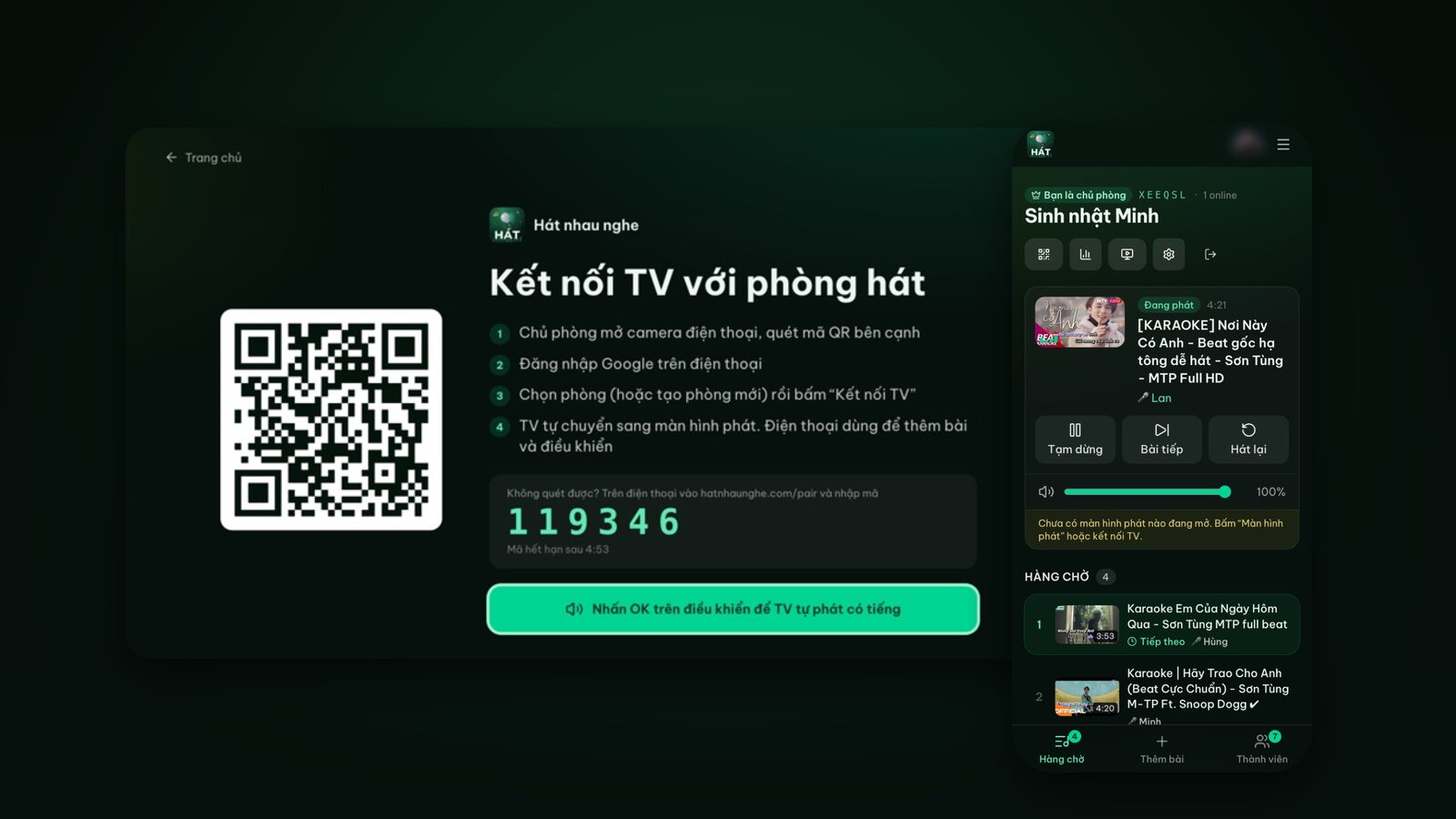
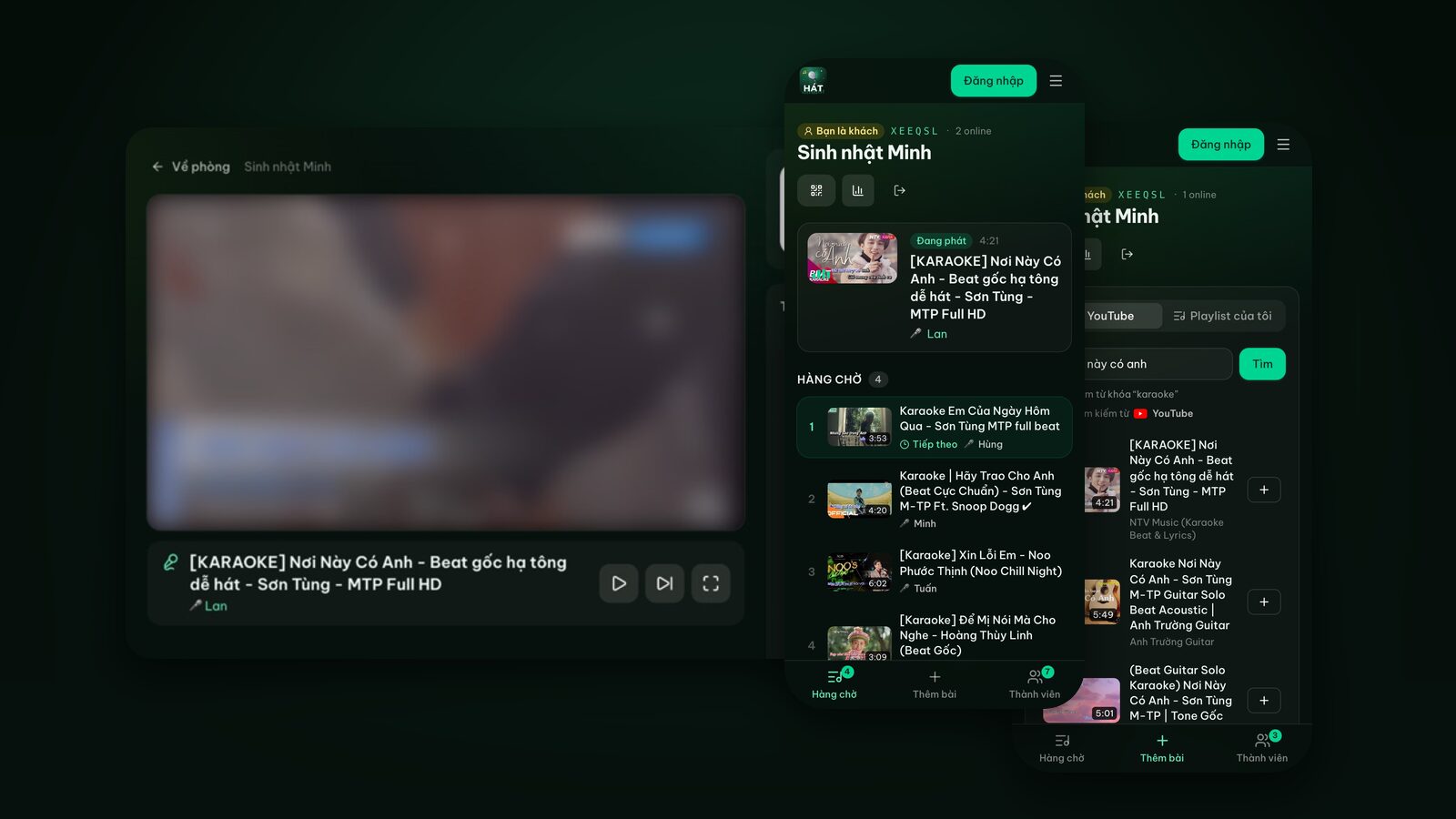
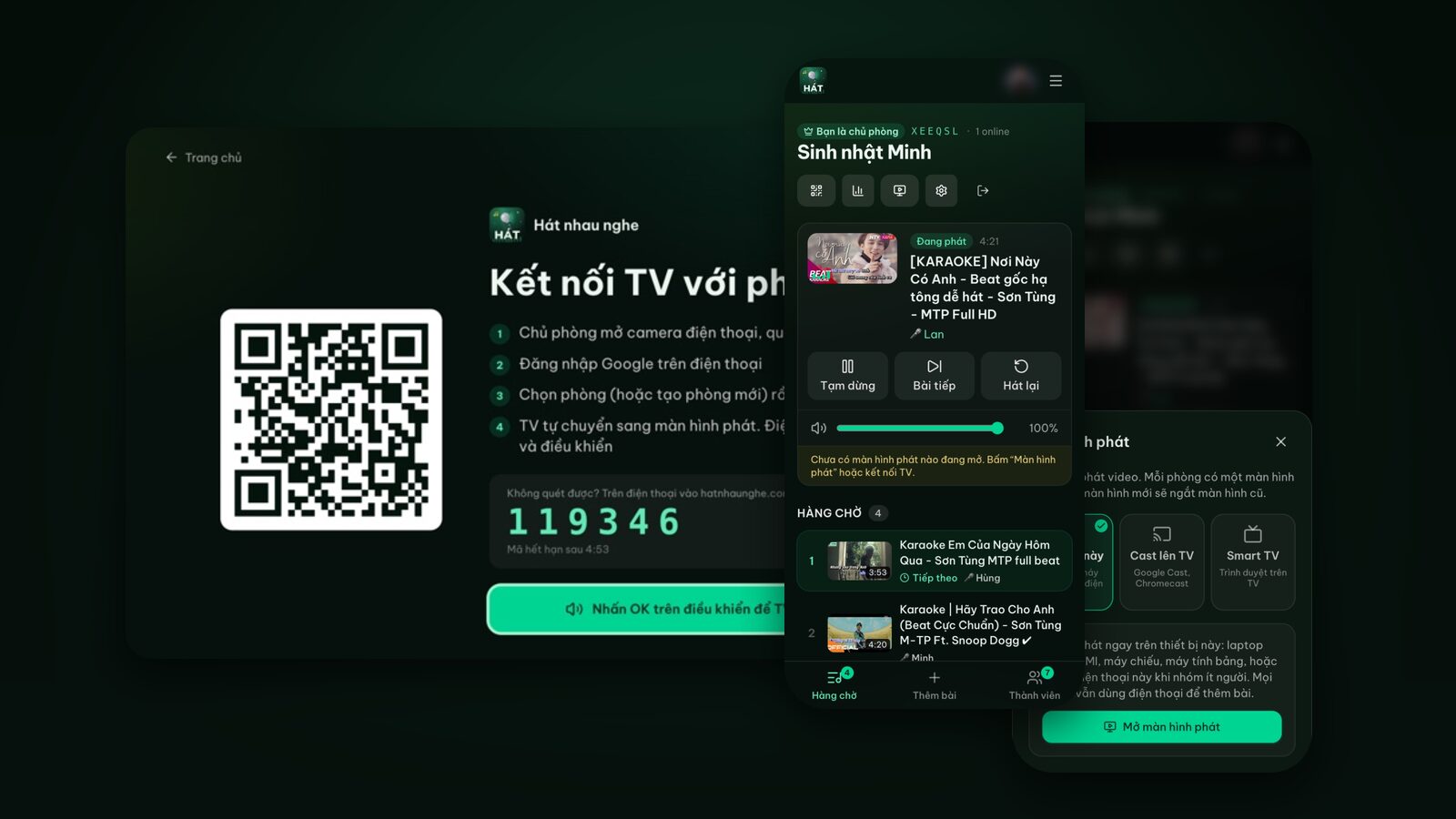
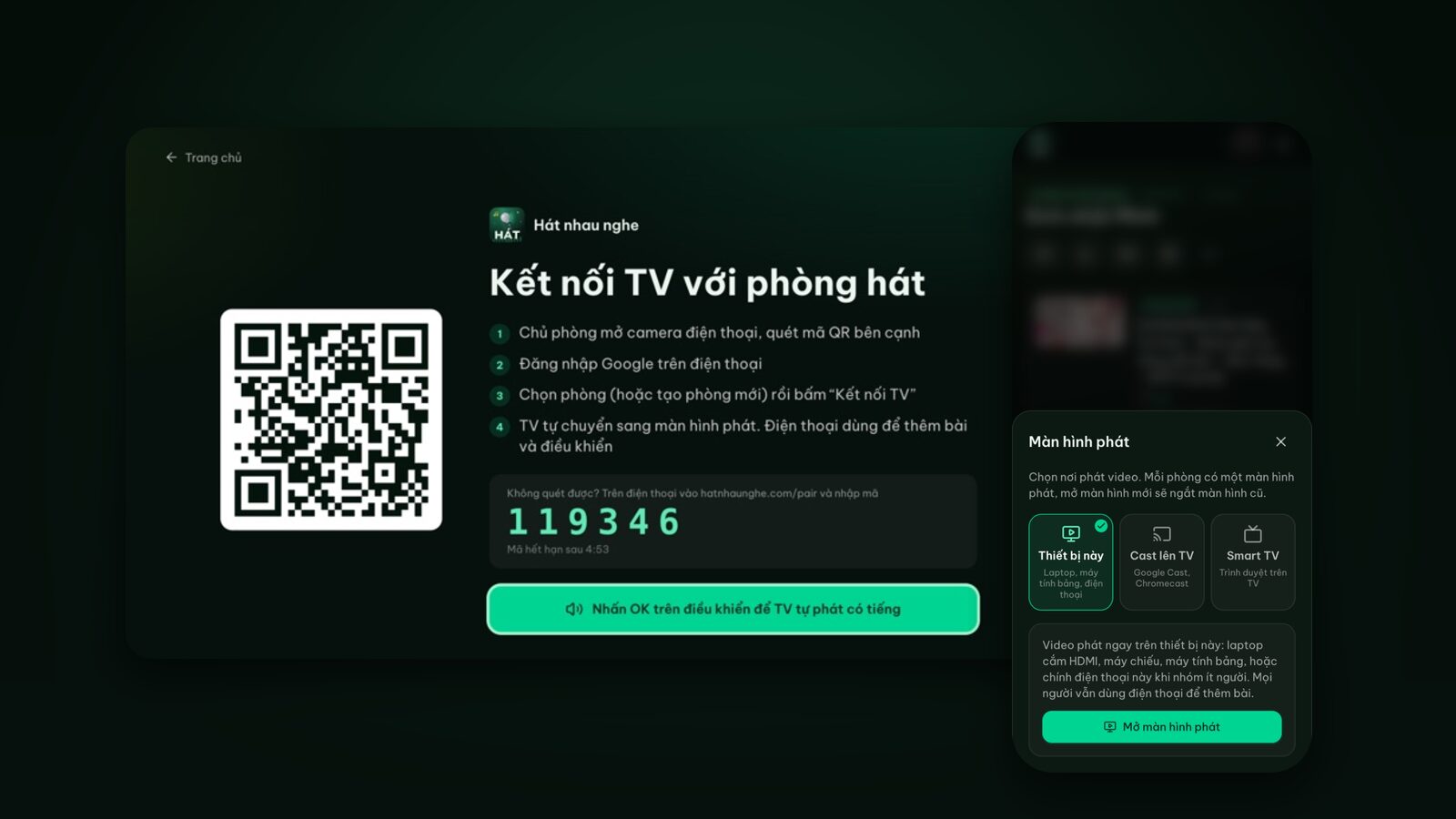
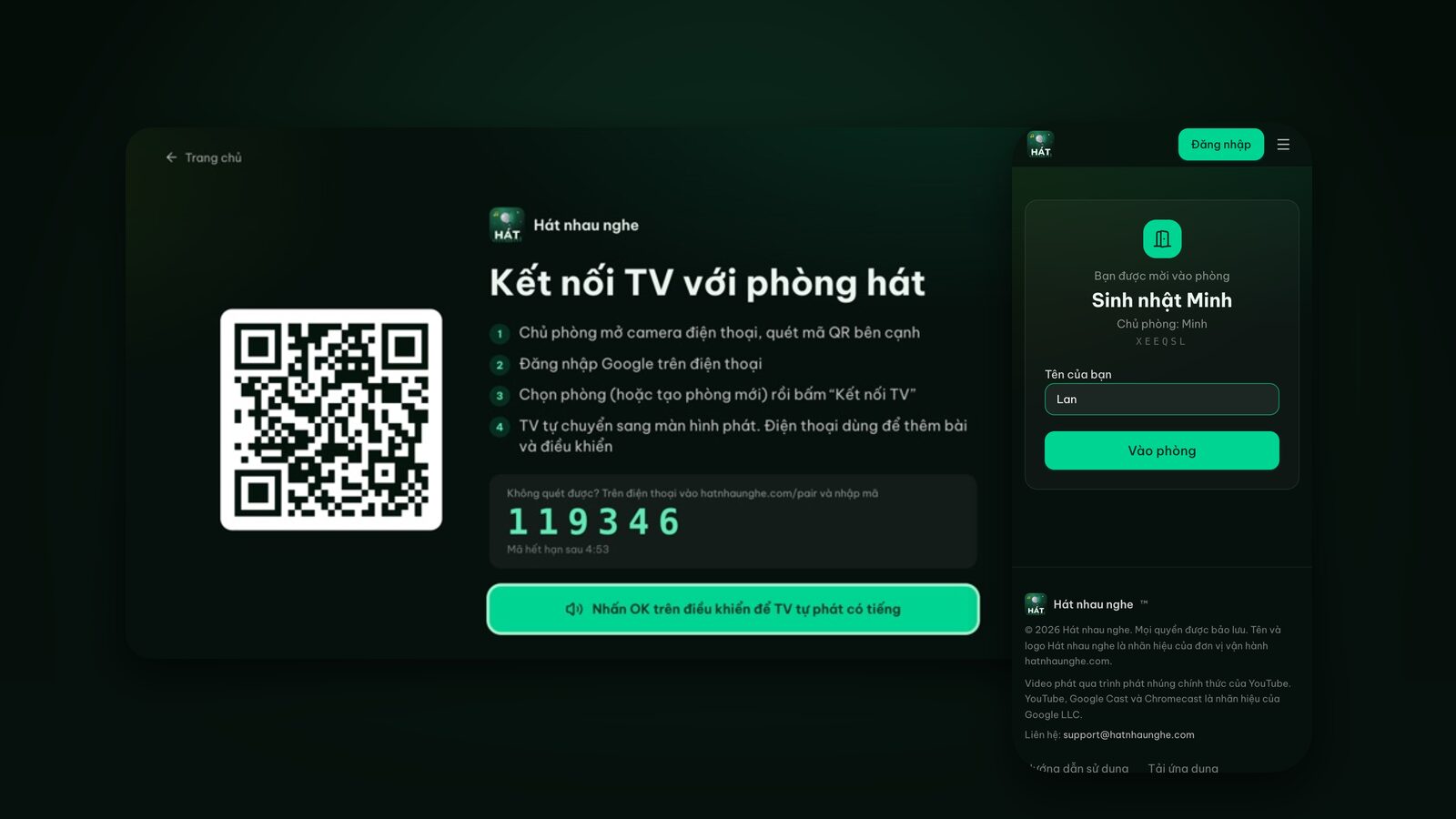
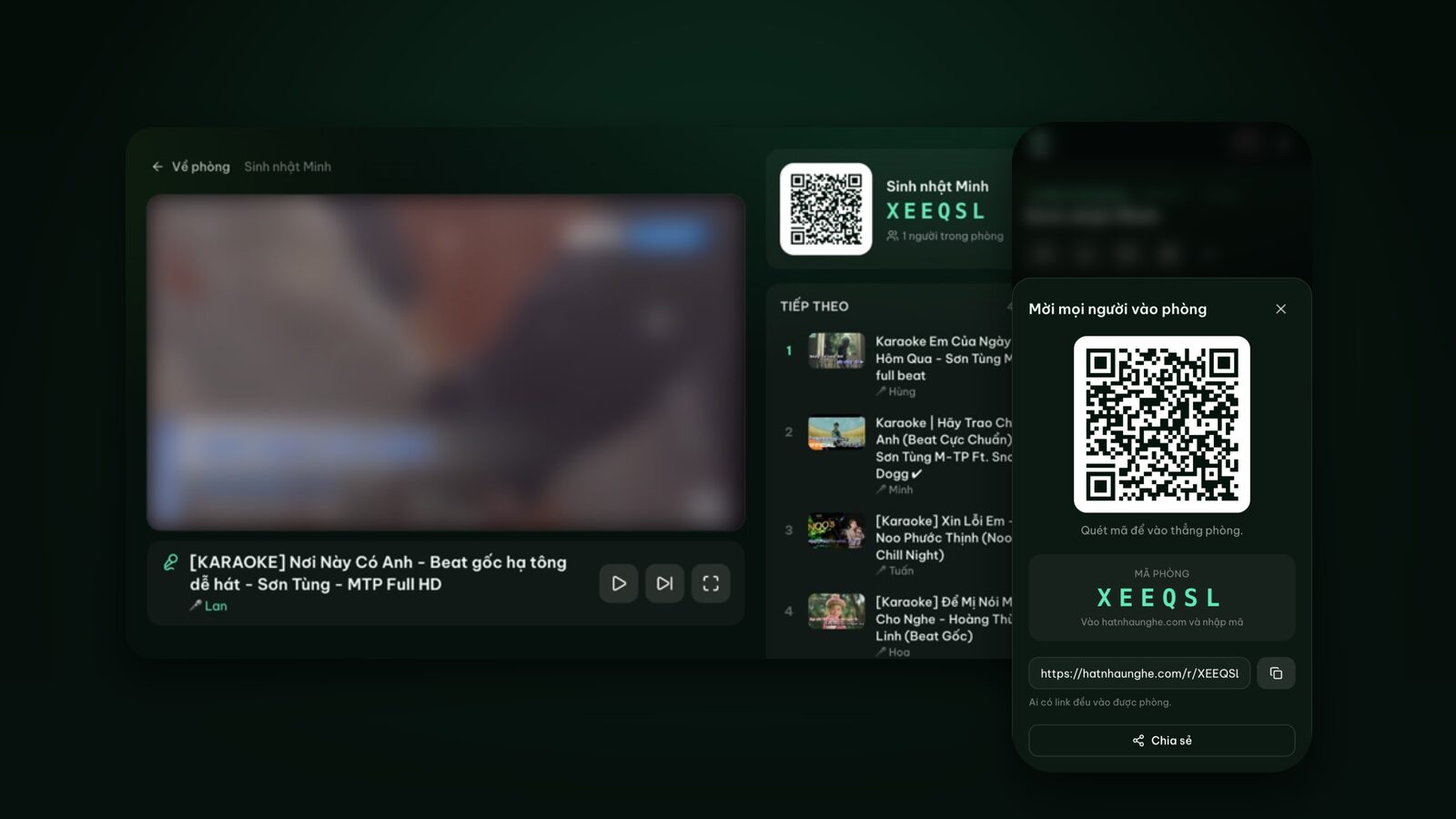
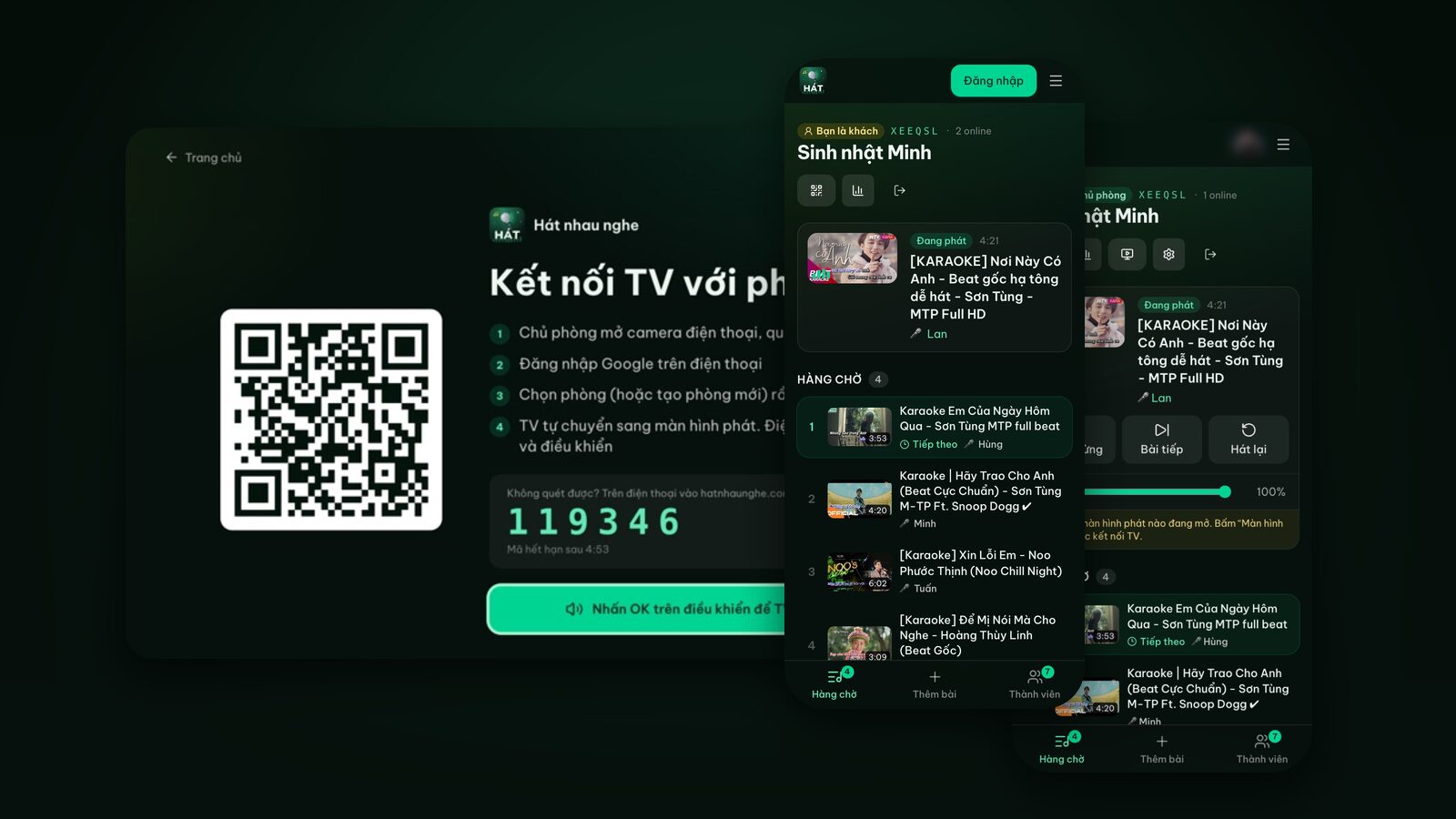
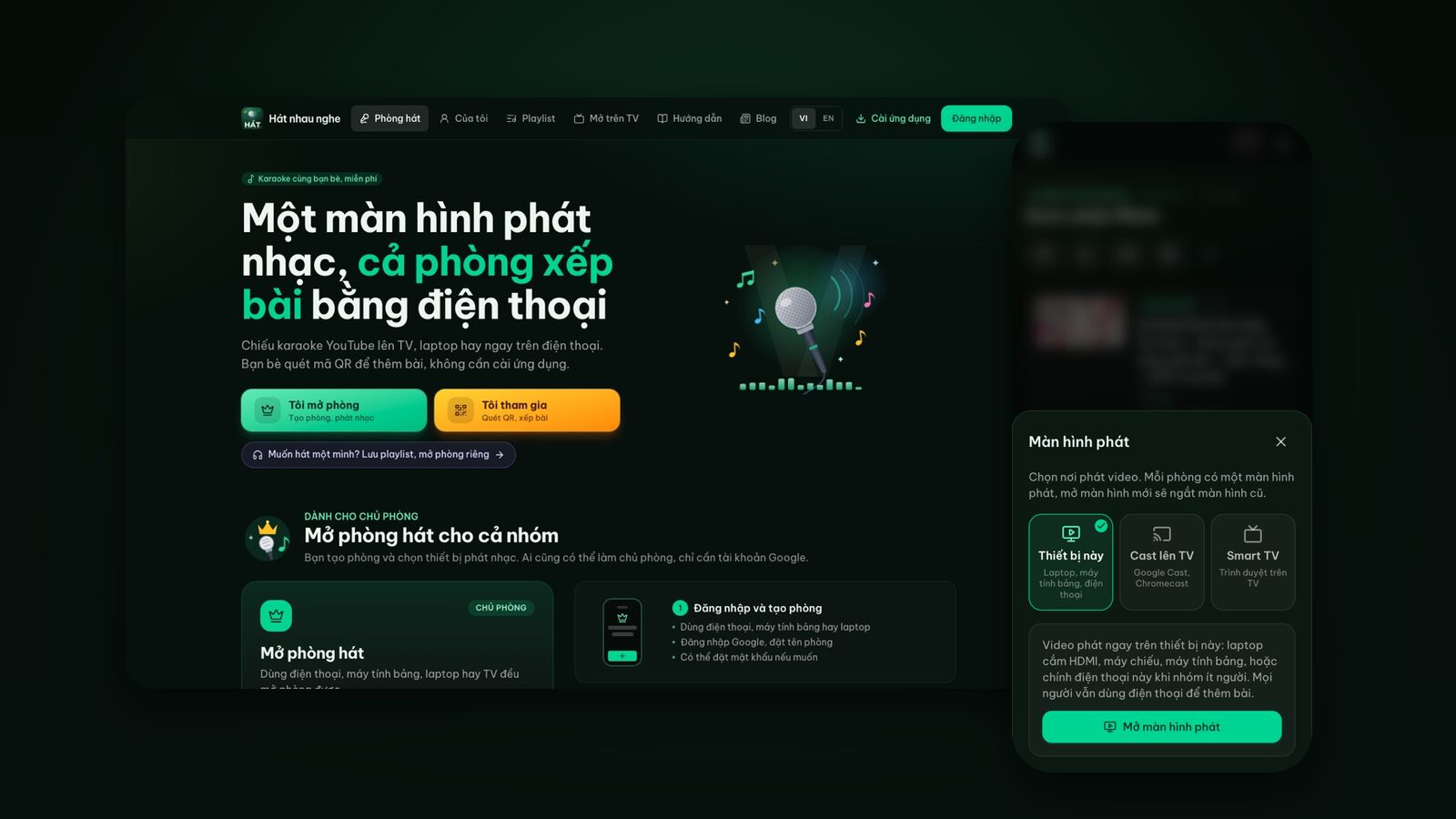
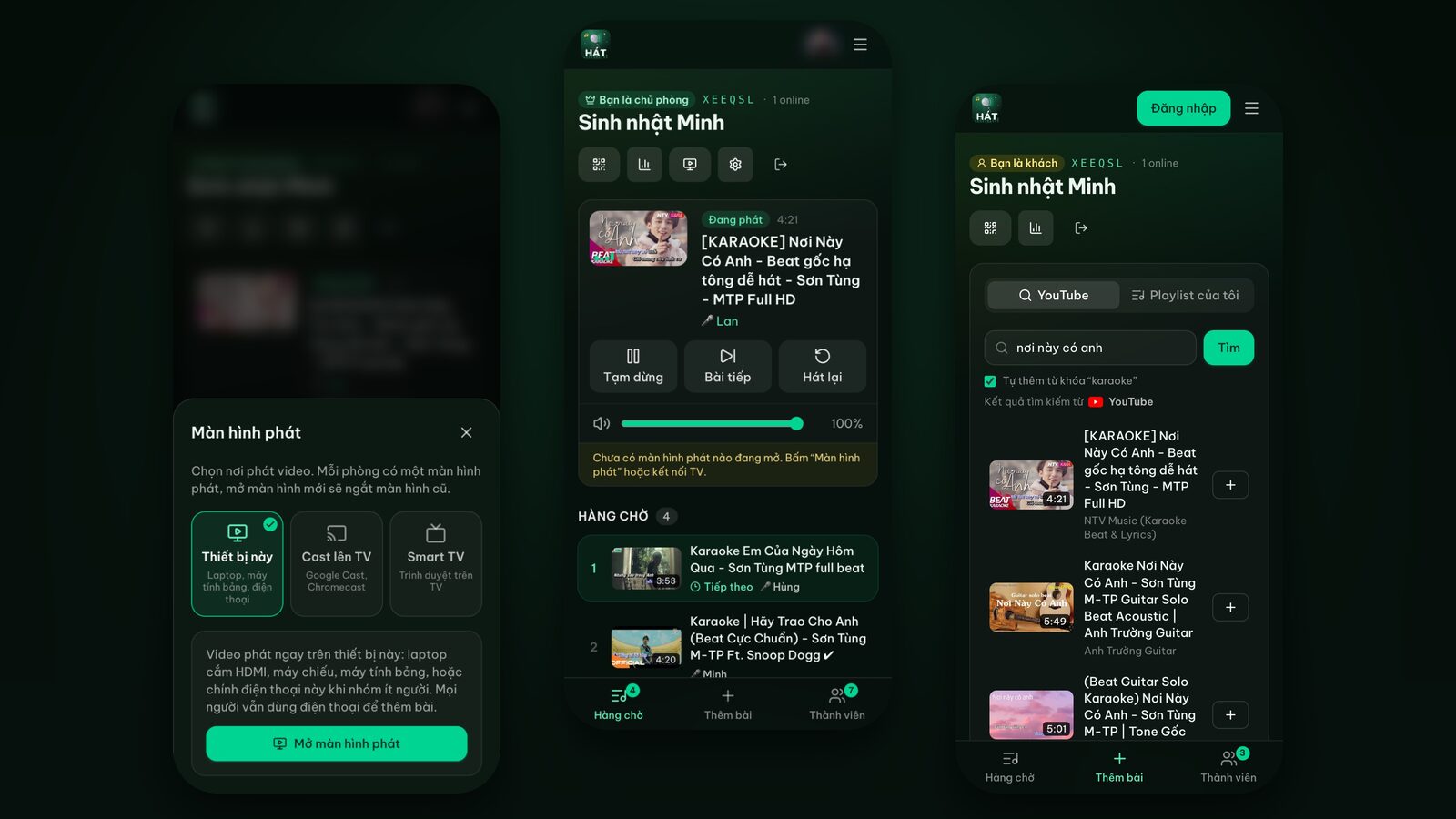
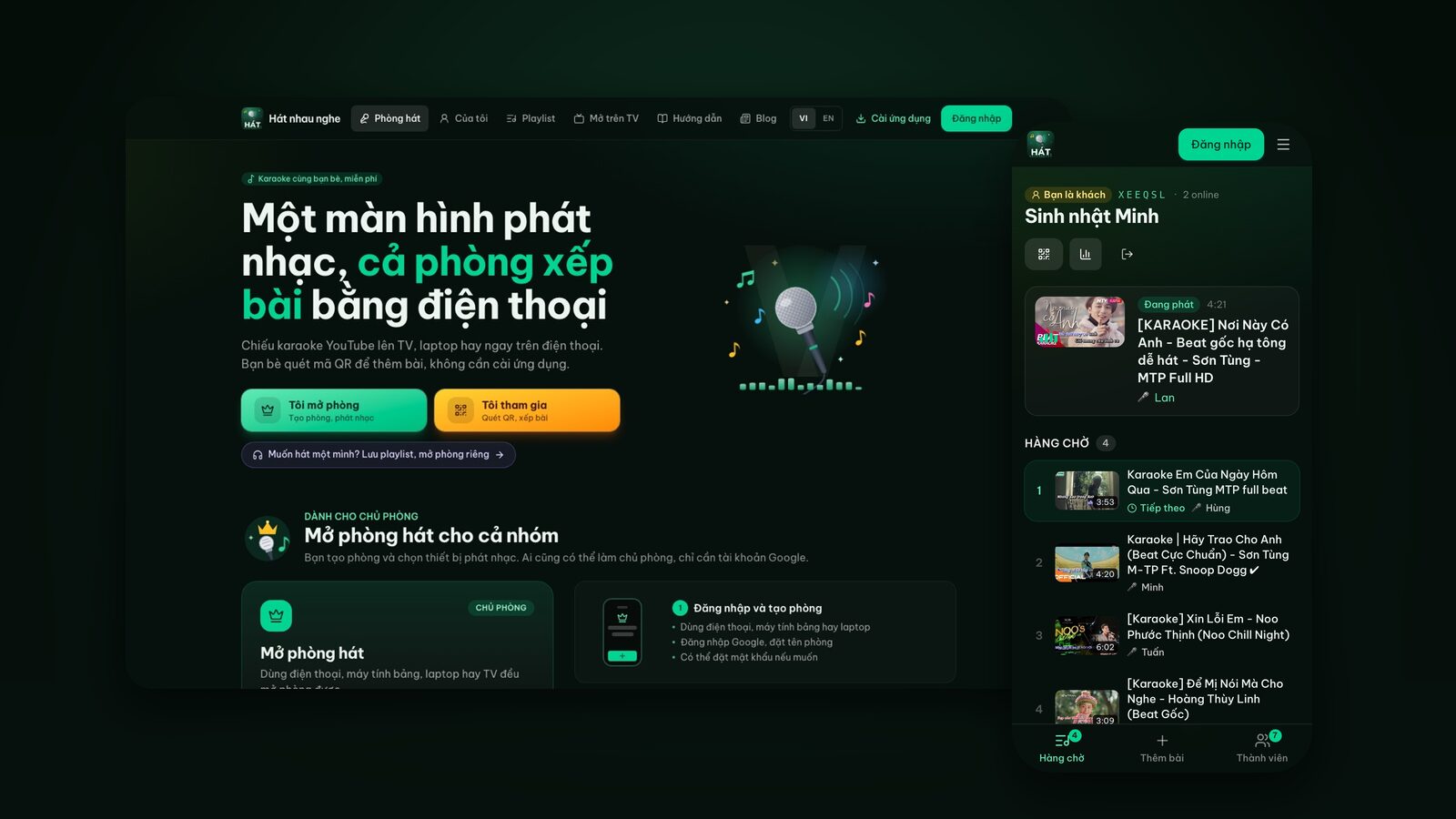
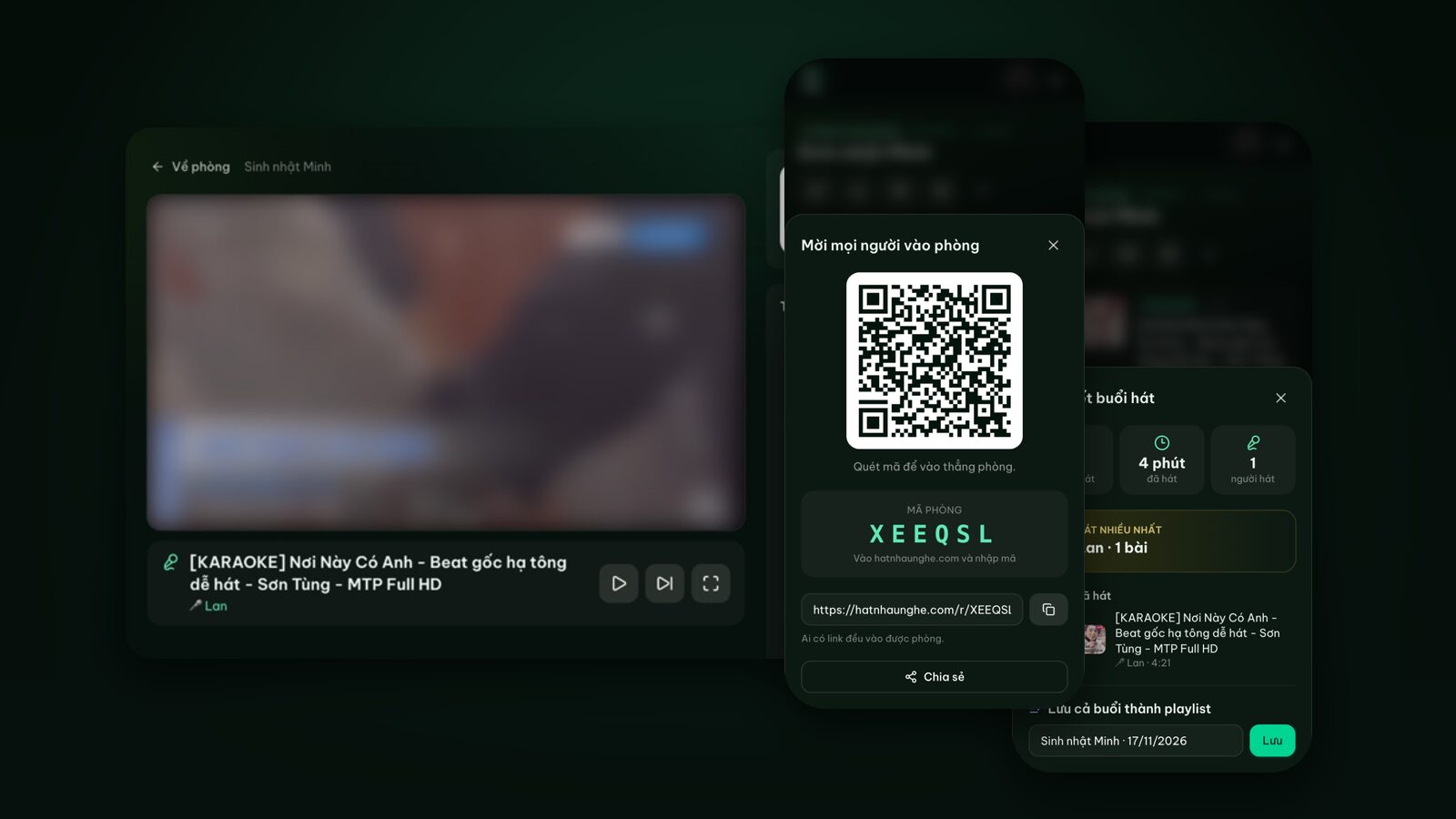
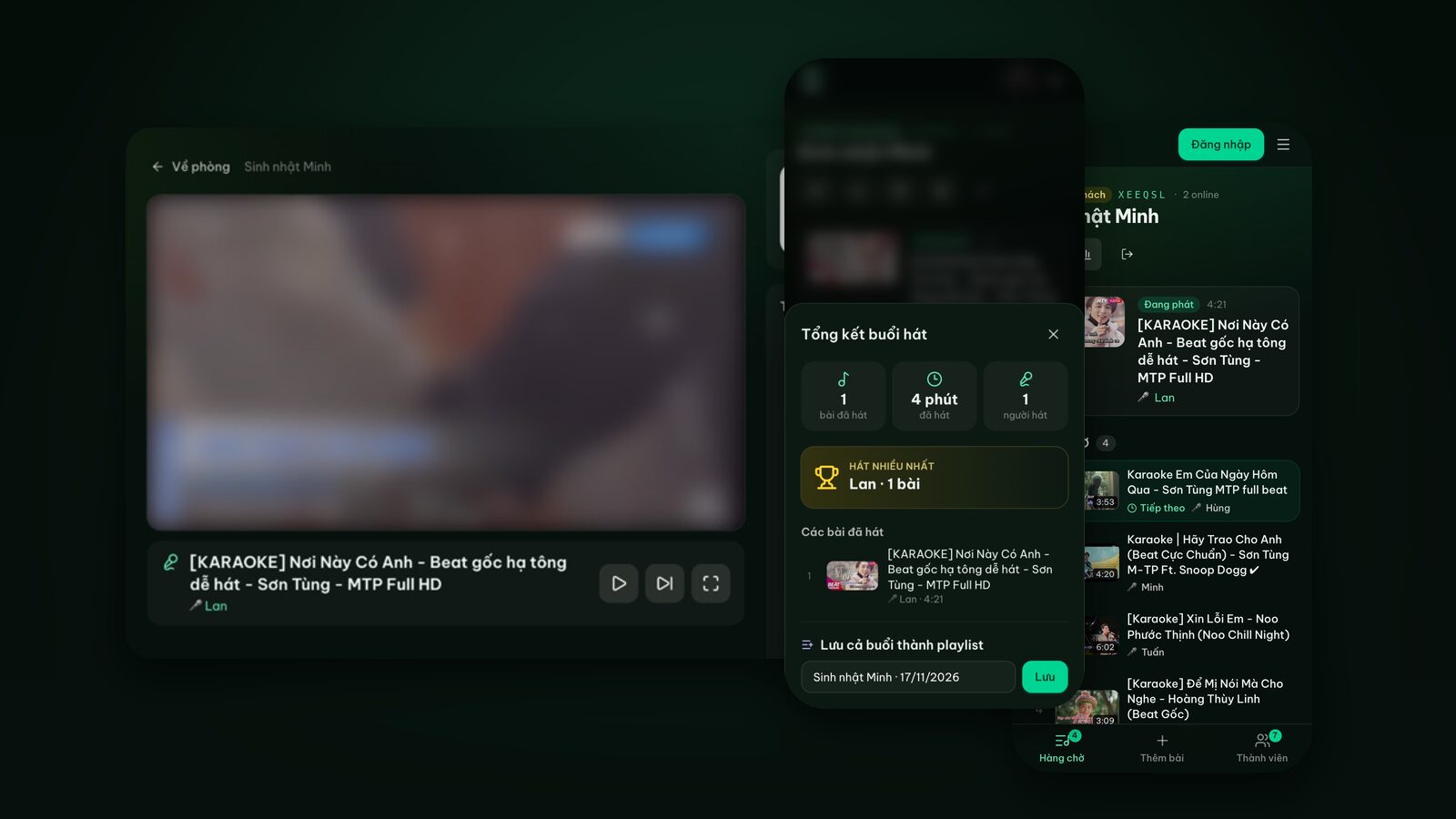
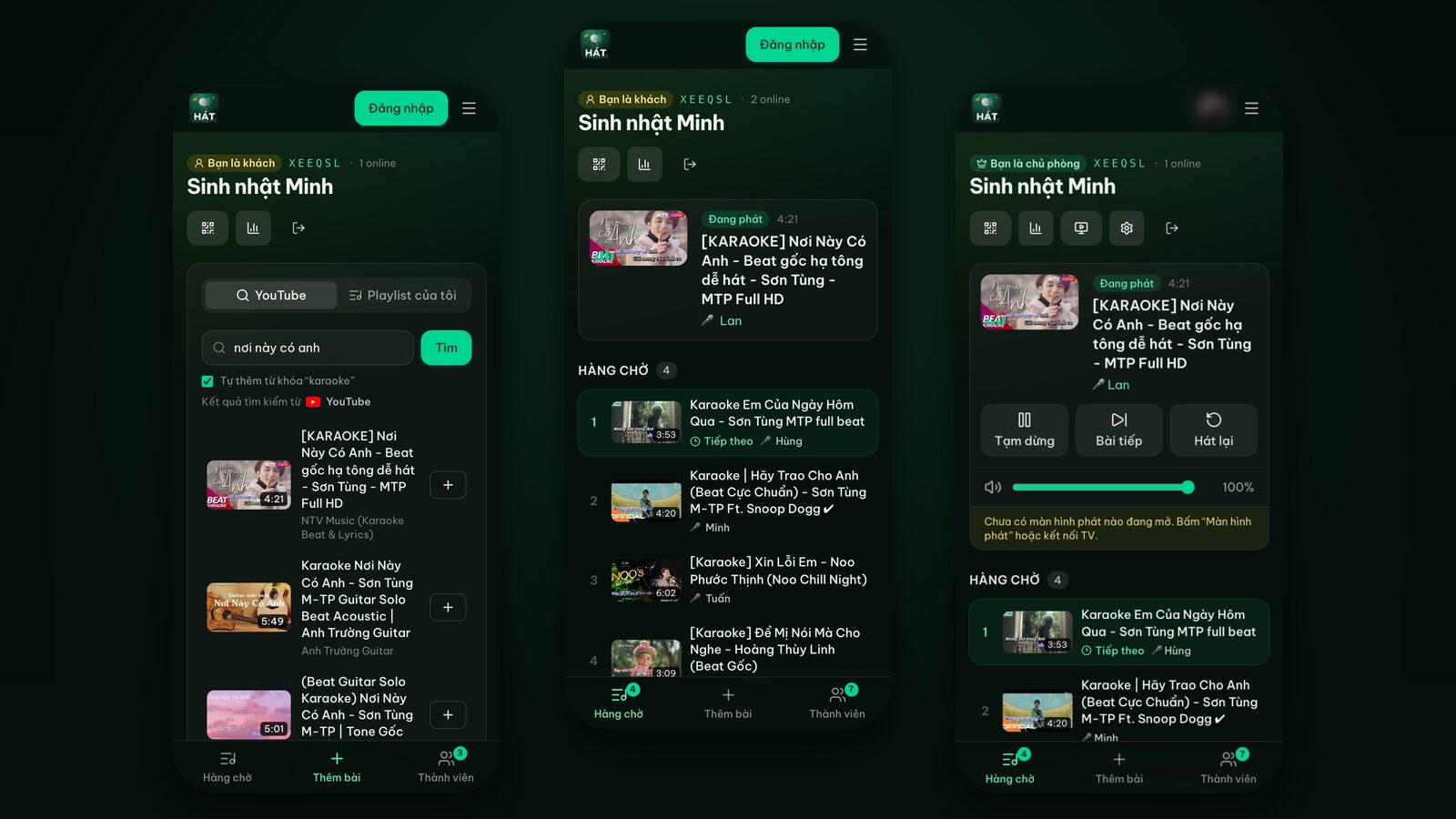
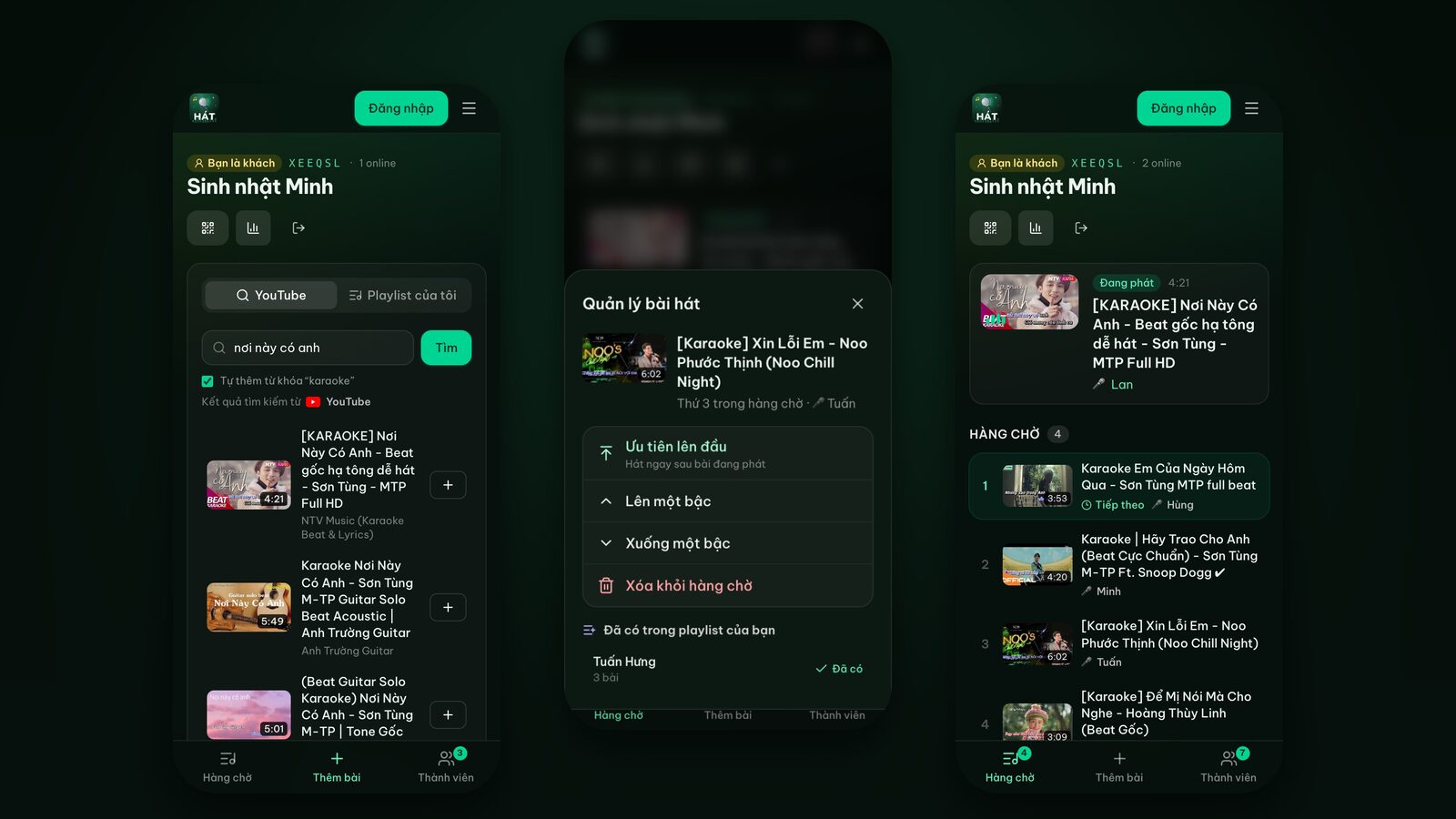
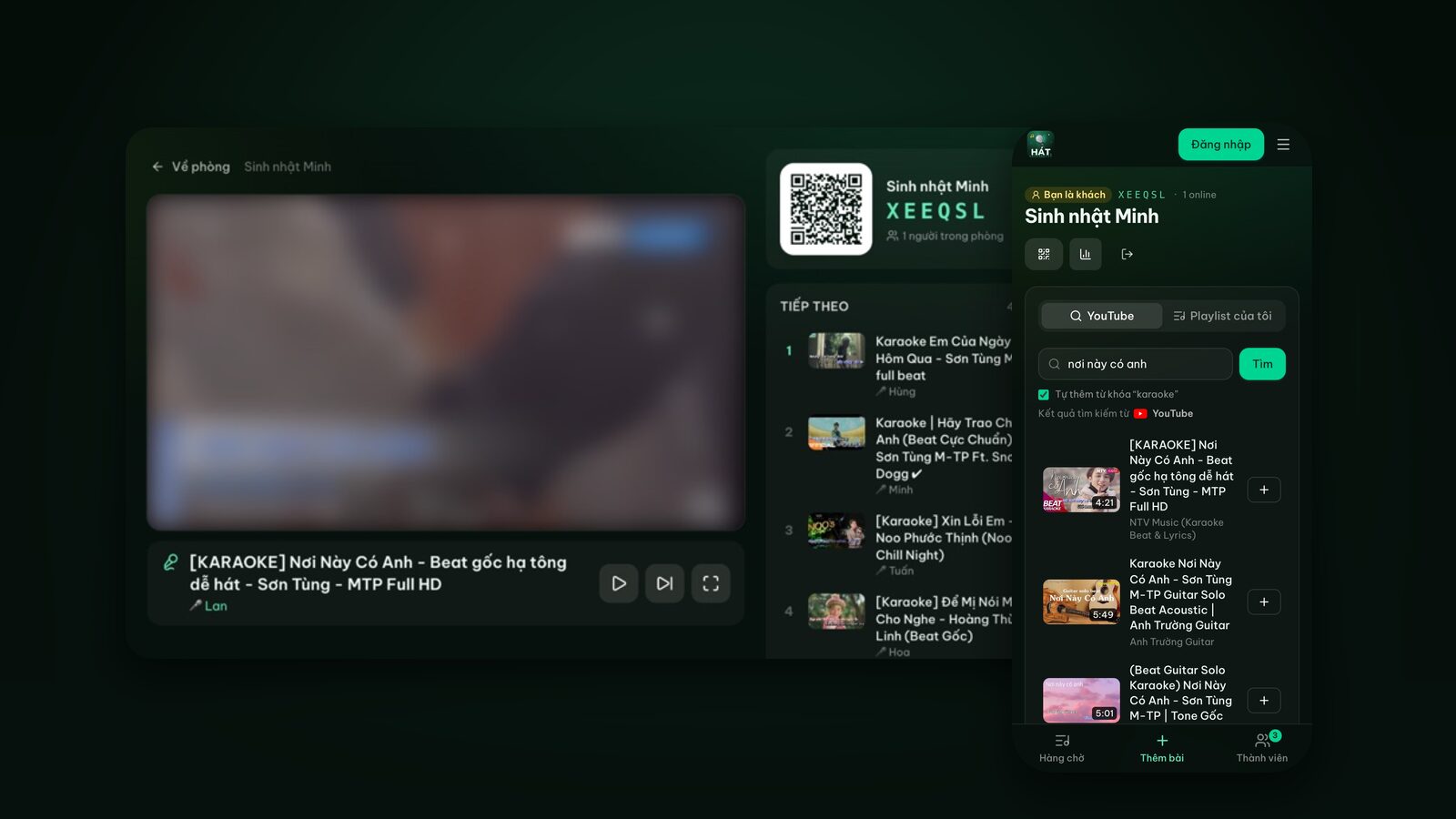
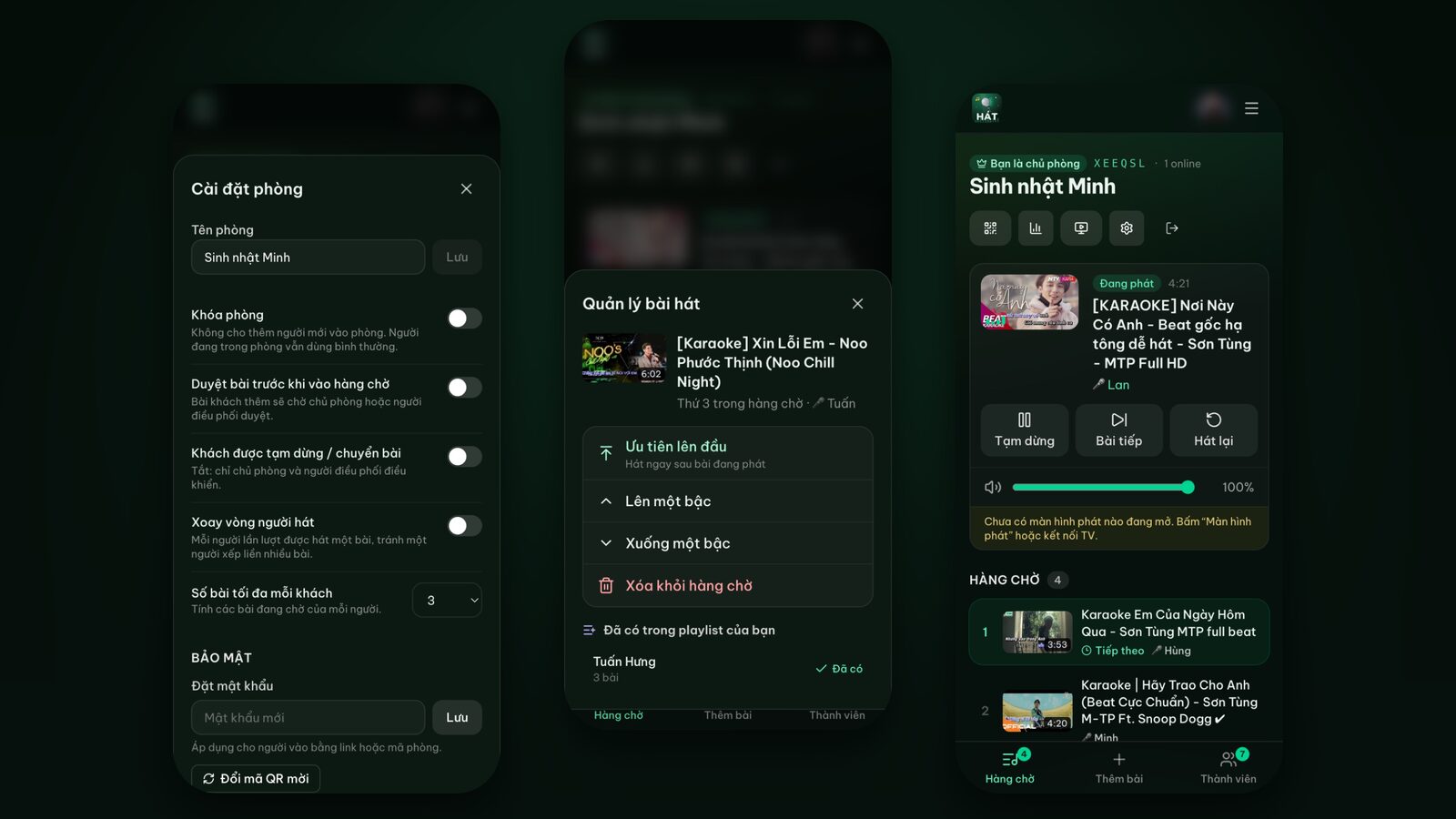
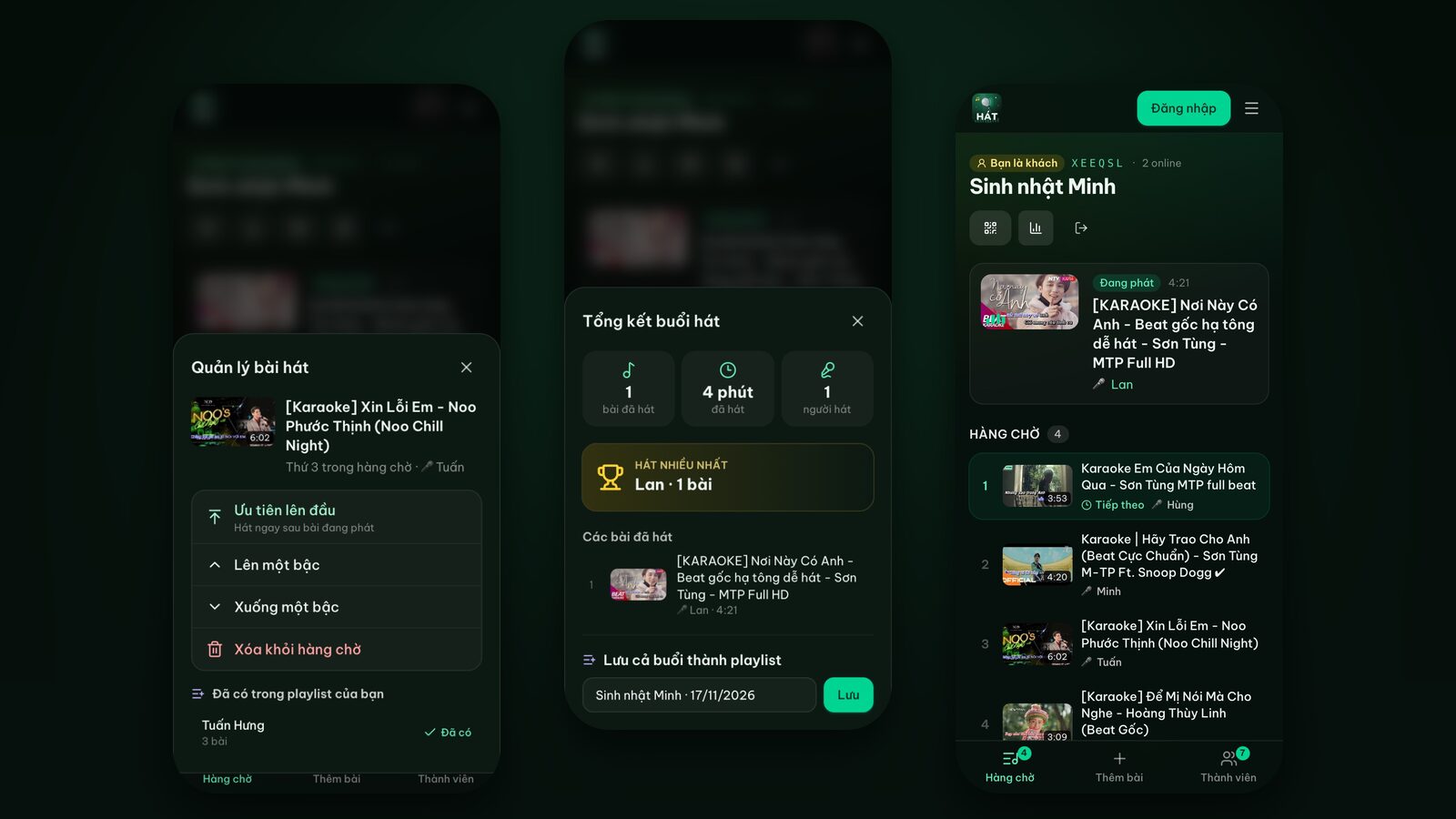
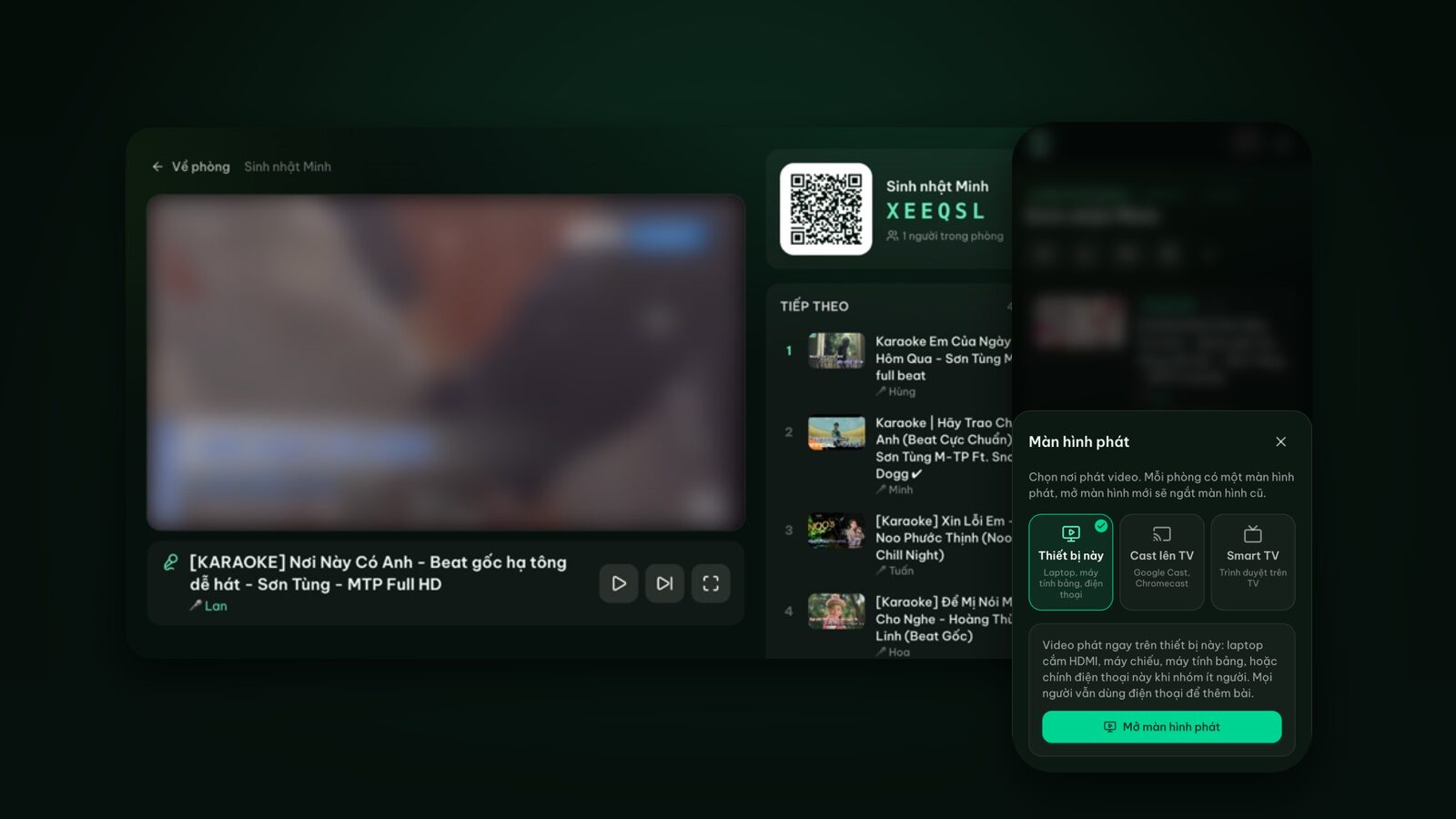
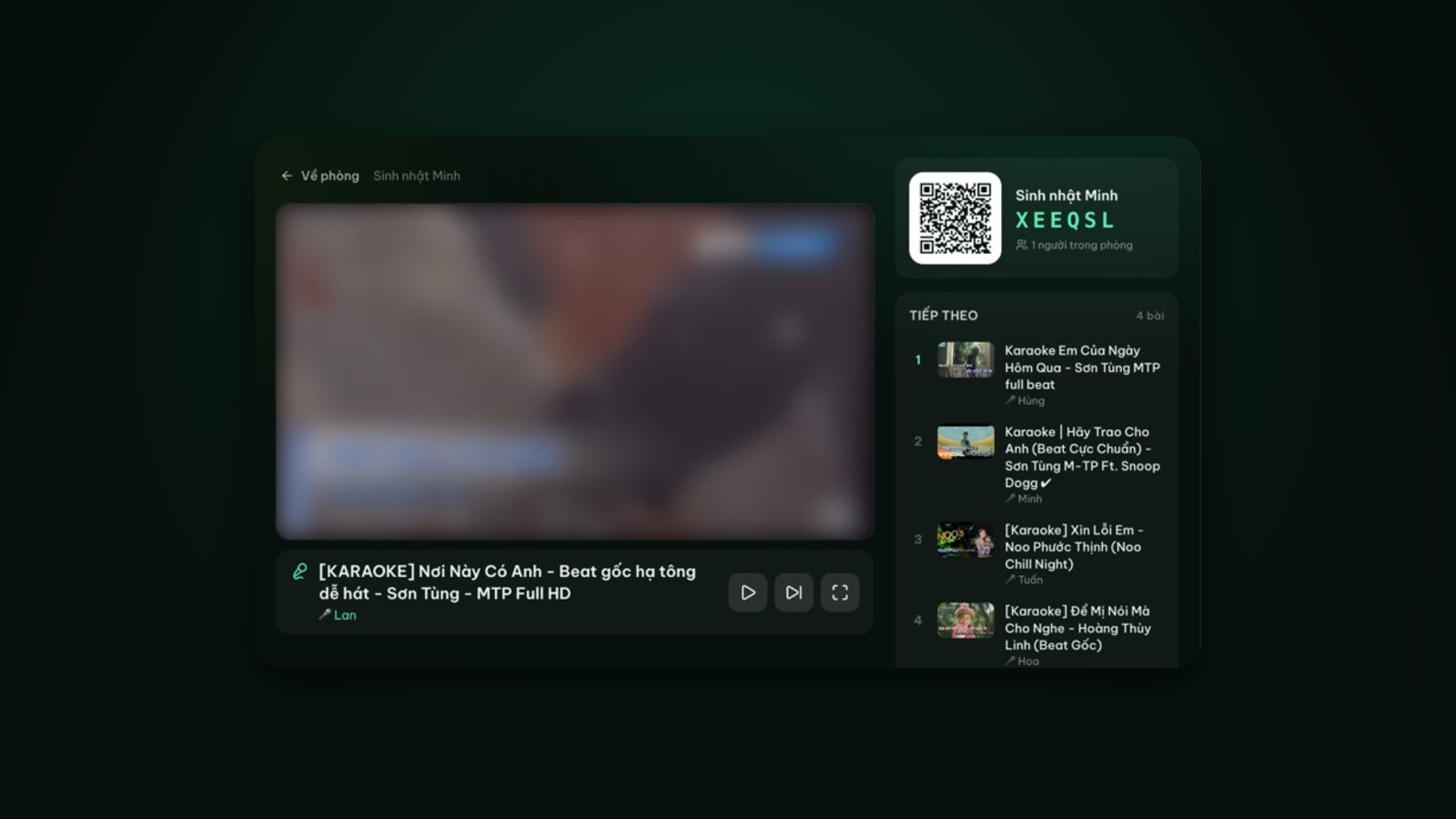
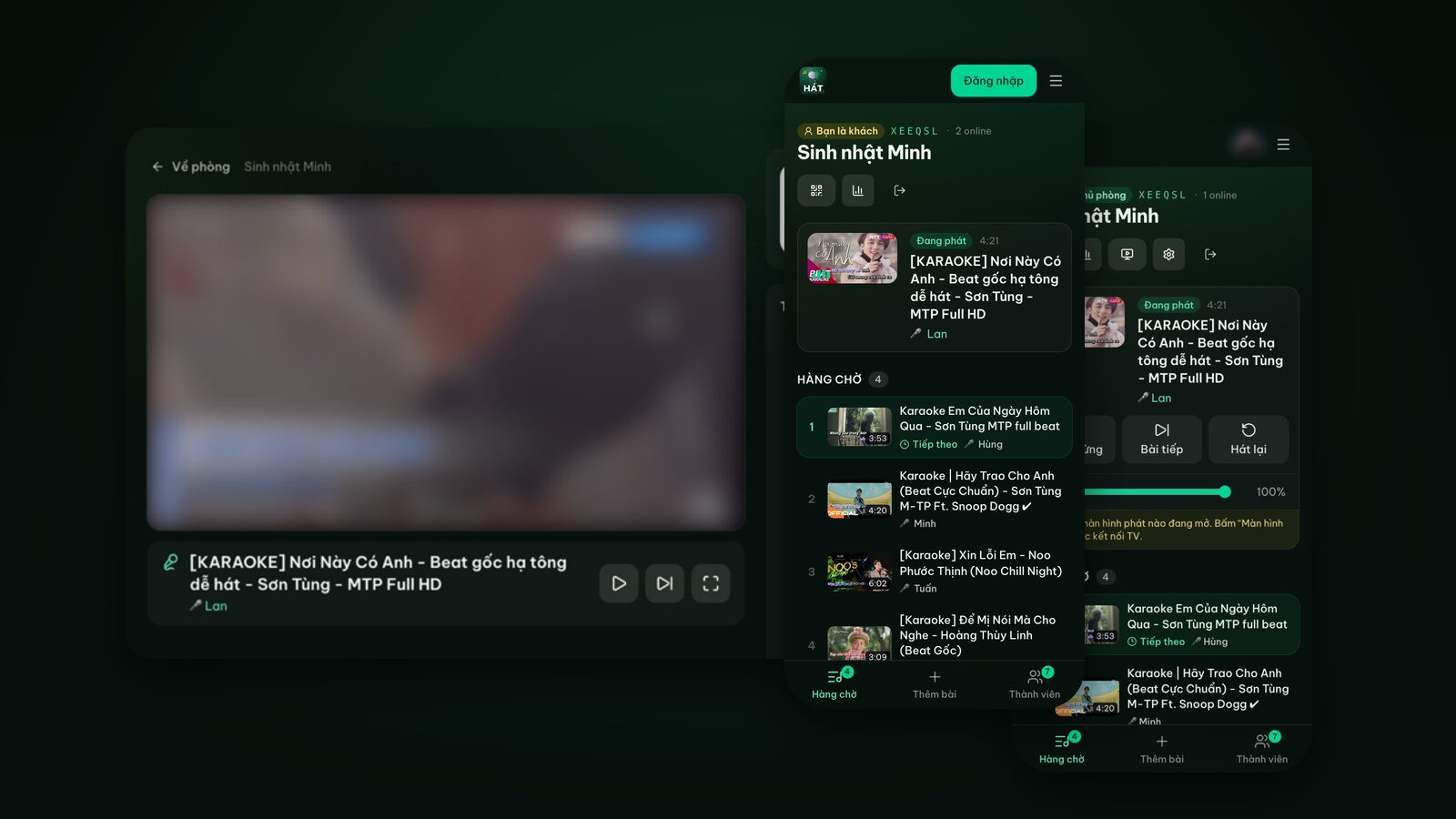
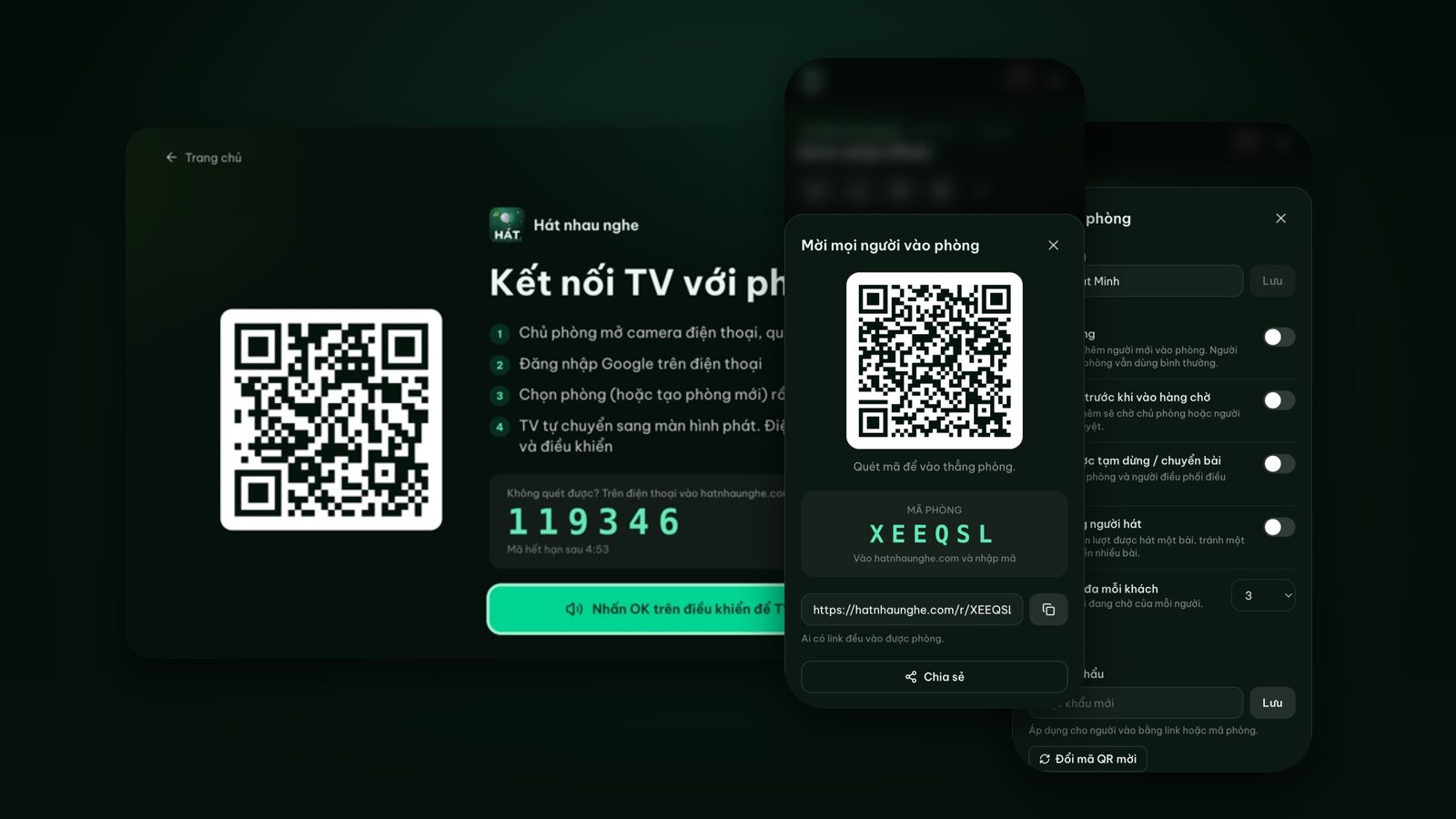
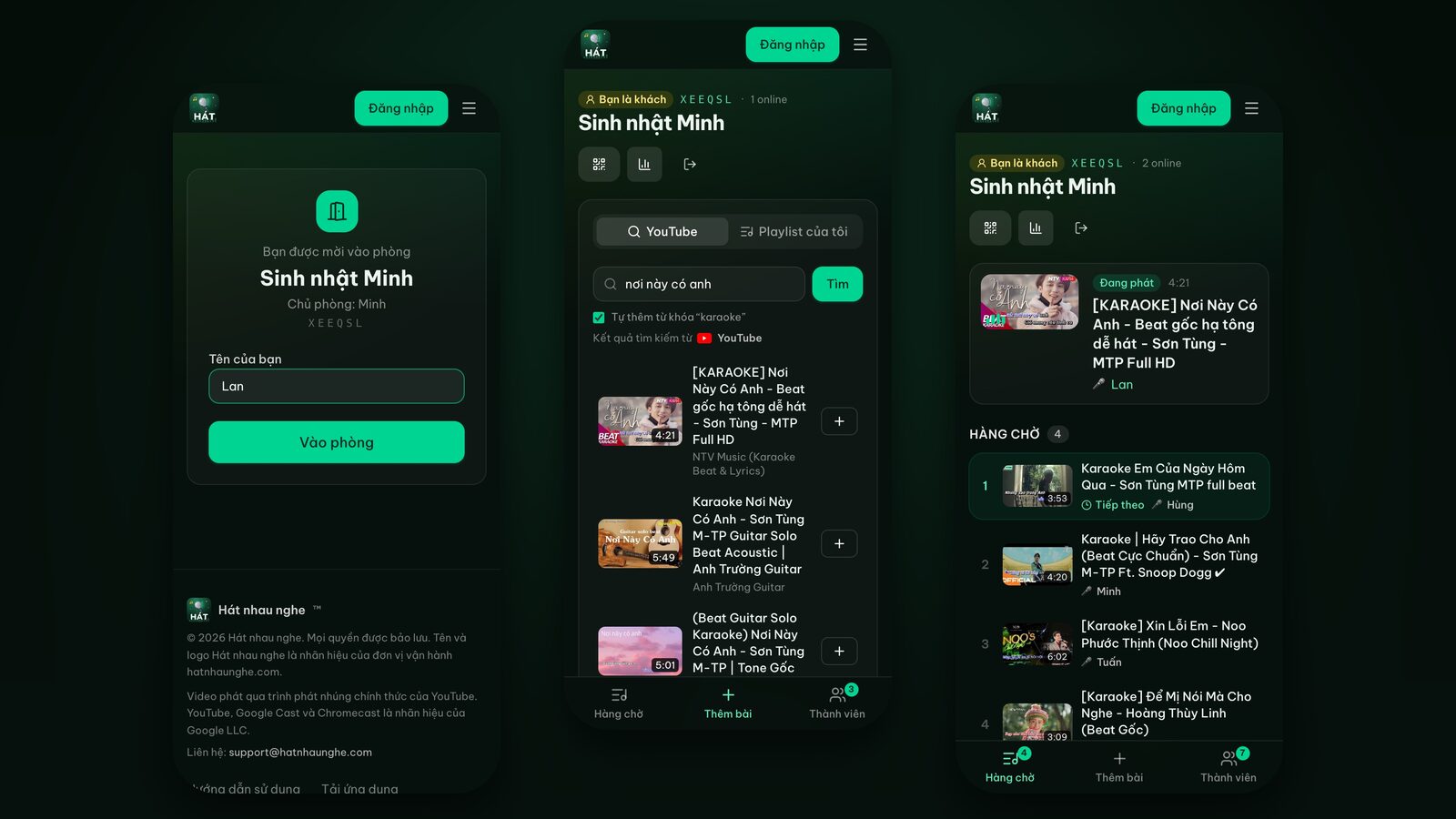
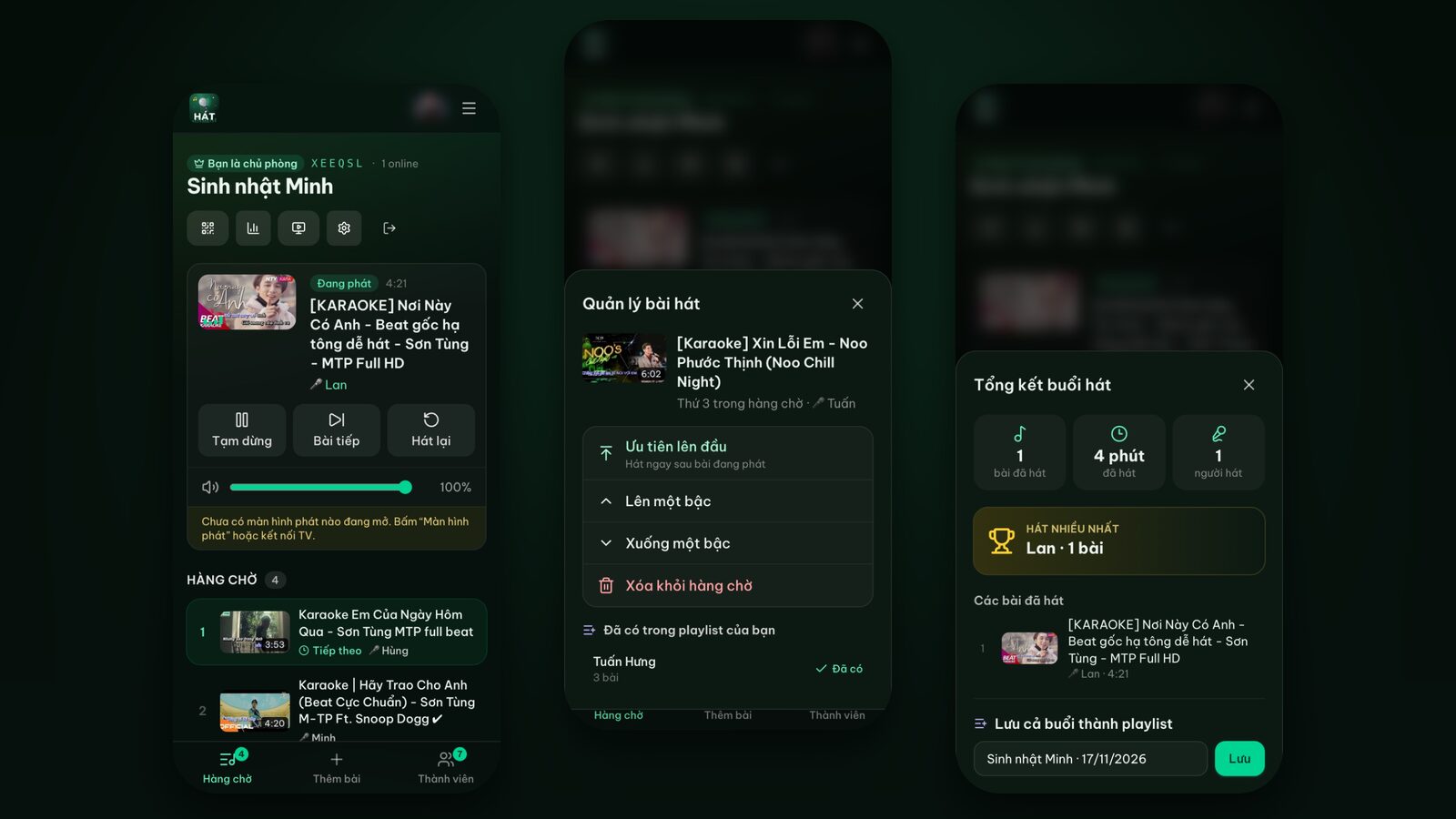
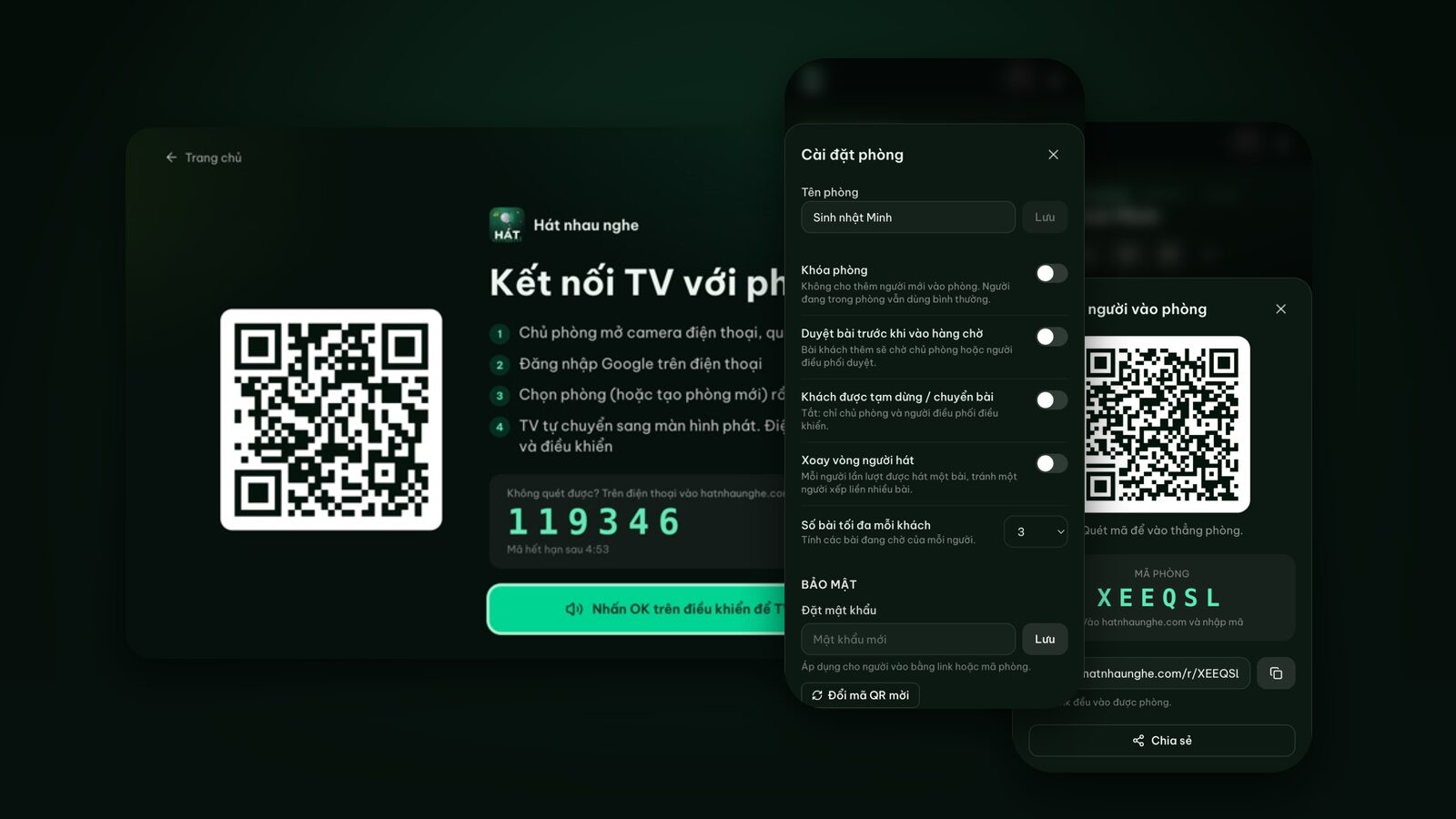
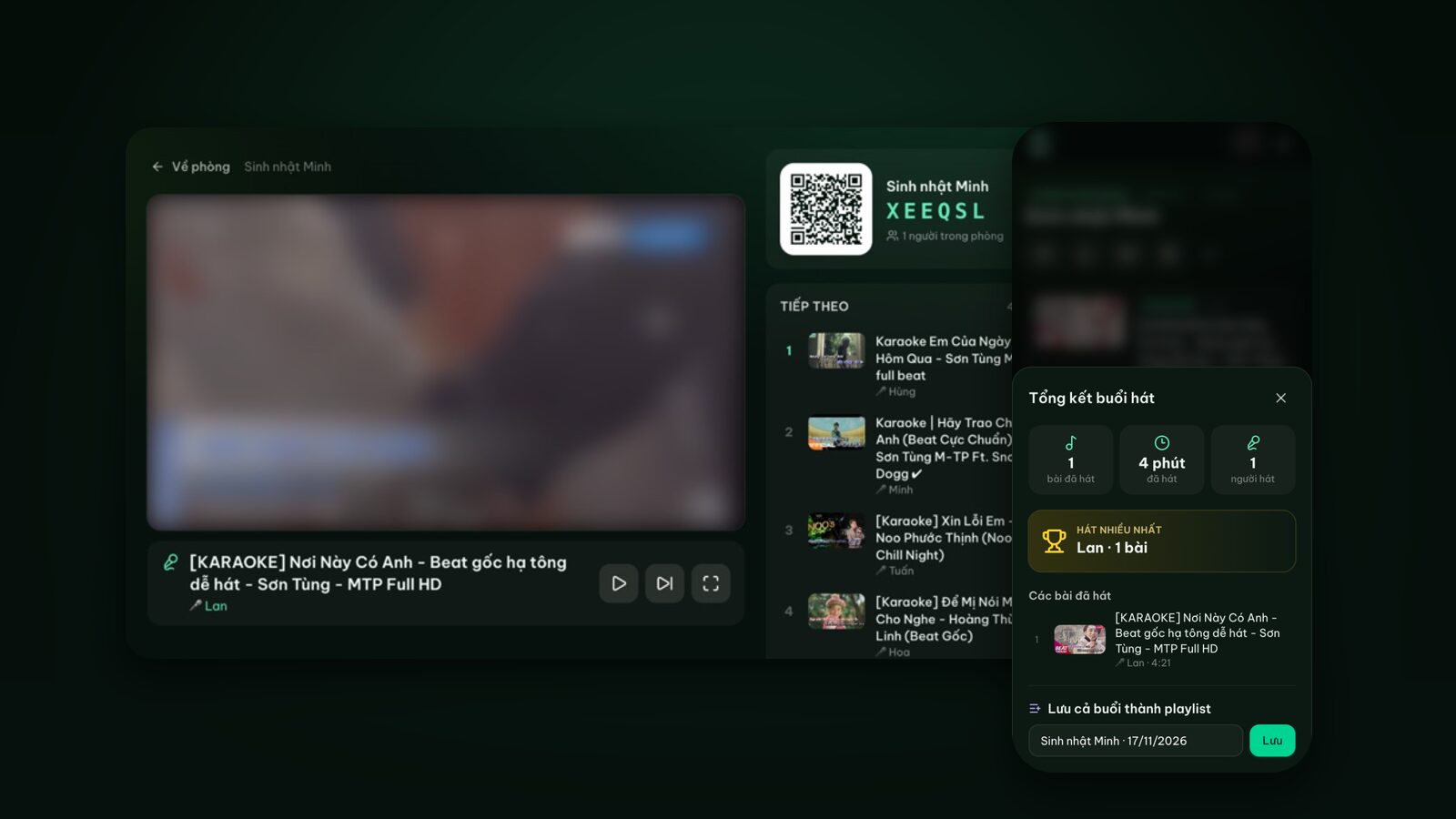
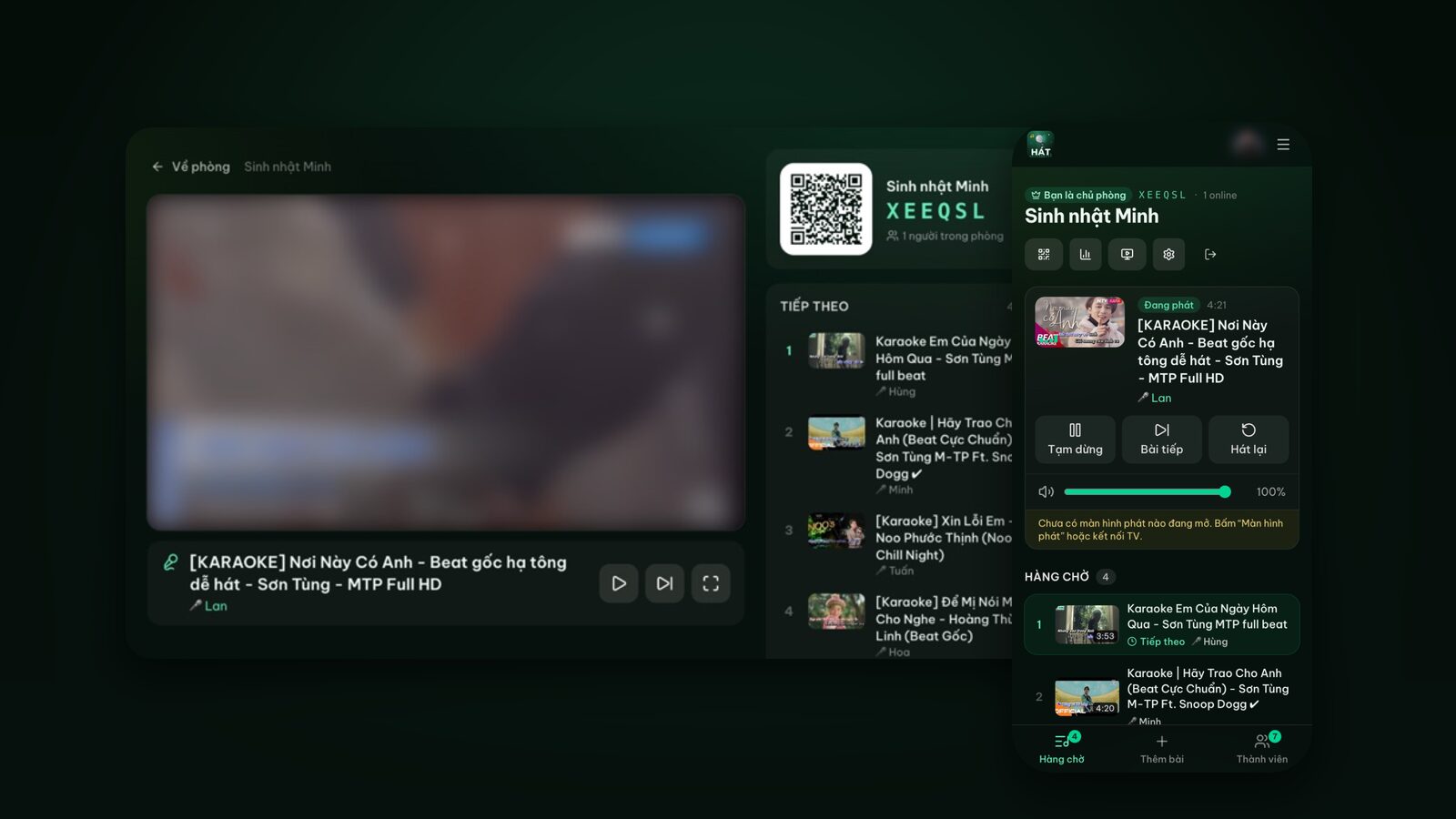
One TV plays the videos and everyone picks songs from their own phone. This guide walks through the whole night: open a room, invite by QR code, put it on the TV, queue, control and recap.
In-depth guides, practical tips and ideas for karaoke nights at home, on the TV or at the office. Everything here works right in your browser.
One TV plays the videos and everyone picks songs from their own phone. This guide walks through the whole night: open a room, invite by QR code, put it on the TV, queue, control and recap.
Set up karaoke at home in 5 steps with just a TV, a speaker and phones: no karaoke machine, no software to install. Includes a first-night checklist, the room settings worth turning on, and troubleshooting.
There are two ways to do YouTube karaoke on a TV: open the YouTube app and search yourself, or let the whole room queue songs from their phones. Step by step for both, plus fixes for common problems.
Four ways to get karaoke from your phone onto the TV, from the easiest (scan a QR code and the TV plays by itself) to screen mirroring and HDMI cables as a last resort.
Samsung, LG, Android TV, a Chromecast or just an HDMI port? Here's the best way to get karaoke onto each kind of TV with phones as remotes, plus fixes for the usual problems.
A step-by-step guide to karaoke on a Samsung Smart TV using its built-in Internet browser: typing the address with the remote, pairing by QR code, sound, screen savers and fixes.
A step-by-step guide to karaoke on an LG Smart TV running webOS: the Web Browser, typing with the Magic Remote, QR pairing, sound, screen savers and troubleshooting.
An Android TV box, Google TV or Chromecast with Google TV is all you need for karaoke: install the Hát nhau nghe TV app or open a browser, then scan a QR code with your phone. Plus fixes for a missing app or no sound.
Your laptop is the easiest karaoke screen you already own. Here's how to turn it into a player in the browser while everyone picks songs from their phone.
No TV? Your phone can be the karaoke screen, a Bluetooth speaker handles the sound, and a second phone becomes the remote. Step by step in the browser, with battery tips and an easy path to the TV.
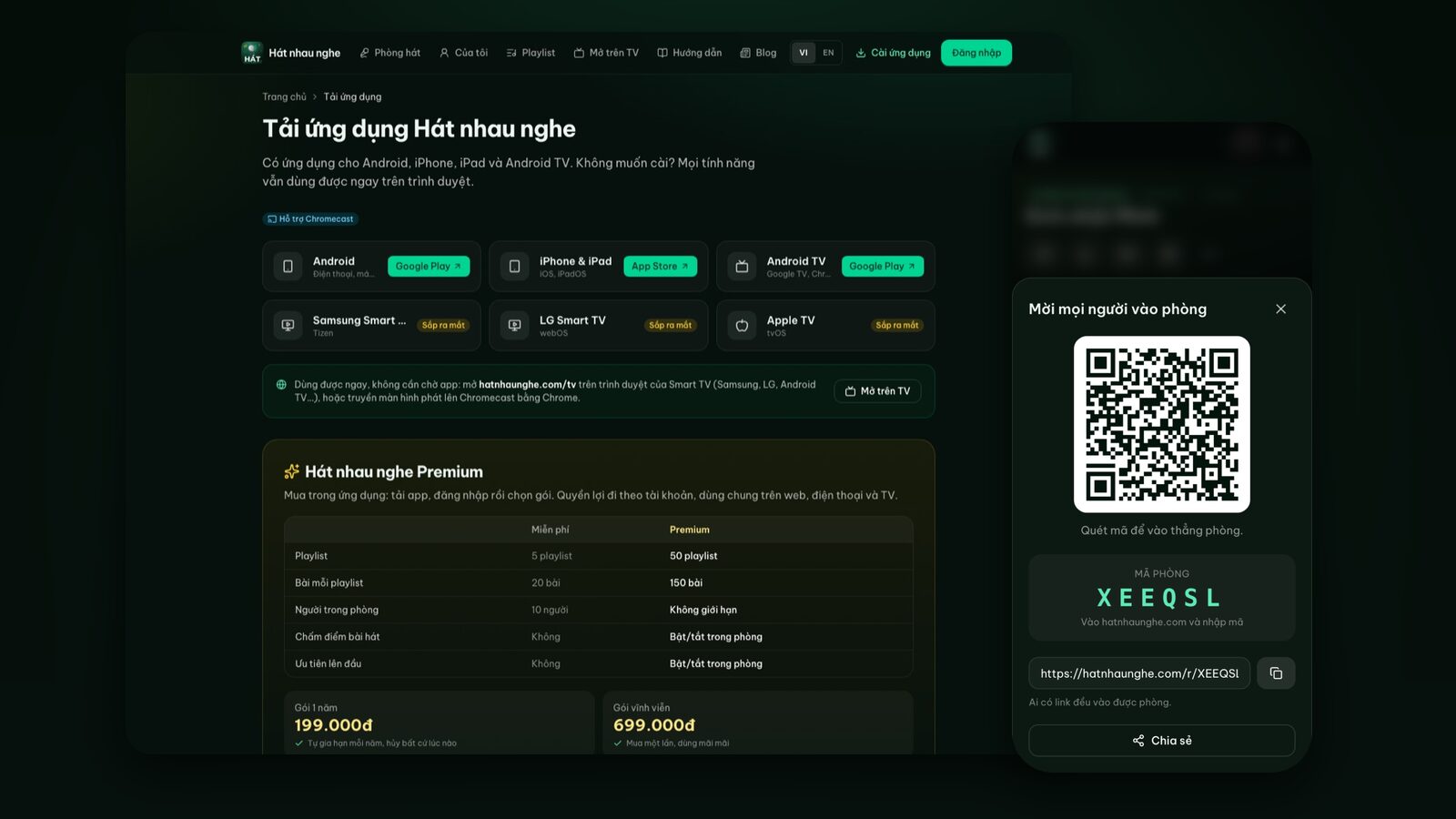
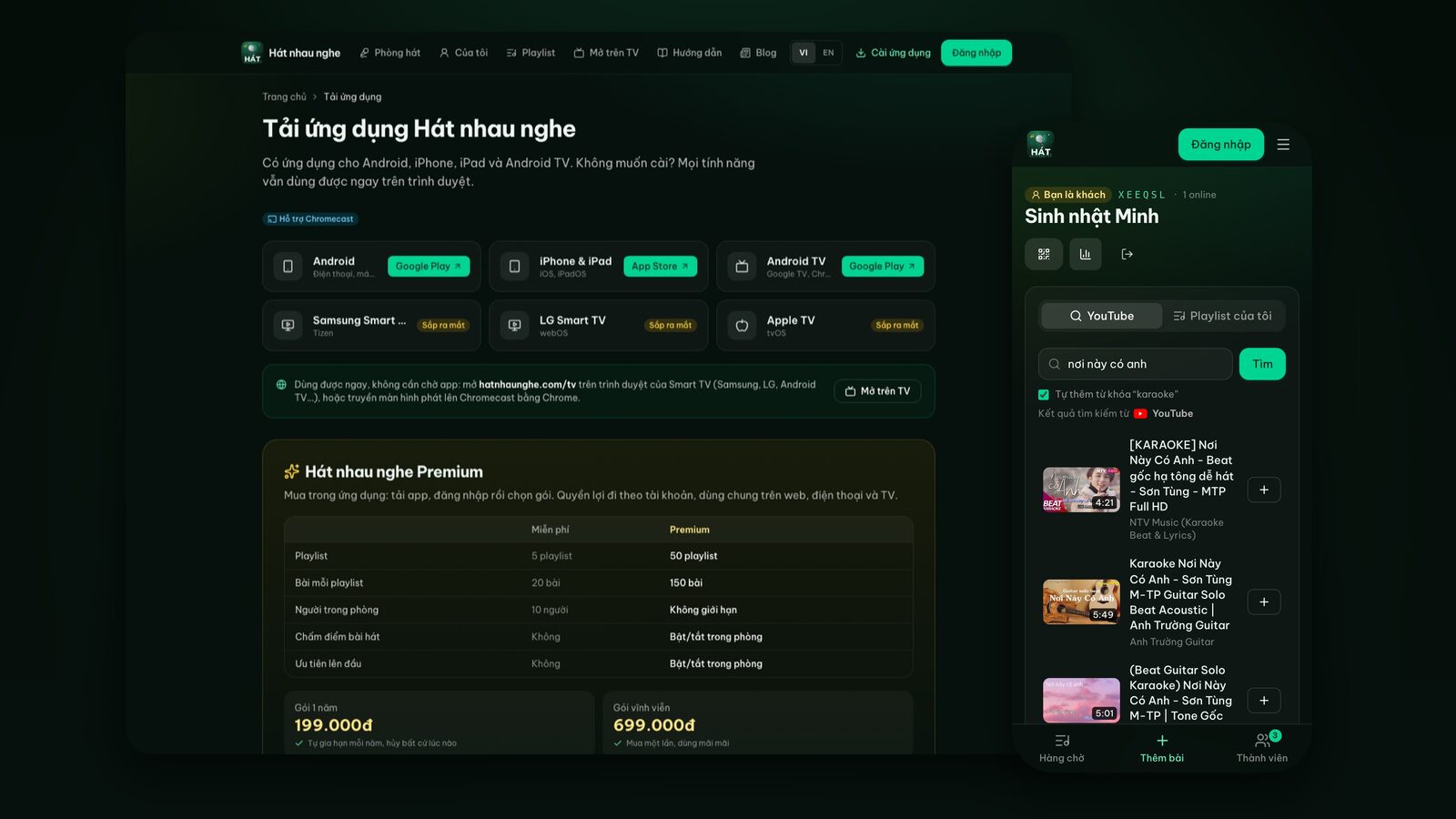
The website already does it all, so what do the Hát nhau nghe apps add? Faster QR scanning, an alert before your turn, Premium, an Android TV player that autoplays with sound, plus install, sign-in and account deletion.
Want family karaoke without buying a karaoke player? Here's what you actually need, how to arrange the living room, and how to run your first night from a web browser.
A practical checklist for turning your living room into a karaoke room for a birthday: the day before, the hour before, during the party and after everyone goes home.
Lunar New Year (Tết) puts three generations in one living room. Here's how to run a family karaoke afternoon where grandparents, parents and kids all get a turn.
What to type to get a proper backing track, how to tell a singable video at a glance, how to pick a key that suits you, and what happens when a video won't play.
Scared of the mic? Picking the right song in the right key solves half the problem. Here's how to spot easy karaoke songs, find your key and build a go-to playlist.
You don't need singing lessons, just a few small habits: warm up first, pick the right key, hold the mic properly and practise at home. These are the karaoke tips that have helped me most.
Every room setting explained, when to use it, and how to handle the friend who queues ten songs, the shy friend and the noisy crowd.
A ready playlist is the fastest way to get a karaoke night going. How to save songs, add a whole playlist to a room, share and follow playlists, plus themed ideas.
Got a TV with Google Cast or a Chromecast plugged in? You can put the karaoke player on your TV with one tap in Chrome. Here's when casting is the right choice, how to do it, and what to try when the Cast button won't show up.
A laptop and a projector give you a cinema-sized karaoke screen. Here's how to open the player, plug in HDMI, get the sound right and keep everything running all night.
TV speakers, a soundbar, Bluetooth or a karaoke speaker with a mic input? Wired or wireless mics? What to know before you buy, including feedback, echo and the neighbors.
Karaoke for the year-end party, team building, welcomes and farewells: put it on the projector, let everyone add songs from their phone, and approve songs to keep it work-friendly.
Karaoke at home is great fun for kids and builds confidence. Here's how I prepare a kids' playlist, stay in control of what plays, keep the volume comfortable and keep siblings from squabbling.
No need to wait for a group. Here's how I open a private online karaoke room, build practice playlists, work through tricky parts and get my go-to songs ready for the next party.
Thinking of a karaoke night for guests at a small café, homestay or guesthouse? How to set up the screen, let guests in with a QR code, keep the queue in order, and what to check about music licensing.
The score after each song is generated for fun and doesn't listen to your voice. The real verdict comes from the stars your friends tap on their phones.
Online karaoke, a karaoke machine, a phone app or a night at the bar? Each has real strengths. Here's a straight comparison so you can pick what fits your group.