Speakers and mics for home karaoke: an honest guide
TV speakers, a soundbar, Bluetooth or a karaoke speaker with a mic input? Wired or wireless mics? What to know before you buy, including feedback, echo and the neighbors.
The question I get most after a karaoke night at home is "What speaker is that, where did you get the mic?" Honestly, nothing special. What makes a night sound good is rarely the price tag. It's picking the right type for your needs, connecting it the right way, putting the speakers in the right place and setting the mic sensibly.
This post doesn't recommend brands or quote prices, since the market changes constantly and every home is different. Instead it's a way of thinking so you can choose for yourself: TV speakers, soundbar, Bluetooth speaker or a karaoke speaker with a mic input; wired or wireless mics; why the voice and music sometimes drift apart; how to avoid feedback; how to set echo; and how to keep the neighbors happy.
The key point: the website plays music, the speaker handles the mic
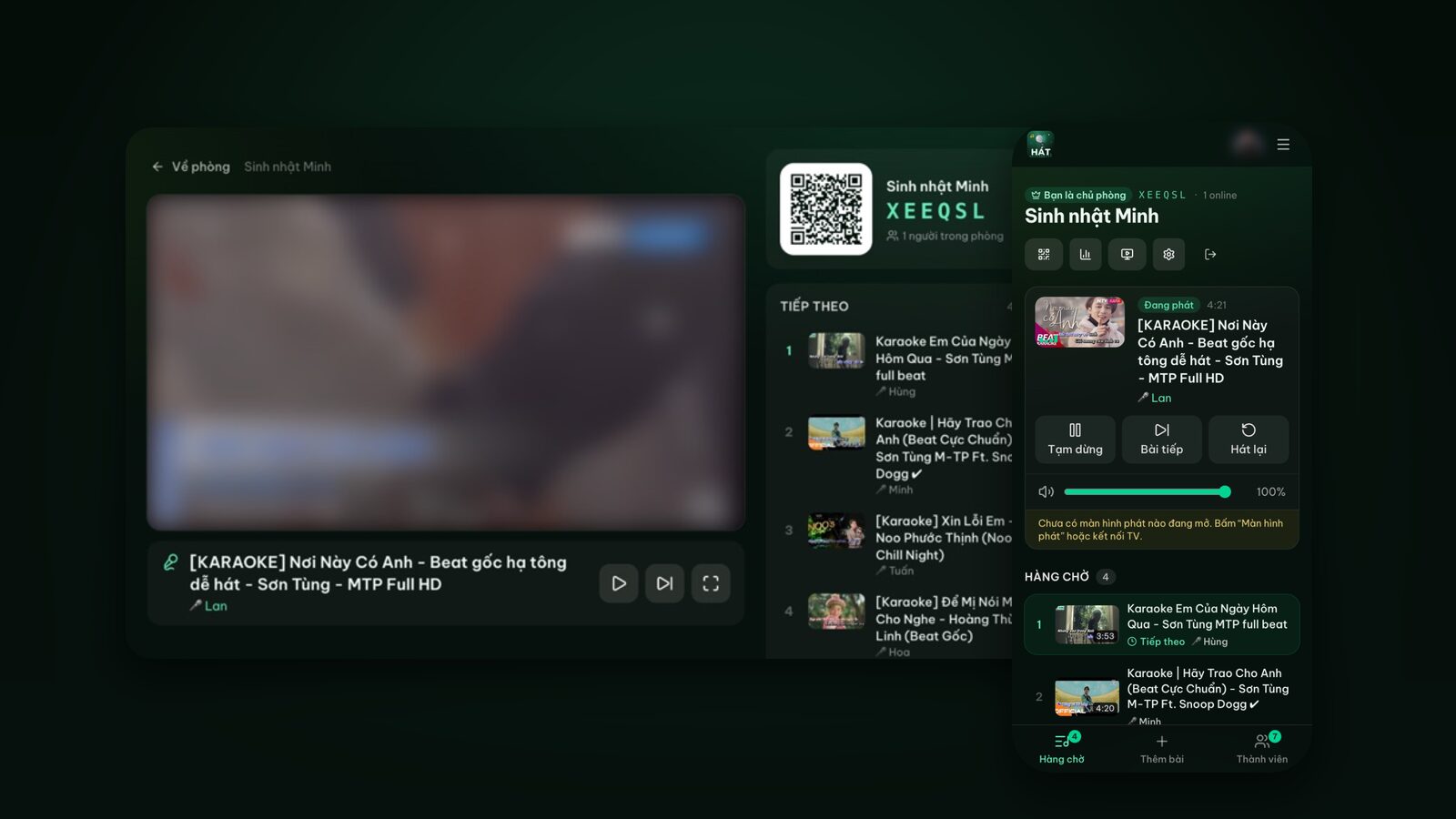
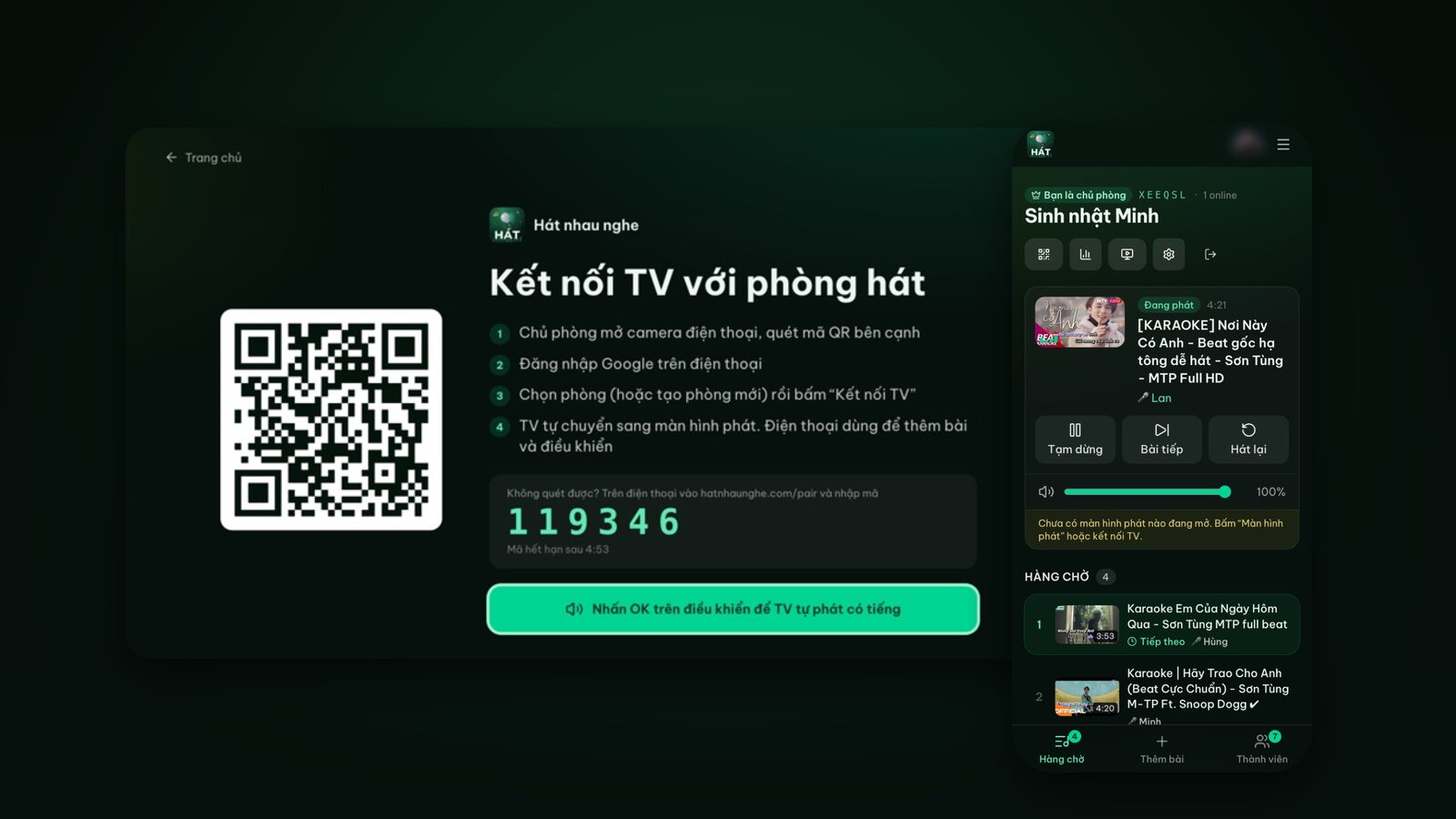
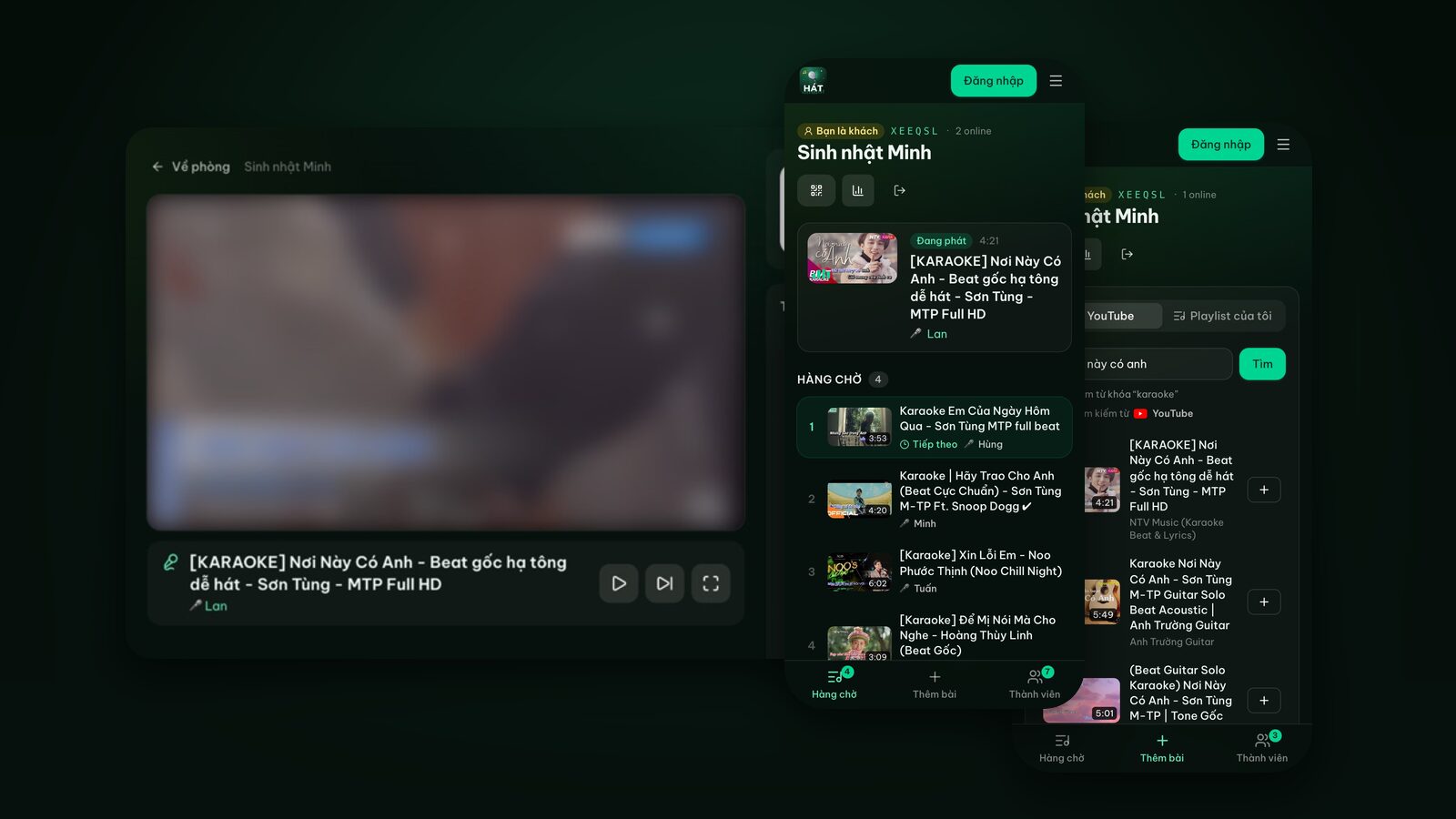
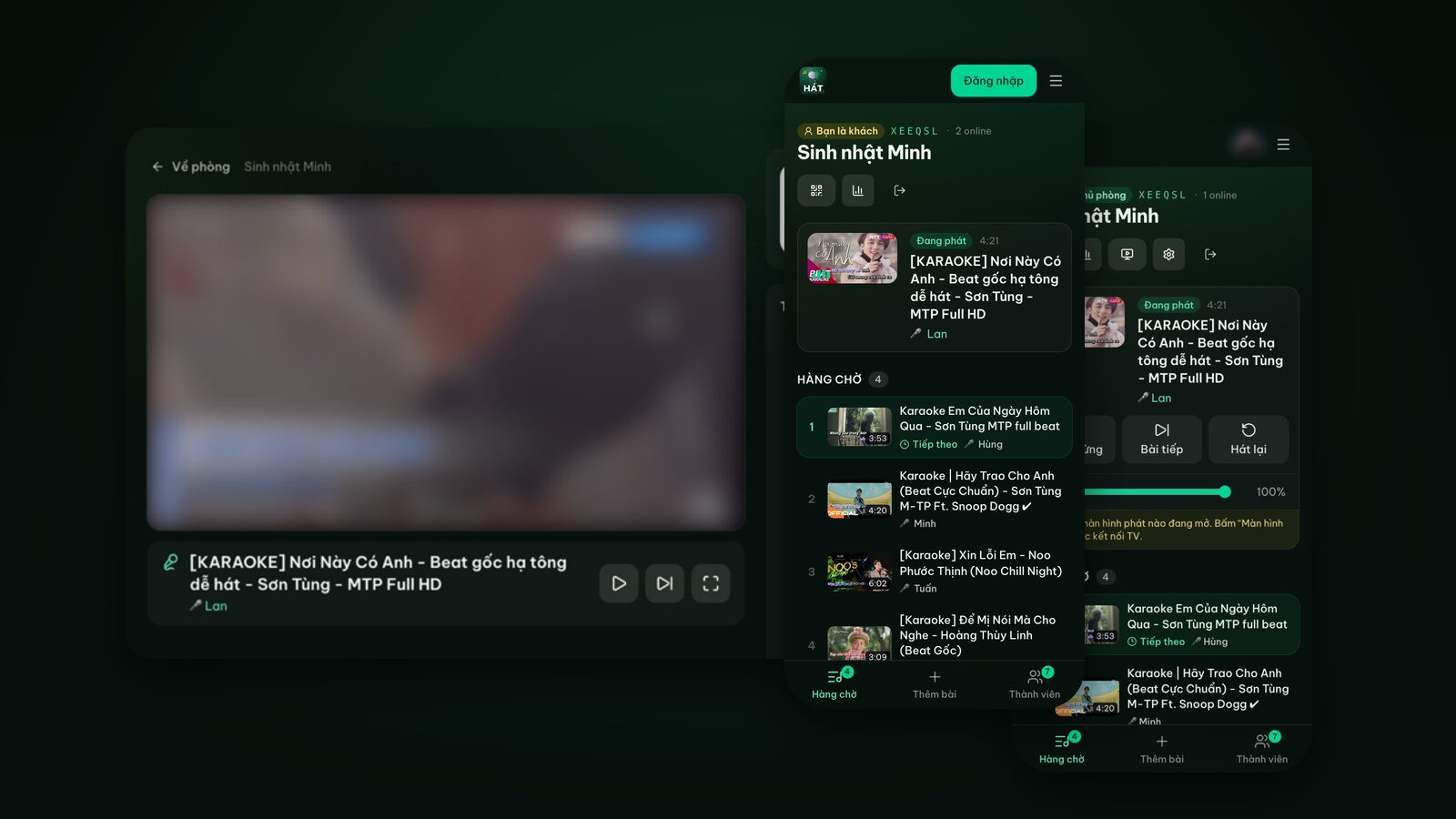
Before talking gear, be clear on who does what. When you sing with Hát nhau nghe, the website handles music and picture: it plays YouTube karaoke videos on the player screen, runs the queue and lets everyone pick songs on their phone.
The microphone never goes through the website. Hát nhau nghe doesn't capture or process mic audio. Your voice goes from the mic into a karaoke speaker (or a mixer or amplifier), which mixes it with the music and plays both. So:
- Any mic or speaker you already own will work. There's nothing to make "compatible" with the site.
- For a mic, you need a device with a mic input or bundled wireless mics. TV speakers and most soundbars don't have one.
- Scoring on Hát nhau nghe (a Premium feature) is a fun score after each song, not based on your voice. For voice-based scoring you'd need a karaoke machine or a device that does it.
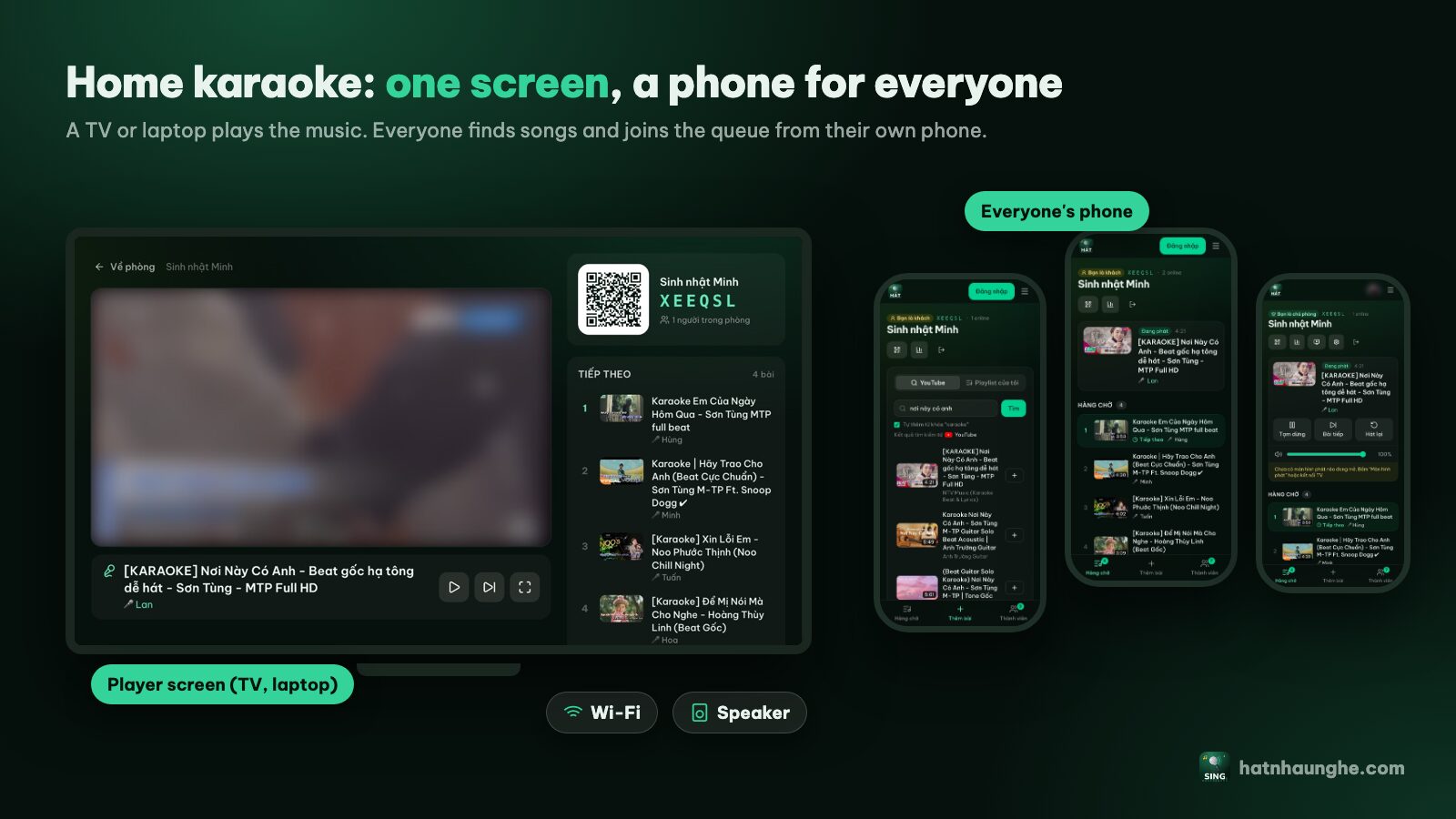
The wiring for most homes looks like this:
- 1Music: the TV or laptop running the player screen goes out to the speaker, via HDMI ARC, optical, a 3.5mm/AUX cable or Bluetooth.
- 2Mic: plugs straight into the karaoke speaker, or a wireless mic's receiver plugs into it.
- 3The speaker mixes both, with separate volume knobs for music and mic, and usually an echo knob.
Four common speaker options
TV speakers: start here
Built-in TV speakers are enough for backing tracks in a small living room. You'll sing without a mic. That sounds limiting, but for family nights, kids singing along or friends singing for fun, it's plenty. My honest advice: try a night or two with the TV speakers before deciding you need to buy anything.
Good for: apartments, small groups, anyone not sure how often they'll sing.
Soundbar: fuller music, usually no mic
A soundbar makes the music much fuller and clearer than TV speakers and stays tidy. But most soundbars are built for movies and have no mic input. If you already have one, use it for the music. If you're buying something for karaoke, a soundbar usually isn't the first pick.
Good for: homes upgrading movie sound, with karaoke on the side.
Bluetooth speaker: handy, but watch the latency
A portable Bluetooth speaker goes anywhere and pairs quickly. Some models have a mic input, many don't, so check. The biggest catch is Bluetooth latency, covered in its own section below.
Good for: backyards, trips, groups that move around.
Karaoke speaker with a mic input
This is the type built for karaoke: a mic input or bundled wireless mics, a separate mic volume, often echo. Music from the TV or laptop goes in by cable or Bluetooth, the mic plugs in, done.
Good for: households that sing often and want an amplified mic.
A component setup
Enthusiasts often split things up: separate speakers, an amplifier, a vocal effects processor and dedicated wireless mics. It sounds better and is more adjustable, but also more complex and costly. If you go this way, get someone experienced (or the shop) to tune it in your room, because an expensive system set up badly still sounds bad.
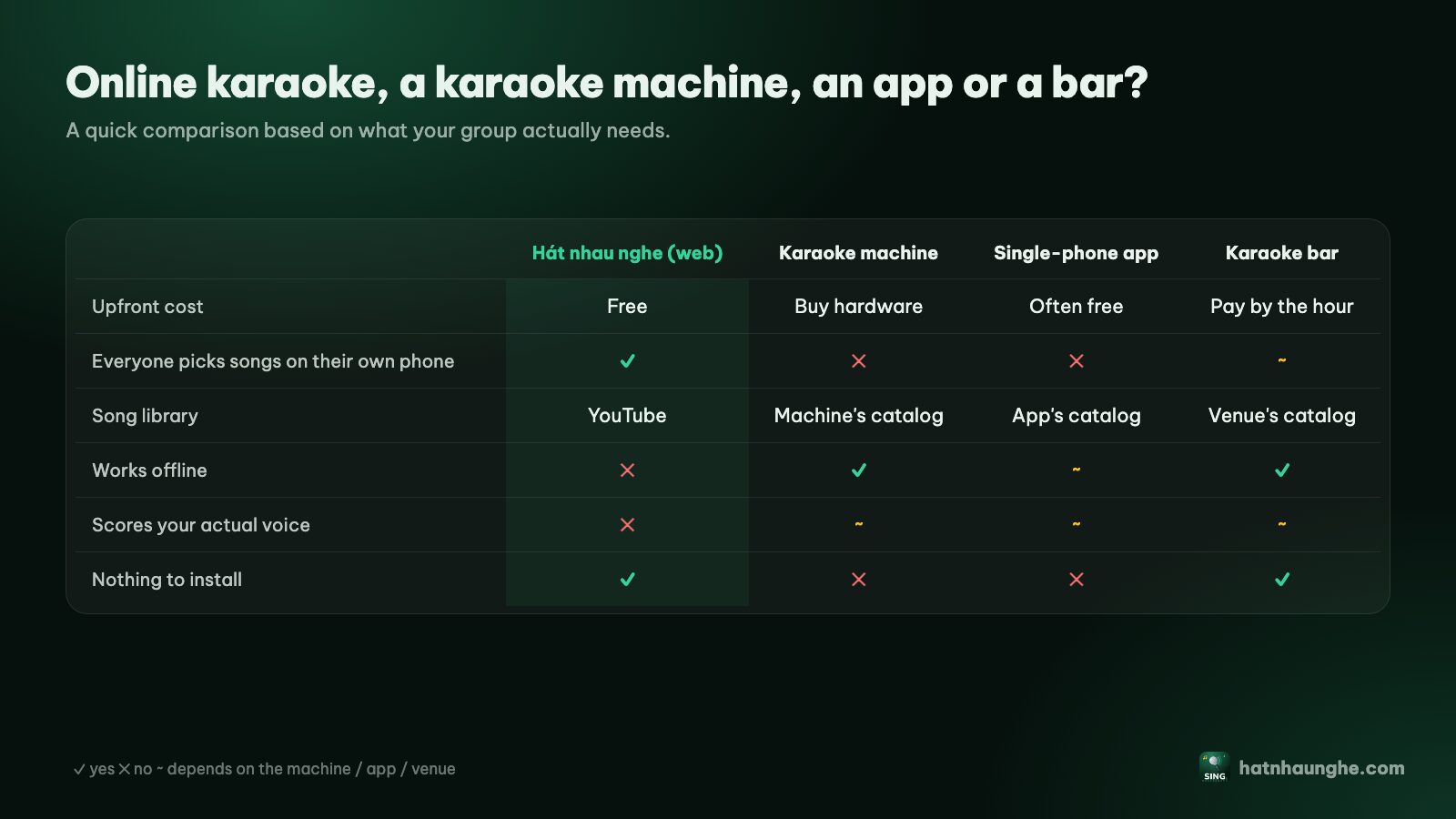
Still deciding between the web and a karaoke machine? Online karaoke vs a karaoke machine compares them in detail.
Wired or wireless mics?
Wired mics
- Pros: cheaper, no batteries, practically no delay, no interference.
- Cons: the cable gets in the way when you pass it around, people trip, and cables wear out if coiled carelessly.
- Tip: get a cable long enough for the singer to stand off to the side of the speakers, and run it along the wall or under a rug.
Wireless mics
- Pros: easy to pass around, free to move, tidy.
- Cons: need batteries or charging, and can crackle or drop out far from the receiver or behind obstacles.
- Tip: charge or replace batteries before the night, keep spares nearby, and switch mics off when you put them down to avoid a loud thump when someone picks one up.
Handheld mics with a built-in speaker
These play your voice from the mic itself and usually pair with a phone over Bluetooth. Fun for kids, but your voice comes from the mic while the music comes from the TV, so balancing them is hard. Great as a toy, not as your main setup.
Dynamic or condenser?
Most karaoke mics are dynamic: sturdy and less sensitive to surrounding sound, so less prone to feedback in a living room. Condenser mics are more sensitive and common in studios, but they also pick up the speakers more easily. For home karaoke, dynamic mics are usually easier to live with.
Try it in your browser
Open a free karaoke room, let friends scan the QR code and start singing in seconds. Nothing to install.
Bluetooth latency: why voice and music drift apart
Lots of people hit this without knowing why. Bluetooth takes time to compress, send and decode audio, so the music reaches the speaker slightly after the TV plays it. With movies you rarely notice, since the TV can compensate. With karaoke, three things happen at once:
- The lyrics on screen, practically instant.
- The music, arriving late over Bluetooth.
- Your voice, going through a wired mic into the speaker, practically instant.
So you sing to the lyrics but hear the music a beat behind. The faster the song, the worse it feels; up-tempo songs and rap show it most. Some people even feel their voice is "ahead" of the music when they're singing perfectly in time.
Fixes, in the order to try them:
- 1Use a cable for the music: HDMI ARC, optical or a 3.5mm/AUX cable from the TV or laptop to the speaker. This is the real fix.
- 2Check audio sync settings on the TV or speaker; some have an audio delay adjustment.
- 3Don't sing through a Bluetooth mic paired to a phone or laptop, which adds another layer of delay. Plug the mic into the speaker.
- 4Choose slower songs if you can't change the connection yet; ballads are much less affected.
Avoiding feedback: speaker placement
Feedback (that piercing squeal) happens when the mic picks up the speaker, the speaker plays it louder, the mic picks that up louder, and so on in a loop. A small living room, a loud mic and standing in front of the speakers is the perfect recipe.
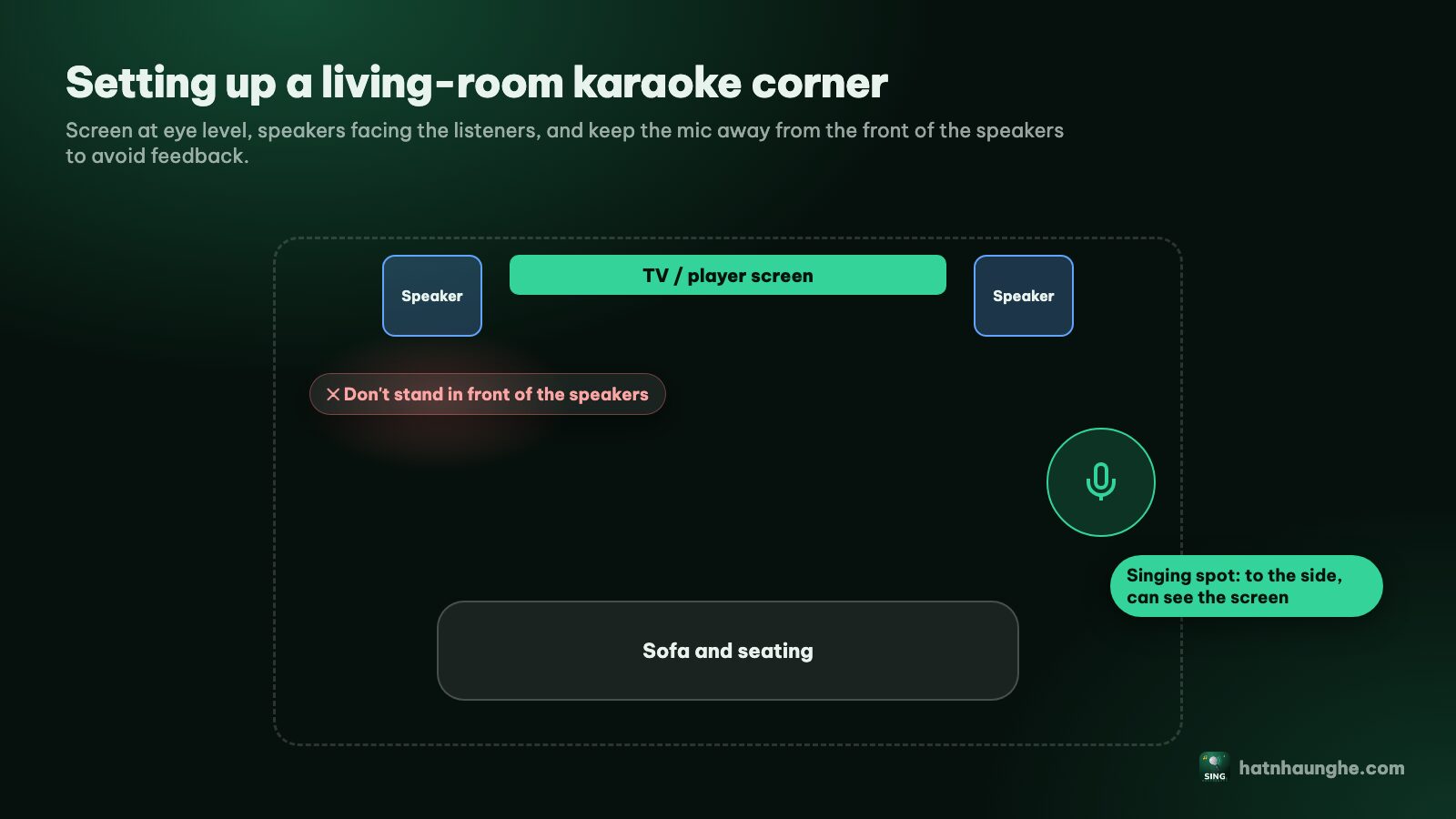
Rules I always follow:
- Speakers in front of the singer, facing the listeners. The singer stands level with or behind the line of the speakers, not in front of them.
- Never point the mic at a speaker, even when you're not singing. Plenty of squeals come from someone holding a mic loosely toward a speaker.
- Hold the mic close to your mouth (about a fist's width). A closer mic lets you keep the mic volume lower while still sounding clear, which means less feedback.
- Turn the mic up from low. Start with it almost off and raise it until you're clearly audible, then stop.
- Cut a little treble or echo if it squeals on high notes. Feedback tends to happen at particular frequencies, and a small cut helps a lot.
- Curtains, rugs and fabric sofas reduce reflections and feedback.
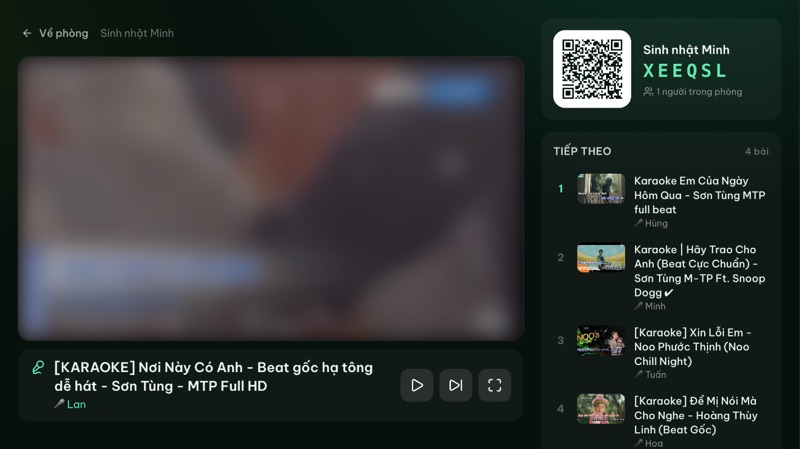
The player screen always shows the room QR code on the right, so a singer standing off to the side can still read the lyrics without blocking anyone's view.
Echo and reverb: a little goes a long way
These two get mixed up:
- Echo repeats your voice a few times, like "I love you... you... you". Most karaoke speakers have an echo knob.
- Reverb is the sense of space, like singing in a hall or a bathroom.
A touch of echo rounds out the voice and hides small slips. Too much and words blur together, like singing in a cave. Tips:
- 1Start low, then raise it until your voice sounds alive, and stop there.
- 2More for slow songs, less for fast ones, because long echo on a fast song stacks the words on top of each other.
- 3Balance mic and music: your voice should sit clearly on top of the music without drowning it. If you have to shout to hear yourself, the music is too loud.
- 4Echo doesn't replace technique. For actually singing better, see tips to sing karaoke better.
Volume and the neighbors
The bigger the speaker, the more considerate you need to be:
- Turn the music down before the mic. Most noise that reaches next door is the music, especially the bass.
- Cut the bass late at night. Low frequencies go through walls further than voices.
- Adjust the music from your phone. The host drags the Player volume slider on the room page, no hunting for the TV remote.
- Close doors and curtains, check the noise rules where you live (apartment buildings often have their own), and wrap up a little before the cutoff.
- Keep small kids away from the speakers when it's loud. Karaoke for kids and families has more ideas.
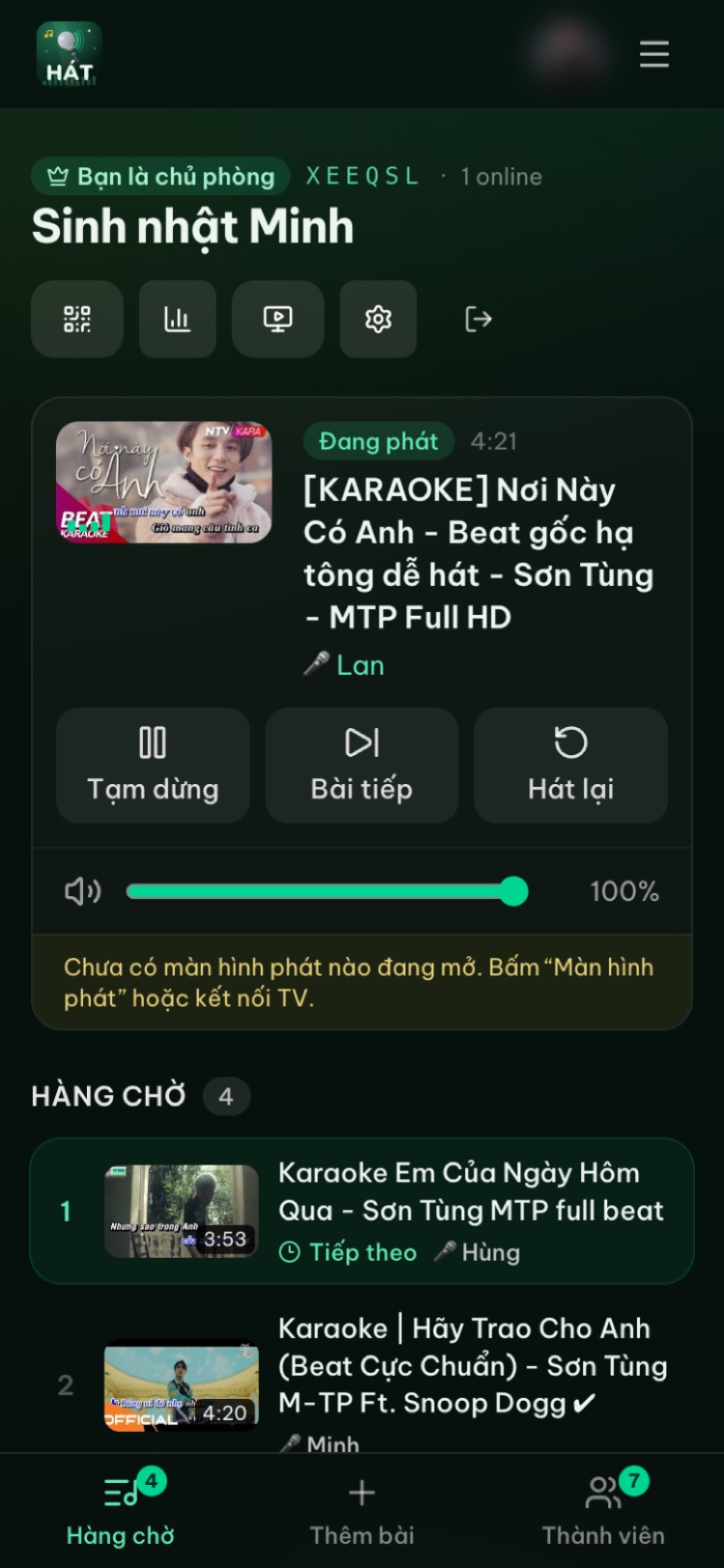
Do a sound check before guests arrive
A quick test prevents almost every problem:
- 1Open your room and the player screen on the TV or laptop.
- 2Play a familiar song and set the music on the speaker to a comfortable level.
- 3Turn on the mic with the mic knob low, sing, and raise it gradually.
- 4Walk around the seats to find spots that are too loud or too quiet.
- 5Carry the mic to where singers usually stand, find where feedback starts, and tell people to avoid that spot.
- 6Check wireless mic batteries and keep spares close.
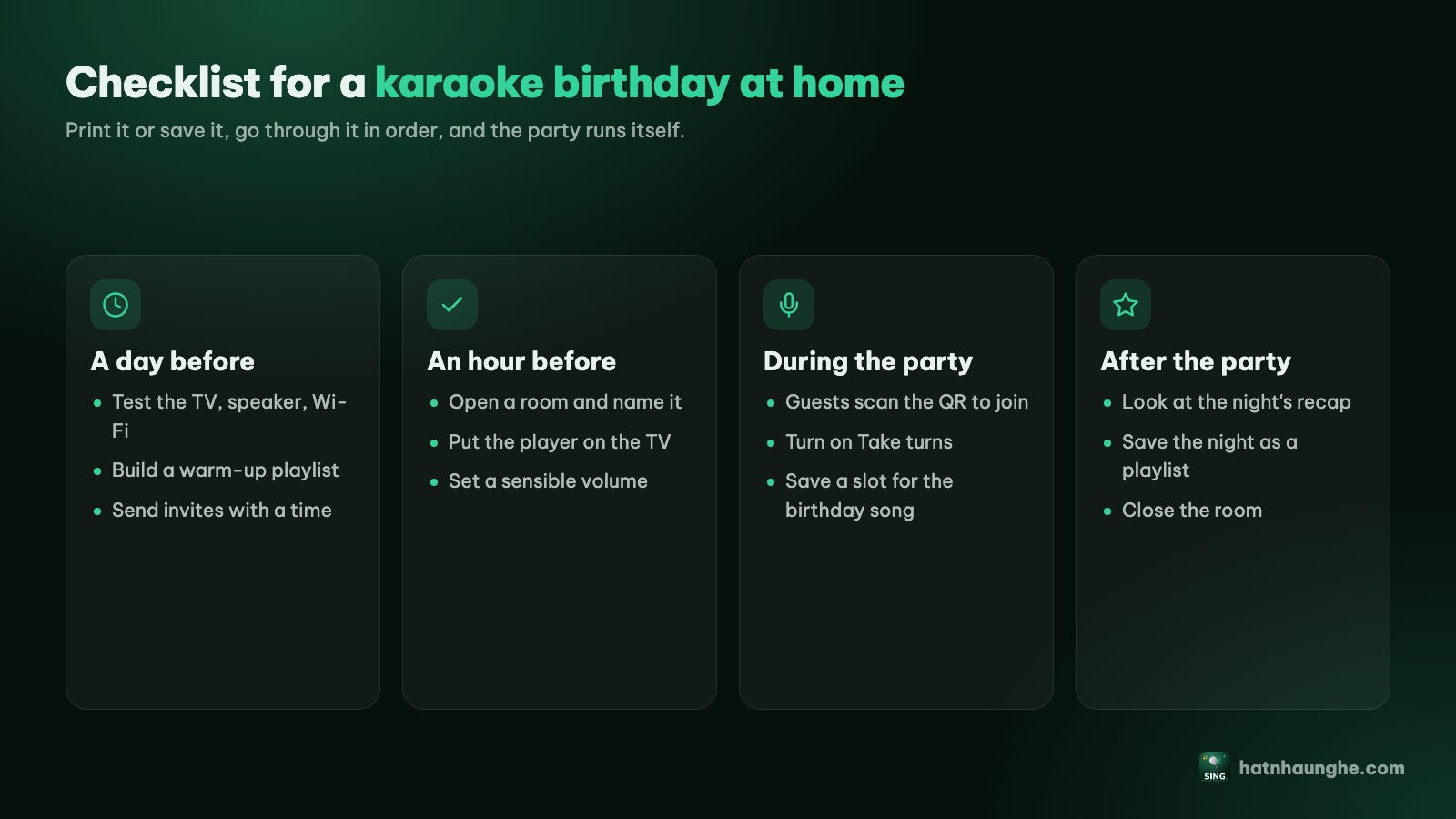
If you're preparing for a party, this checklist keeps the sound check from slipping:
Try it in your browser
Open a free karaoke room, let friends scan the QR code and start singing in seconds. Nothing to install.
FAQ
Can I plug a mic into my phone or laptop and sing through Hát nhau nghe?
No. The site doesn't capture or process mic audio. The mic goes into a karaoke speaker, mixer or amplifier, where your voice is mixed with the music.
Can TV speakers take a mic?
Usually not; TV speakers have no mic input. Sing without a mic, or add a karaoke speaker with a mic input and send the TV's music to it.
Why is the music out of sync with the lyrics?
If you're using a Bluetooth speaker, it's almost certainly Bluetooth latency. Try a cable (HDMI ARC, optical or AUX) for the music.
How do I stop the mic squealing?
Lower the mic volume, point the mic away from the speakers, stand to the side of them, hold the mic closer, and cut some echo or treble.
Do I need an expensive system to sound good?
No. One speaker that suits the room, one or two reliable mics, good placement and sensible settings are enough for most homes. Start simple, sing a few times, then upgrade where you actually feel something's missing.
Does Hát nhau nghe score my voice?
No. If the host has Premium and turns scoring on, the player shows a fun score after each song and people vote with stars, but the score isn't based on your voice. See karaoke scoring and voting.
For the big picture on home karaoke, read home karaoke without a karaoke machine. If you sing from a laptop and projector, karaoke on a projector or laptop covers the audio wiring in detail.