Karaoke Scoring and Star Ratings: How It Works
The score after each song is generated for fun and doesn't listen to your voice. The real verdict comes from the stars your friends tap on their phones.
Anyone who's sung at a karaoke bar knows the moment: the song ends, the numbers spin, the room holds its breath, and then everyone bursts out laughing when the off-key singer gets 98 and the best voice in the group gets 72. Karaoke scores were never a serious measure, but they make the night a lot more fun.
Hát nhau nghe has a scoring mode in exactly that spirit, plus something a karaoke machine can't do: everyone in the room rates the song that just finished with stars on their own phone. Here's how the score is made, what it doesn't do, how voting works, what shows up in the recap, and some games to play with it.
First, honestly: the auto score doesn't listen to you
The most important thing to know: the auto score does not judge your singing. Hát nhau nghe doesn't use a microphone, doesn't record and doesn't analyse pitch or timing. The videos play from YouTube through the official embedded player, and your voice goes through your speakers or mic setup. The website never hears it.
So where does the number come from? It's generated for fun, like a bar karaoke machine:
- Scores fall between 70 and 99, mostly in the 80s and 90s.
- Singing most of the song tends to score higher; stopping part way costs points.
- Songs skipped early or only played briefly get no score. Skipped songs get no score either.
- The same performance always gets the same number, so reopening the player doesn't change it.
In other words, the auto score is part of the game, not a judge. If someone asks why they got 96 for a rough performance, the honest answer is: lucky night.
What scoring mode includes
When the host turns on Song scoring, each finished song shows up in three places.
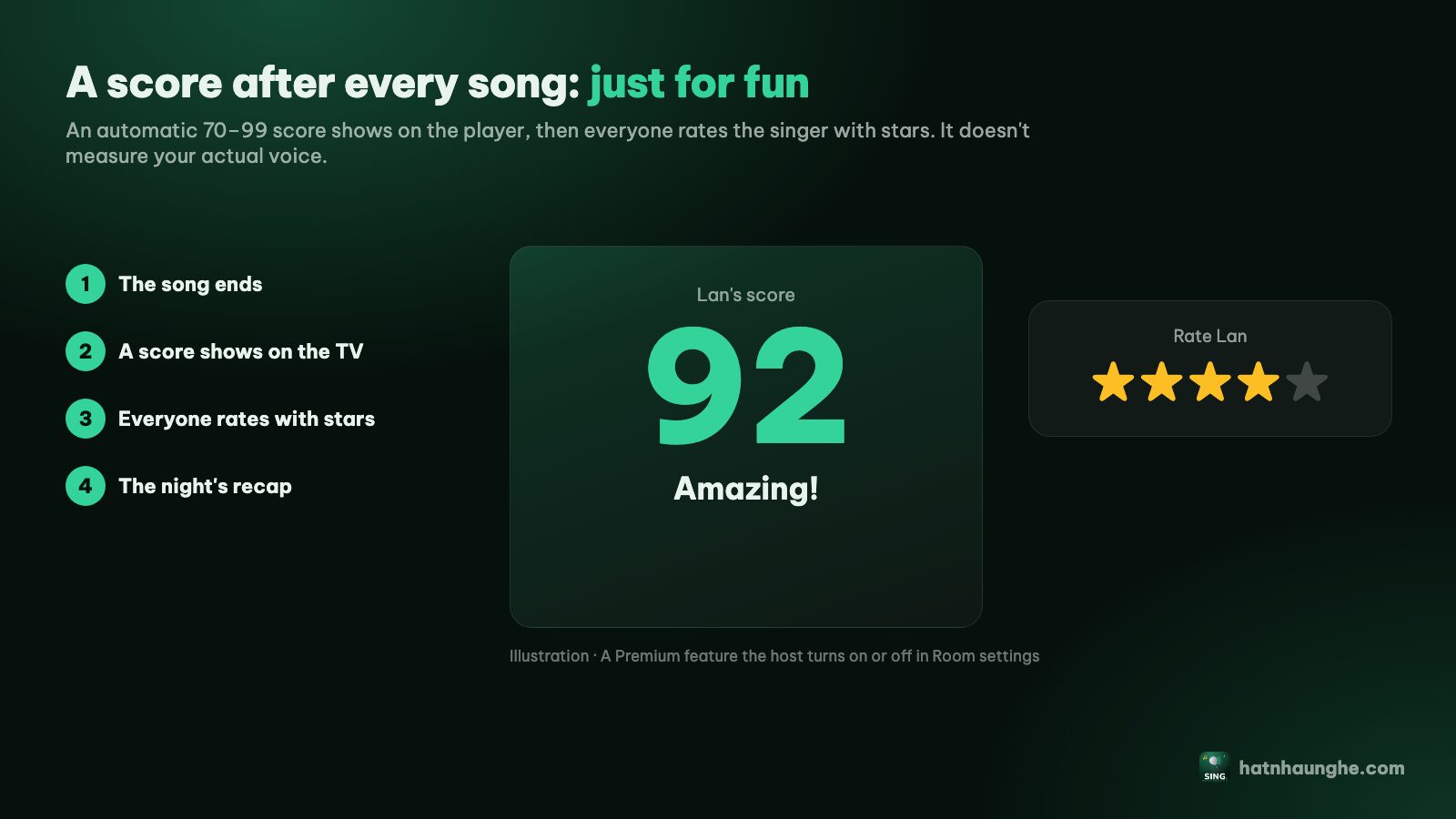
1. The score screen on the TV
As soon as a song ends, the player shows a score screen for a few seconds: the singer's name ("Alex's score"), the song title, a number that counts up and lands, and a line of praise depending on the score, from "Outstanding! A true star" at 95 and up, through "Amazing!", "Great job!" and "Nicely done!", down to "Keep it up!" below 80.
Underneath, the average stars and number of ratings update live as people vote. If nobody has voted yet, it says "Everyone can rate with stars on their phone". Then the "Up now" screen for the next singer appears.
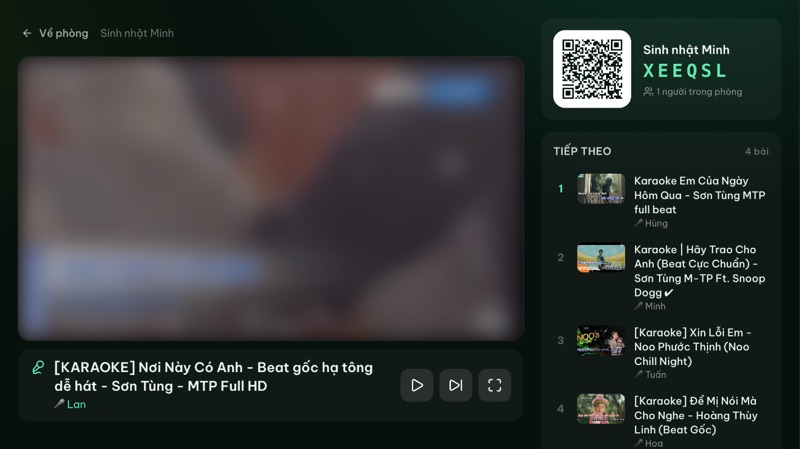
2. The star card on everyone's phone
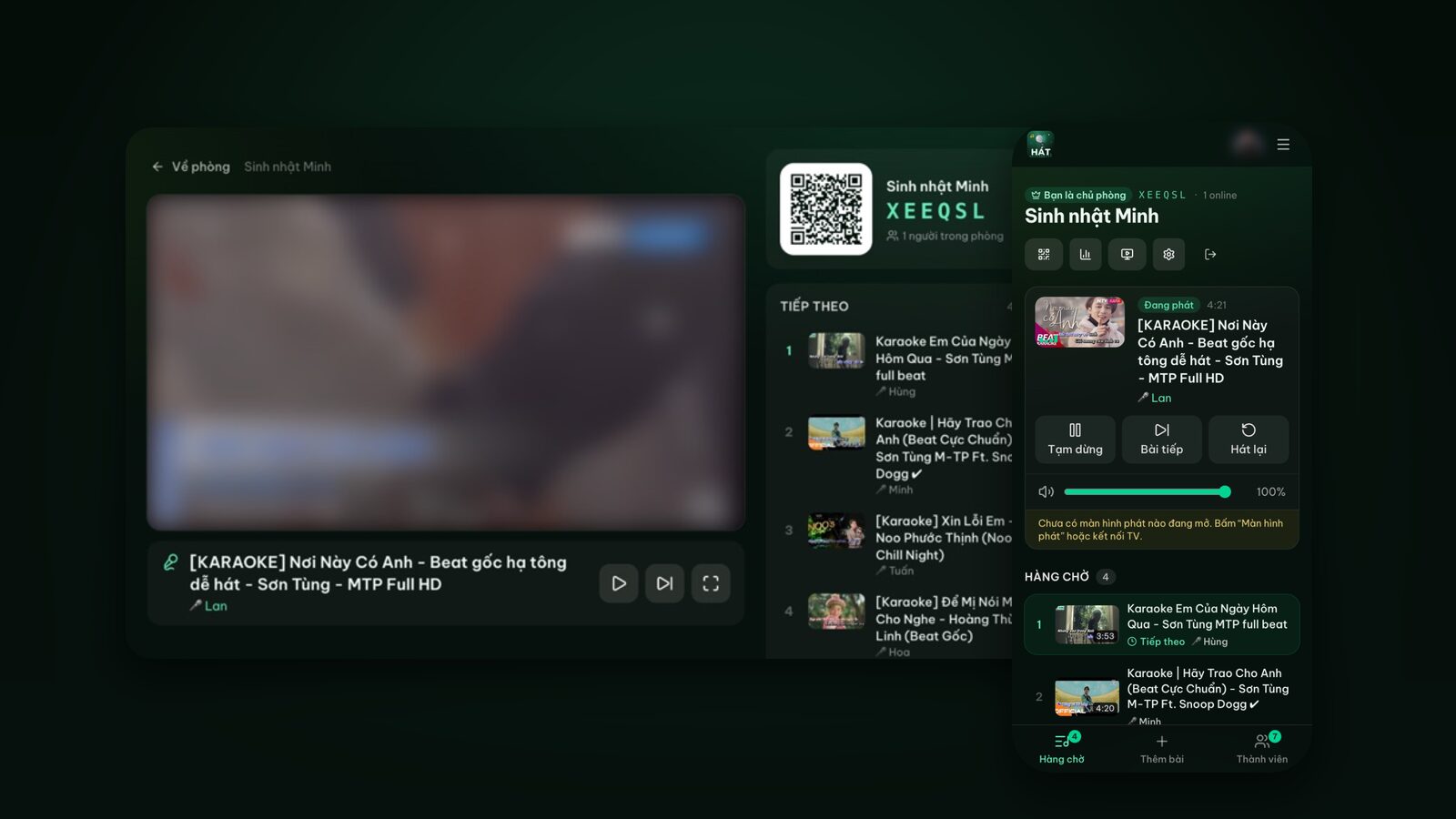
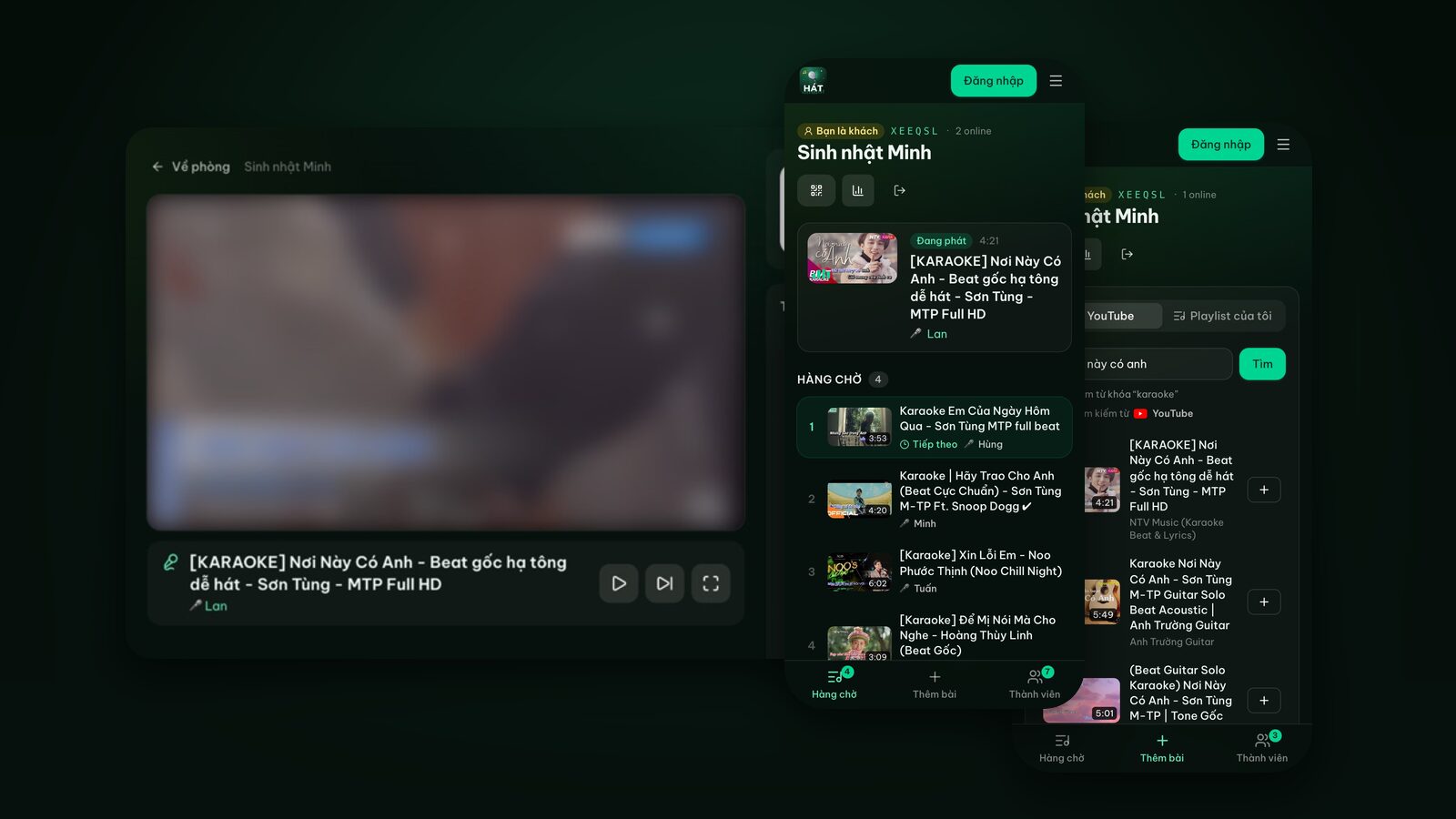
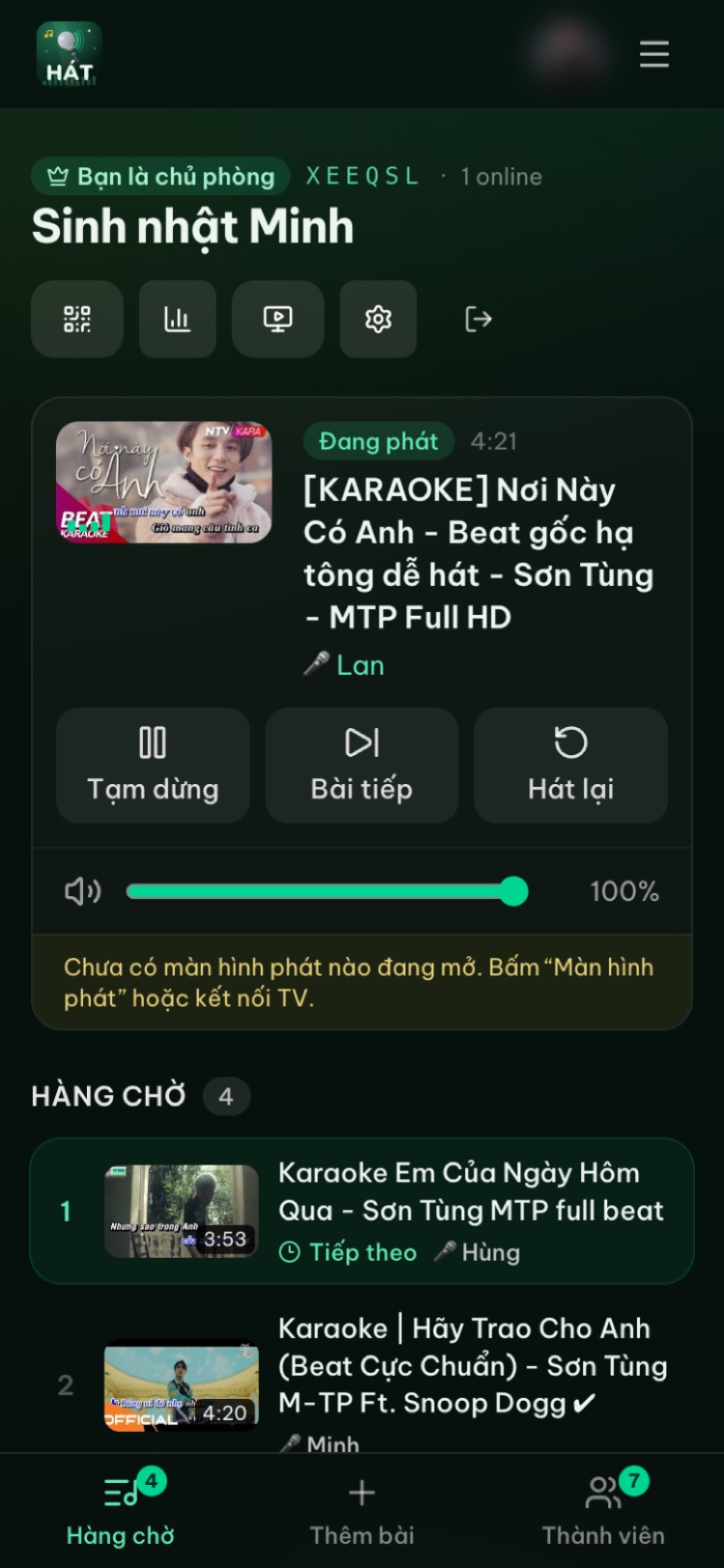
Above the queue on everyone's phone, a Just sung card appears with the singer, the song, the auto score and five stars. Each person taps 1 to 5.
- You can't rate your own song. Whoever added it sees "Everyone's rating your song" instead.
- Tap again to change your rating; only your latest counts.
- The card shows the most recently finished song. When the next one ends with a score, the card moves on.
- There's a time limit: ratings are open for about 15 minutes after the song ends.
- Guests don't need an account. Anyone who joined with the QR code or room code can vote.
A line like "★ 4.5 · 3 ratings" sits under the stars, along with the rating you gave.
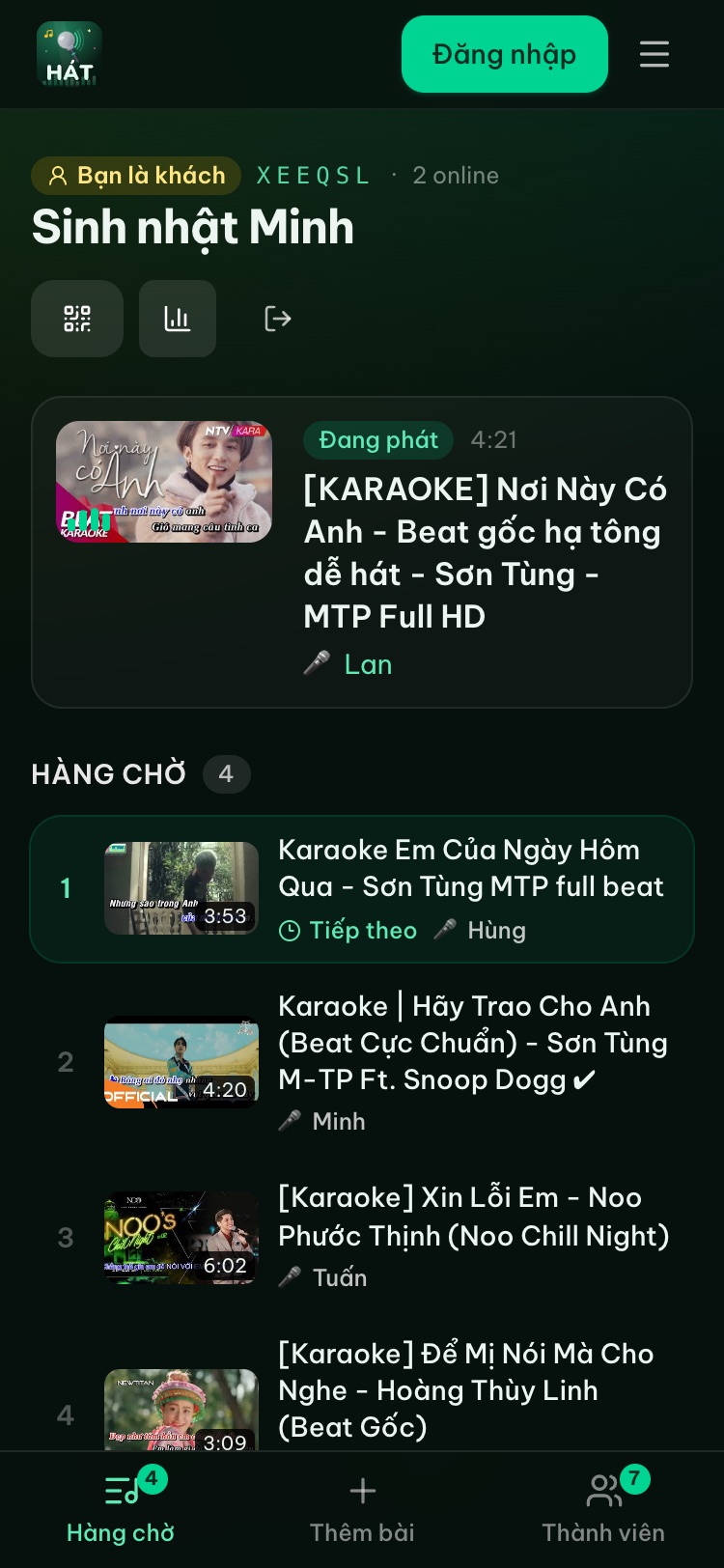
3. History and the night recap
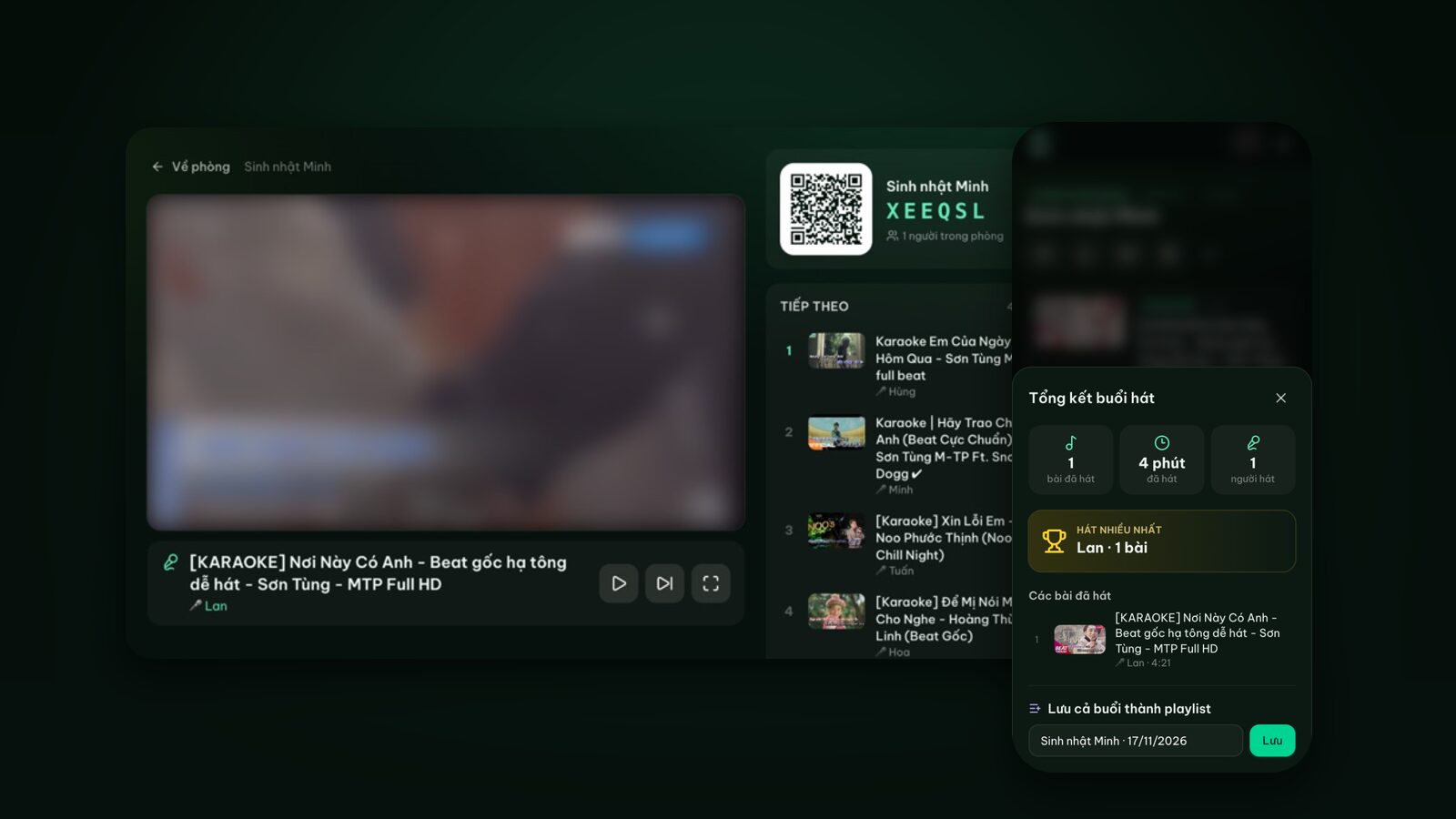
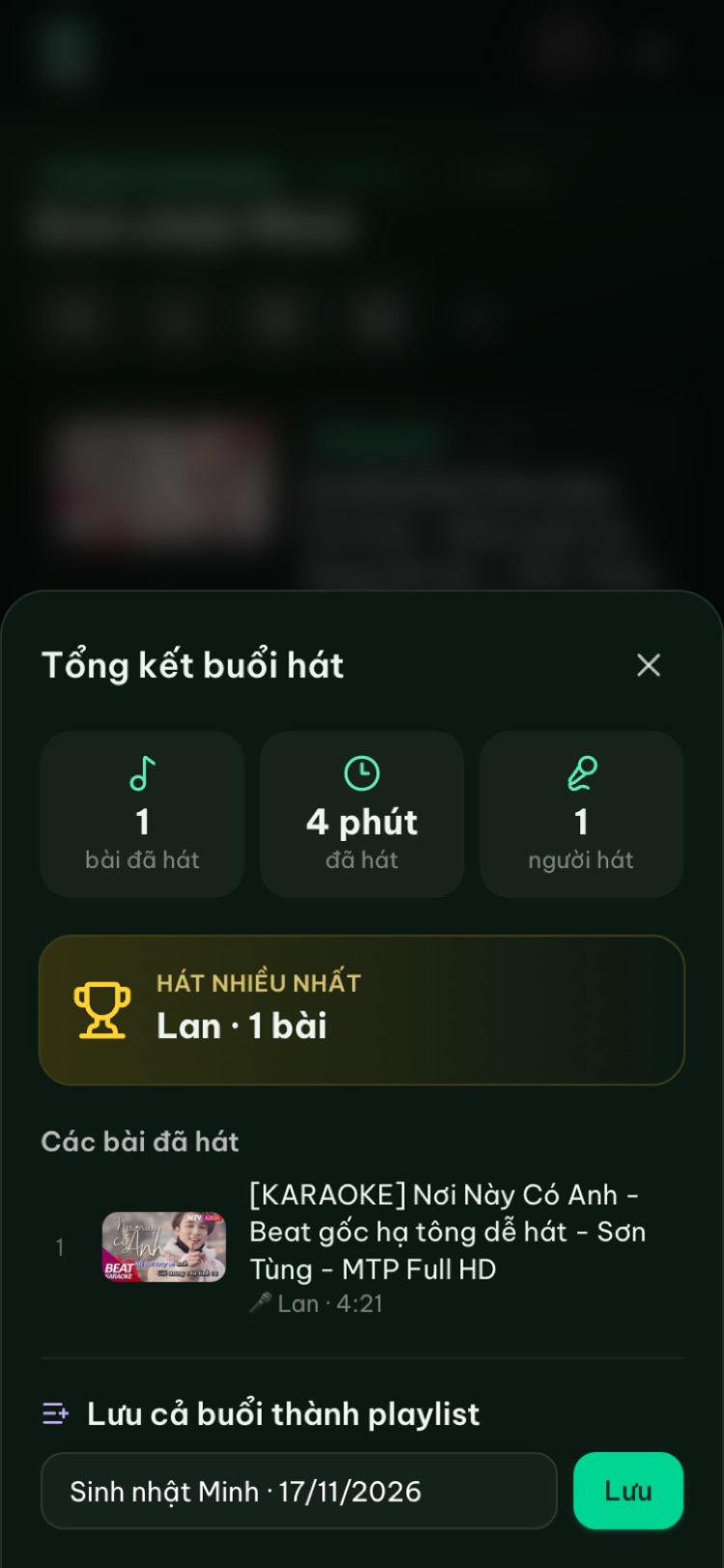
In the queue, History lists songs already sung, each with "Auto score · average stars". At the end of the night, open the Night recap (the chart icon at the top of the room page) to see a Top score card with the best-scored song and its singer, an average next to each singer (for example "avg 88"), and every song with its score and average stars. The usual numbers are still there: songs sung, total time and who sang the most. Anyone in the room can open it, and signed-in users can save the whole night as a playlist.
How to turn on karaoke scoring
Scoring is a host switch and a Premium feature.
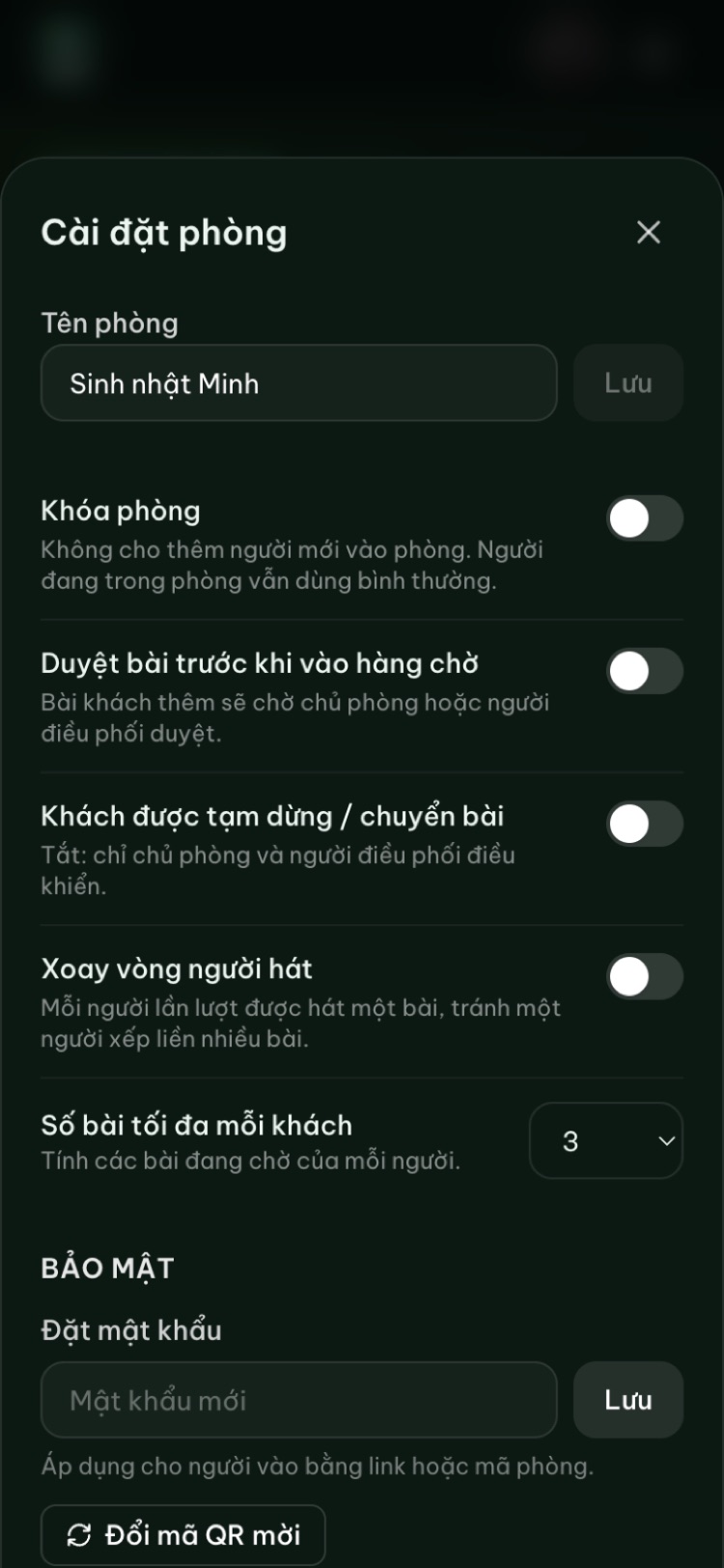
- 1On the room page, tap the gear icon to open Room settings.
- 2In the Premium section, turn on Song scoring.
- 3Keep singing. From the next finished song, scores and the star card appear.
- Premium belongs to the host's account. Guests need neither Premium nor an account to see scores and vote.
- Premium is bought only in the Hát nhau nghe app (yearly or lifetime), never on the website. Then sign in with the same Google account on hatnhaunghe.com. Find the apps on the Get the app page.
- Without Premium, the switch is shown but locked, with a note about upgrading in the app.
- You can turn it off any time, say for the slow songs at the end of the night.
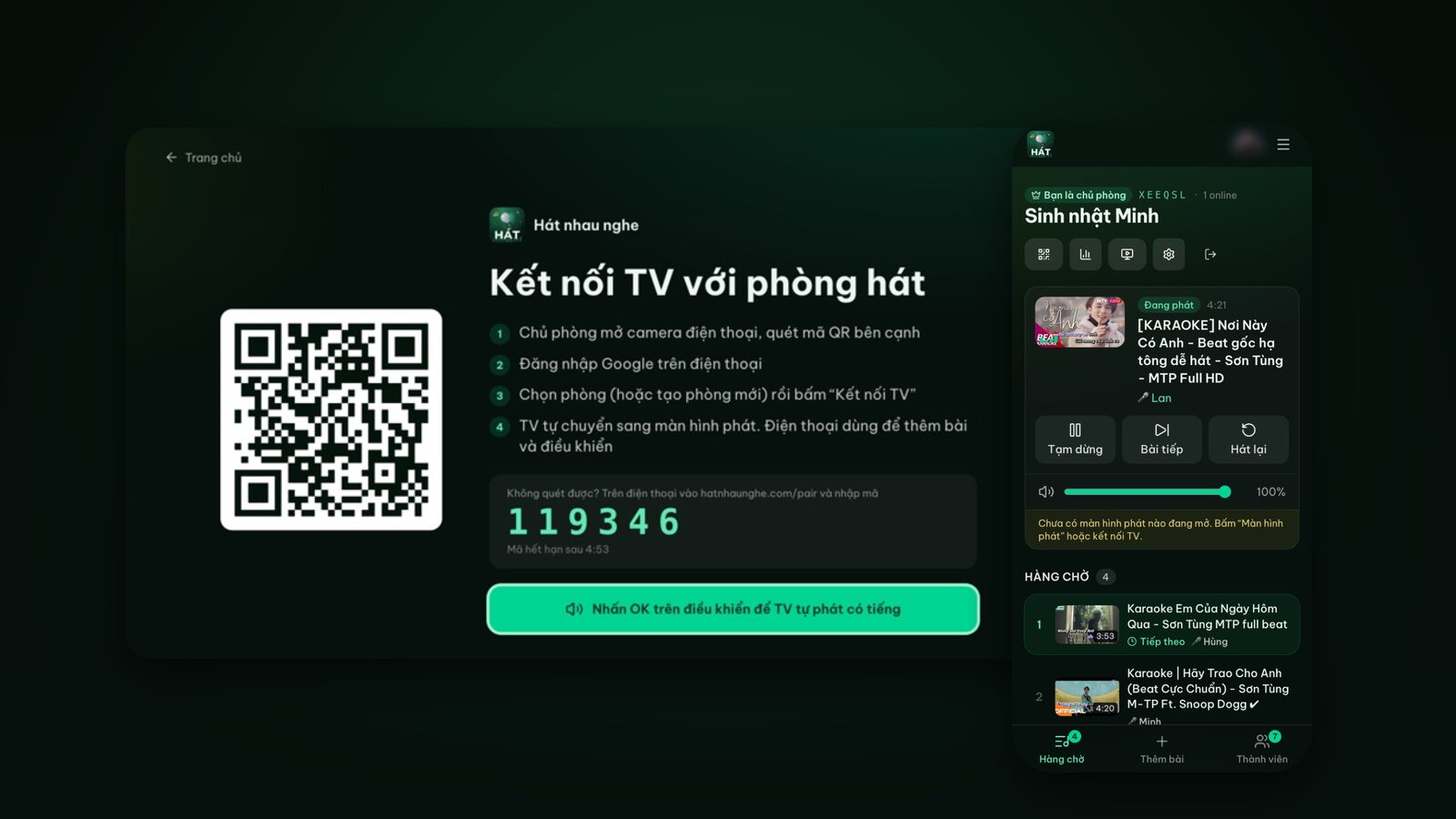
Everything else still runs in the browser with nothing to install: open a room, invite friends by QR, put it on the TV, search and queue songs.
Try it in your browser
Open a free karaoke room, let friends scan the QR code and start singing in seconds. Nothing to install.
Games to play with scores and stars
Since the auto score is luck and the stars are real opinions, give each its own job: the score sets the mood, the stars decide the winner.
Duet battles, the room judges
Pair people up, each pair sings a duet, and the pair with the highest average stars wins. The auto score only breaks ties, and everyone knows that's down to fate. Since you can't rate your own song, whoever added it won't vote on it; their partner still can, so remind everyone to play fair. For song ideas, see our easy karaoke songs and duets.
Theme rounds
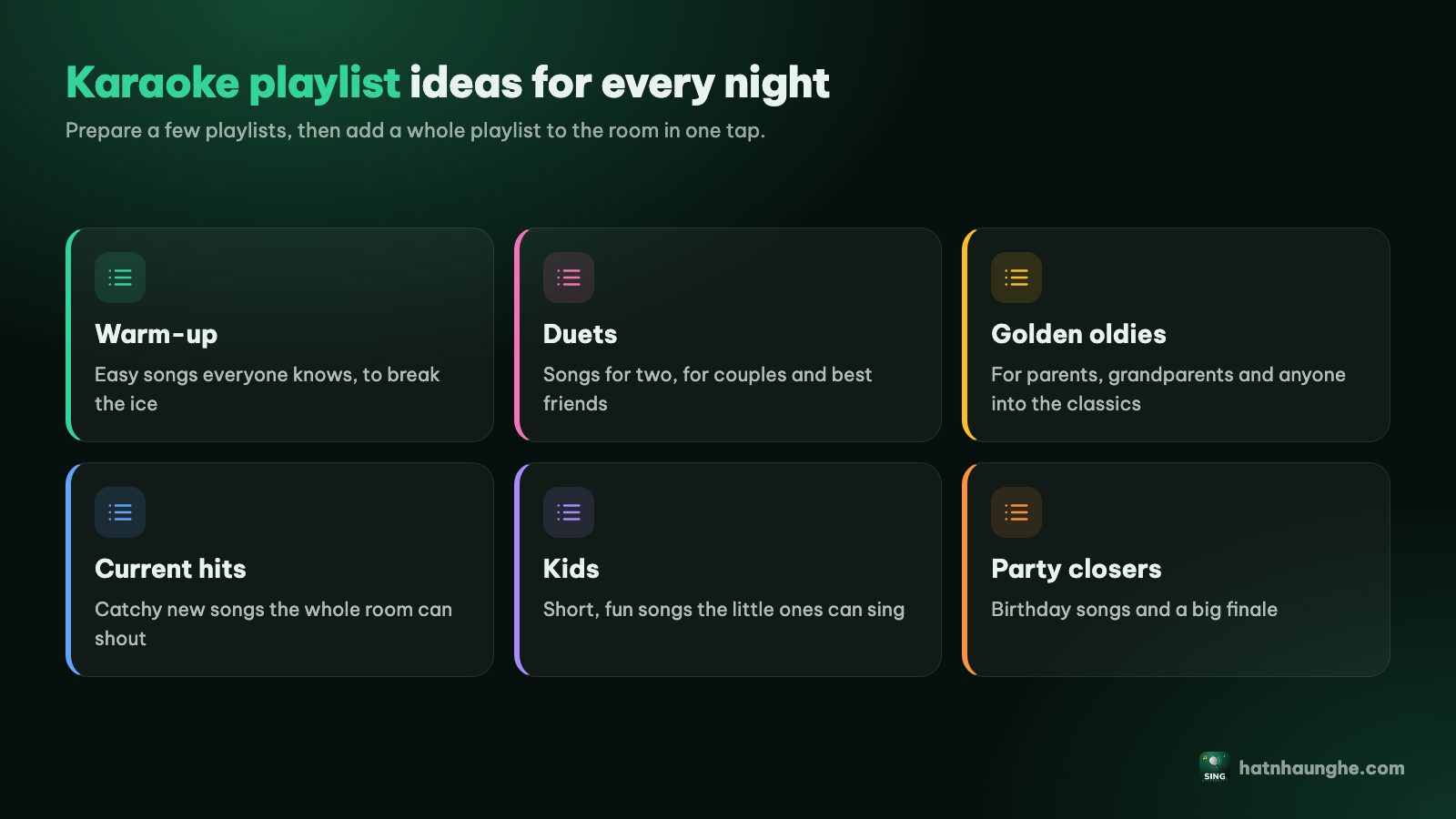
One theme per round: 80s classics, love songs, Disney, K-pop. The search box already offers quick picks like these. After each round, check History for the song with the most stars. Our tips for finding karaoke songs on YouTube help you get the right version.
Chase the 99
Pure luck: whoever hits exactly 99 picks the next song for someone else, or skips the washing up. Because the score has nothing to do with your voice, the worst singer has the same shot as the best, which is a great way to get shy friends on the mic.
End-of-night awards
Open the Night recap and hand out light-hearted prizes: Hardest worker for most songs, Top score tonight from the Top score card, and Crowd favourite for the song with the best average stars. Planning a party? See our home birthday karaoke guide.
Keep it friendly
- Tell the group up front that the auto score is random fun. It turns a 72 into a laugh instead of an embarrassment.
- Be generous with stars, especially for first-timers. Reward the courage, not just the voice.
- Don't force anyone to compete. People who'd rather not play just sing; the score shows, nobody counts it.
- Switch it off when the mood changes, in Room settings.
- Pair it with taking turns, so everyone gets the same number of chances. Our guide to running a fair karaoke room shows how.
FAQ
Does the karaoke score judge my voice?
No. Hát nhau nghe doesn't record or analyse your voice. The auto score is generated for fun, between 70 and 99, and tends to be higher when more of the song was sung. The real judgement is in the stars.
Why didn't a song get a score?
Songs skipped early, skipped outright, or only played briefly get no score, and no star card either.
Do guests need Premium or an account to vote?
No. Only the host needs Premium to turn scoring on. Anyone who joined the room can vote.
Can I rate my own song?
No. Whoever added the song sees "Everyone's rating your song" instead of the stars.
Where do I get Premium?
In the Hát nhau nghe mobile app, yearly or lifetime. The website doesn't sell it. Once you have it, sign in with the same account on the web to use Song scoring and Play next.
Can I see the scores after closing the room?
No. Closing the room deletes the queue and members. Open the Night recap and save the playlist before you close.
Try it in your browser
Open a free karaoke room, let friends scan the QR code and start singing in seconds. Nothing to install.