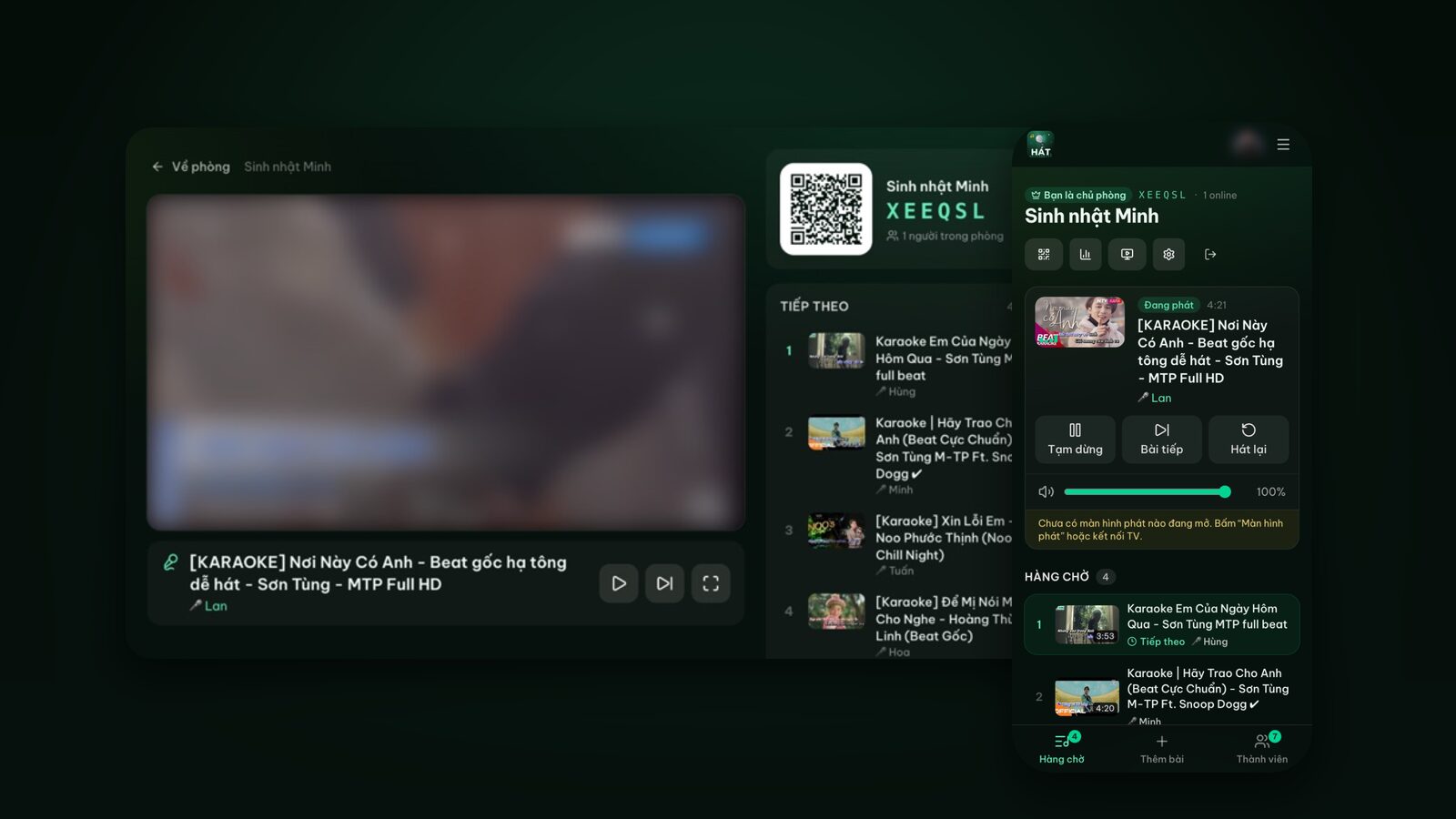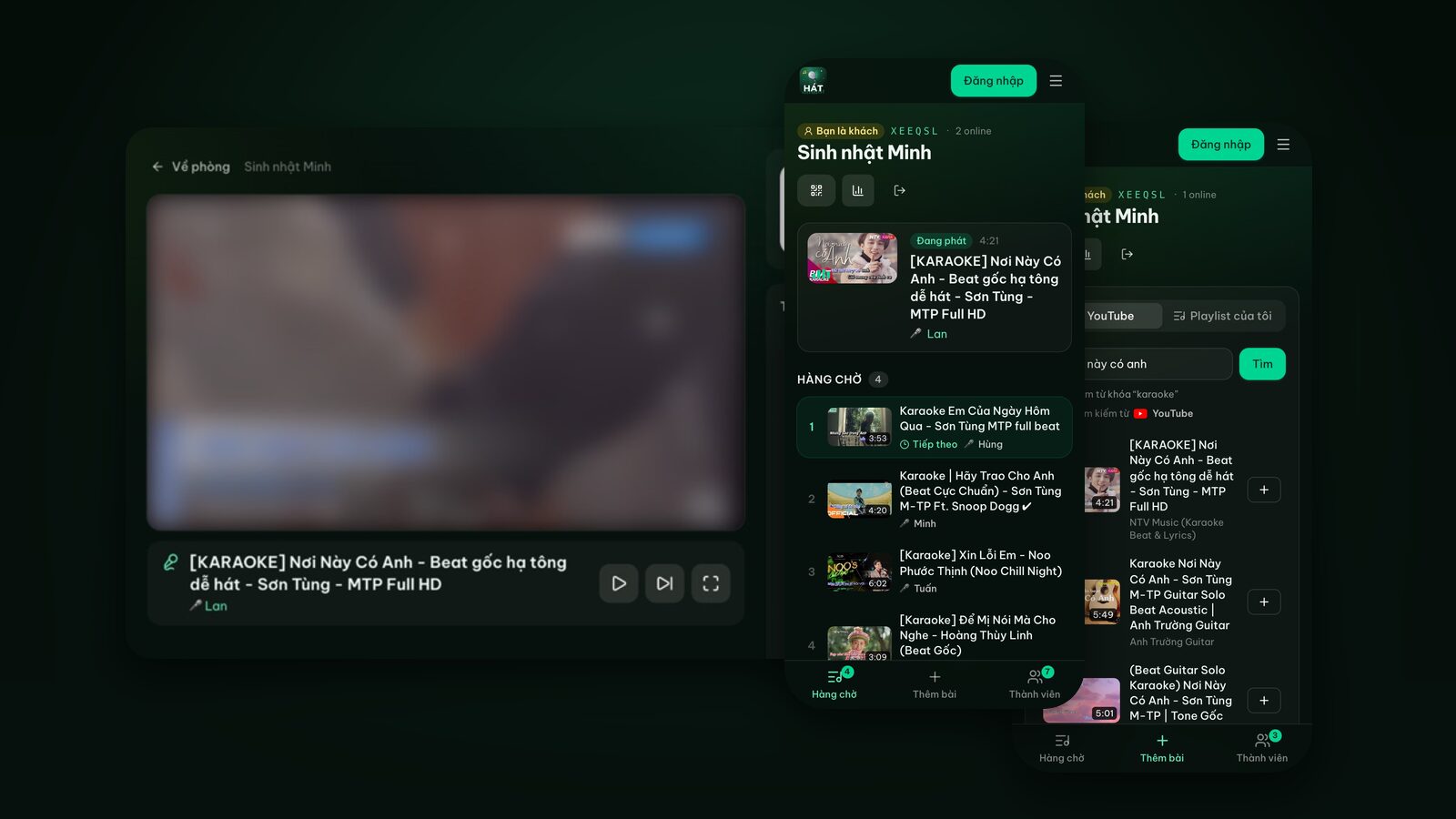
How to find good karaoke videos on YouTube, fast
What to type to get a proper backing track, how to tell a singable video at a glance, how to pick a key that suits you, and what happens when a video won't play.
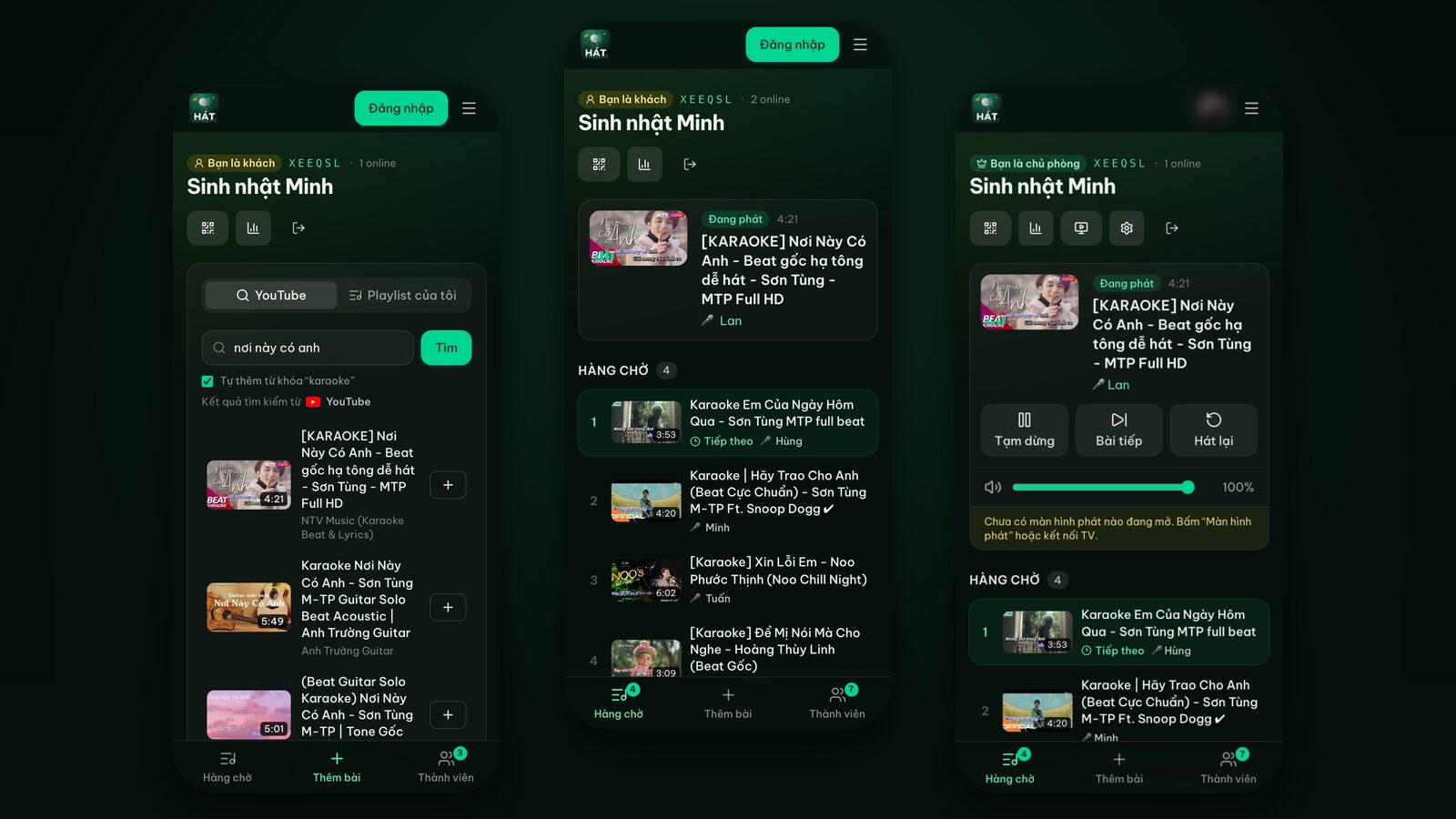
YouTube has a karaoke version of almost every song ever recorded. The catch is that most songs have dozens of versions: the original backing track, a lower key, a higher key, a duet version, a fresh arrangement, and the one someone made at home with lyrics that drift half a beat behind. Pick the wrong one and the whole room watches the singer chase the words.
These are the habits that work best for finding karaoke videos on YouTube, especially if you sing with Hát nhau nghe, where everyone searches on their own phone and adds songs to a shared queue. Every tip works just as well if you search YouTube directly.
The search box already adds "karaoke" for you
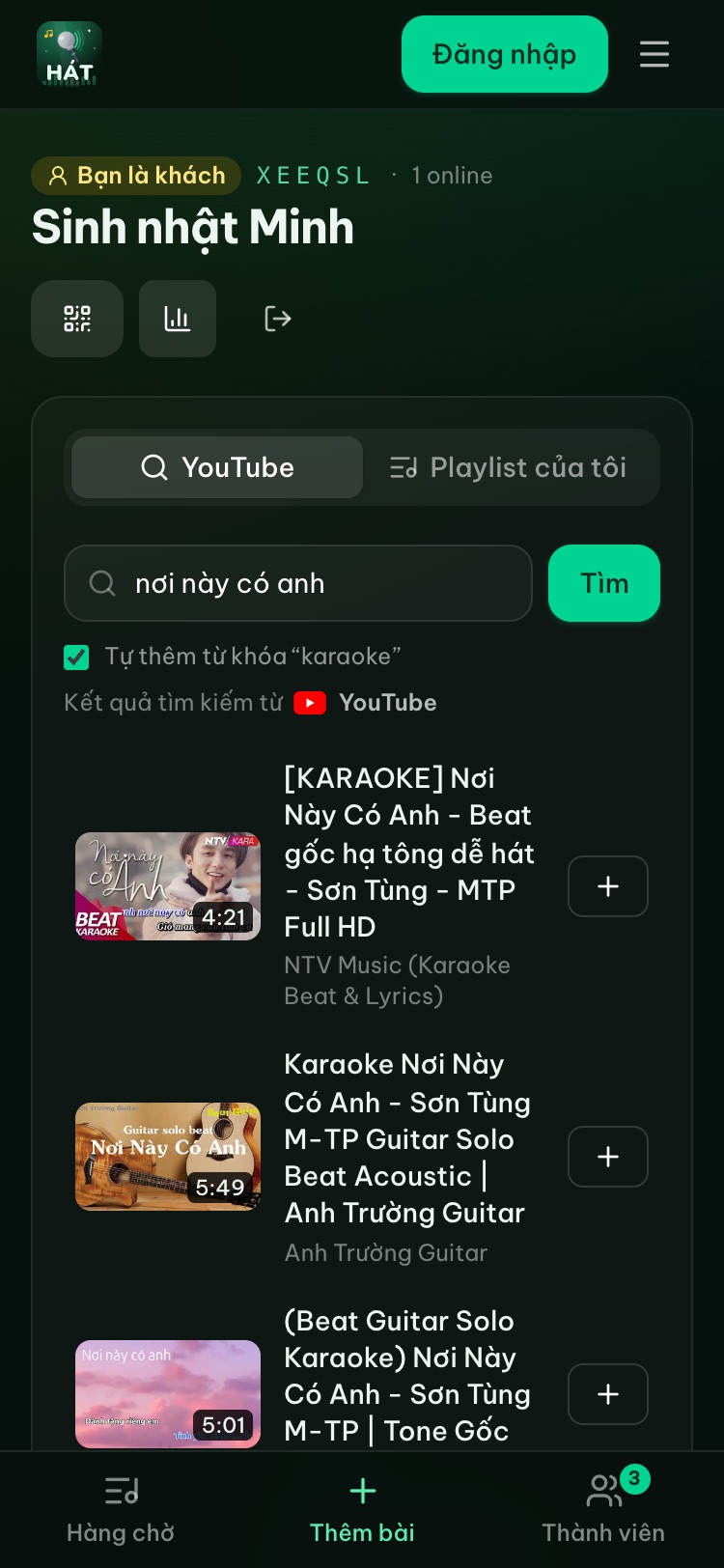
In a room, open the "Add songs" tab and type a song title or an artist. Right under the search box there's a checkbox, "Add karaoke to my search", which is on by default. Type "Dancing Queen" and the search runs as "Dancing Queen karaoke". If you already typed the word karaoke, it isn't added twice.
When should you turn it off? When you're after a version that doesn't use the word karaoke in its title, such as a plain backing track labelled "instrumental". Most of the time, leave it on.
A few more things about search:
- Type three or more characters and pause, and results appear on their own. Tap Search or press Enter to search right away.
- Before you type anything, there are "Quick picks" by genre and a "Trending karaoke" list.
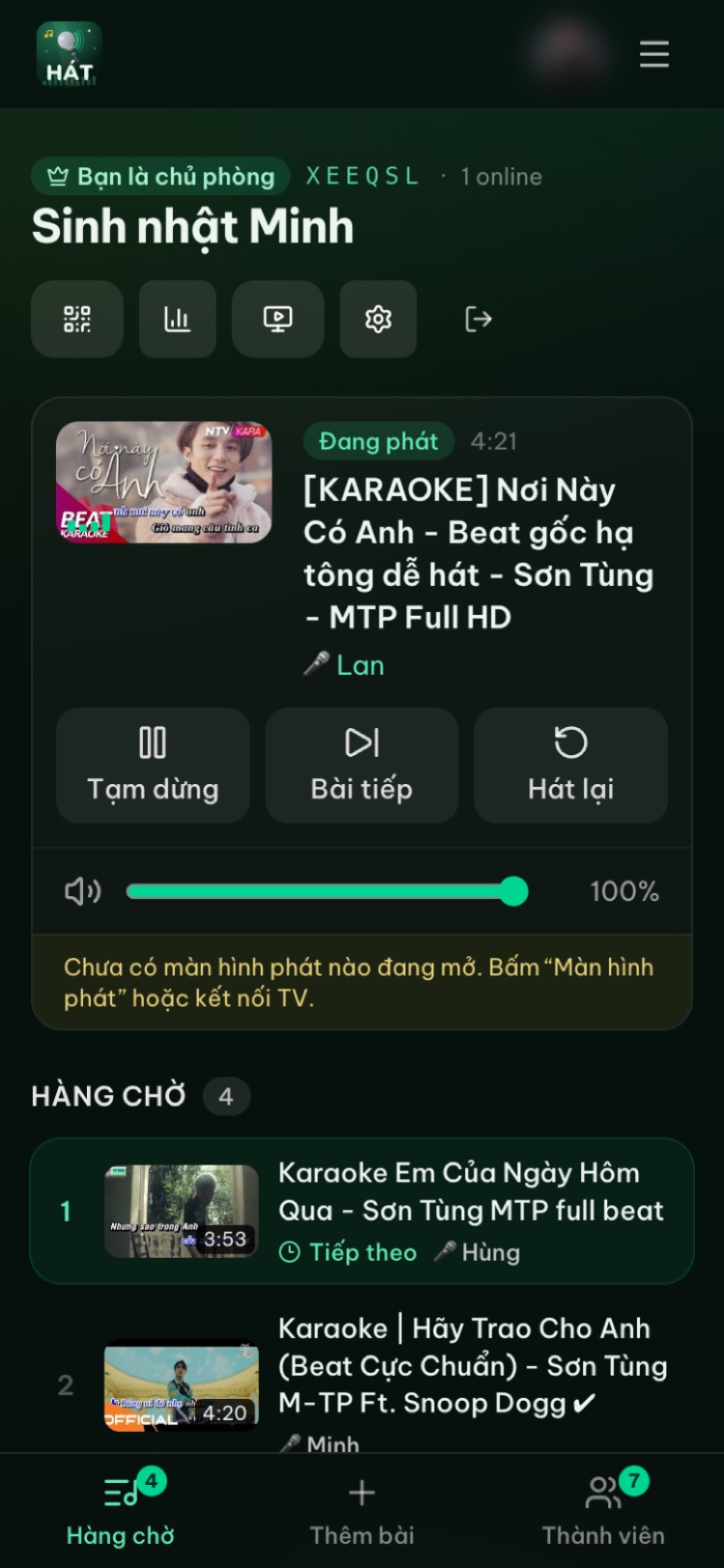
- Each result shows a thumbnail, the video length, the title and the channel name. Tap "Add" and it goes into the queue.
Words to add to your search
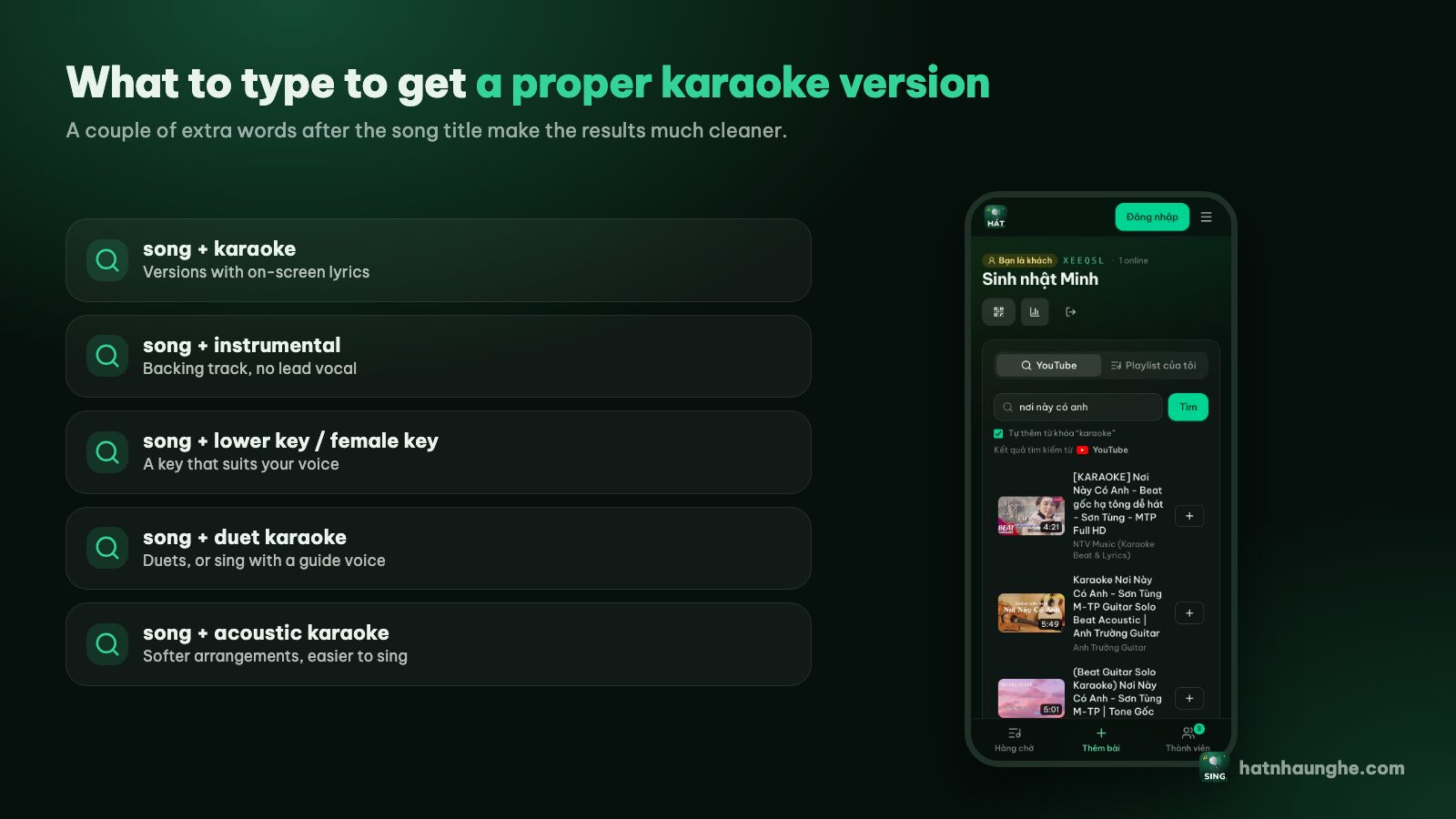
A song title on its own is often not enough. One or two extra words narrow things down to the kind of video you actually want:
- karaoke or lyrics karaoke: a video with on-screen lyrics timed to the music.
- instrumental or backing track: the music without the lead vocal. Some have lyrics, some don't.
- lower key or higher key: the same song shifted to suit a different voice. Useful when a song is out of your range.
- male key or female key: handy when you want to sing a song originally recorded by someone with a very different voice.
- duet: versions with the parts split between two singers, usually color coded.
- without male vocals or without female vocals: duet versions where one part is already sung, so you can do a duet on your own.
- artist name: helps when several songs share a title, or when you want the arrangement you know.
You can combine them, like "Shallow duet karaoke" or "Someone Like You lower key". Don't pile on too many words though, or YouTube may return fewer results. If nothing useful comes up, drop one word and try again.
Reading the results at a glance
You don't need to open every video. Three things on each result rule out most of the bad ones.
- 1The title: good karaoke uploads say "karaoke" or "instrumental", and often mention the key or that it's a duet. A bare song title is often a music video, not something to sing along to.
- 2The length: compare it with the song you know. Much shorter usually means a cut version. Much longer can mean a live recording with chatter, or a medley.
- 3The channel: channels that specialize in karaoke tend to post many songs in the same consistent style. Once you find one you like, add its name to your searches.
Five things that make a karaoke video easy to sing
Lyrics that are on time
This matters most. The words should change color exactly when you need to sing them and show the next line early enough to read. Lyrics that lag half a beat leave the singer breathless all song.
The lead vocal is gone
A proper karaoke track has only the music, sometimes with backing vocals. If you can clearly hear the original singer, you're singing over someone else. The one exception is a duet version with one part kept on purpose.
The right key
Too high and you're shouting, too low and you're mumbling. More on choosing a key below.
Clean audio
Through TV speakers or a party speaker, a poor recording sounds muddy and distorted. Pick versions with a tight drum and bass sound.
A sensible length
A two-minute intro is when people start scrolling on their phones. A full version without long dead stretches is ideal.
Steer clear of live and cover versions
Live and cover versions are the two most common traps.
- Live versions often have crowd noise, the artist talking, extended endings or tempo changes. If the title says "live", "concert" or "tour", skip it.
- Covers are someone else's take on the song, sometimes with a different melody, tempo or arrangement. A karaoke video of a cover won't match the version in your head.
- Remix, lofi and sped-up versions are made for listening, not singing. The tempo is off and the arrangement keeps changing.
There's nothing wrong with any of these. They're just not what you've been rehearsing in the shower. For a group night, a backing track close to the original is the safest bet.
Picking a key that suits your voice
You don't need music theory. A few rules of thumb:
- 1Sing the highest part in your head first. Usually the chorus. If you'd have to strain or shout to reach it, the key is too high for you.
- 2Singing a song from someone with a very different voice? Search for a lower or higher key version. Popular songs almost always have one.
- 3Still too high? Try a version labelled with a lower key, or a new arrangement, which is often pitched more comfortably.
- 4Duets: pick a version labelled "duet". These are usually set in a key that works for both parts.
- 5Nervous or new to singing: choose songs with a narrow range and a steady melody. Don't open the night with a big belter.
When you find a version that fits your voice, save it, so next time you don't start from scratch. More on that below.
When a video won't play
Now and then a video in the queue won't play on the big screen. The reason is almost always on YouTube's side:
- The uploader turned off playback on other websites (embedding is disabled).
- The video was deleted or made private.
- The video isn't available in your country.
Hát nhau nghe handles this in two ways. First, search only returns videos that allow embedded playback, so most videos with embedding turned off never show up. Second, if a queued song still fails to play, the player screen skips it and moves on to the next song instead of getting stuck. Skipped songs are marked as "skipped" in the night's recap.
When you add a whole playlist to a room, any songs that can no longer play are left out and you'll see a note like "2 songs no longer available".
All you need to do is search for that song again and pick another version, usually from a different channel. Popular songs nearly always have a few alternatives.
Save the good versions
Finding a version with accurate lyrics in the right key takes effort. Don't lose it after one night.
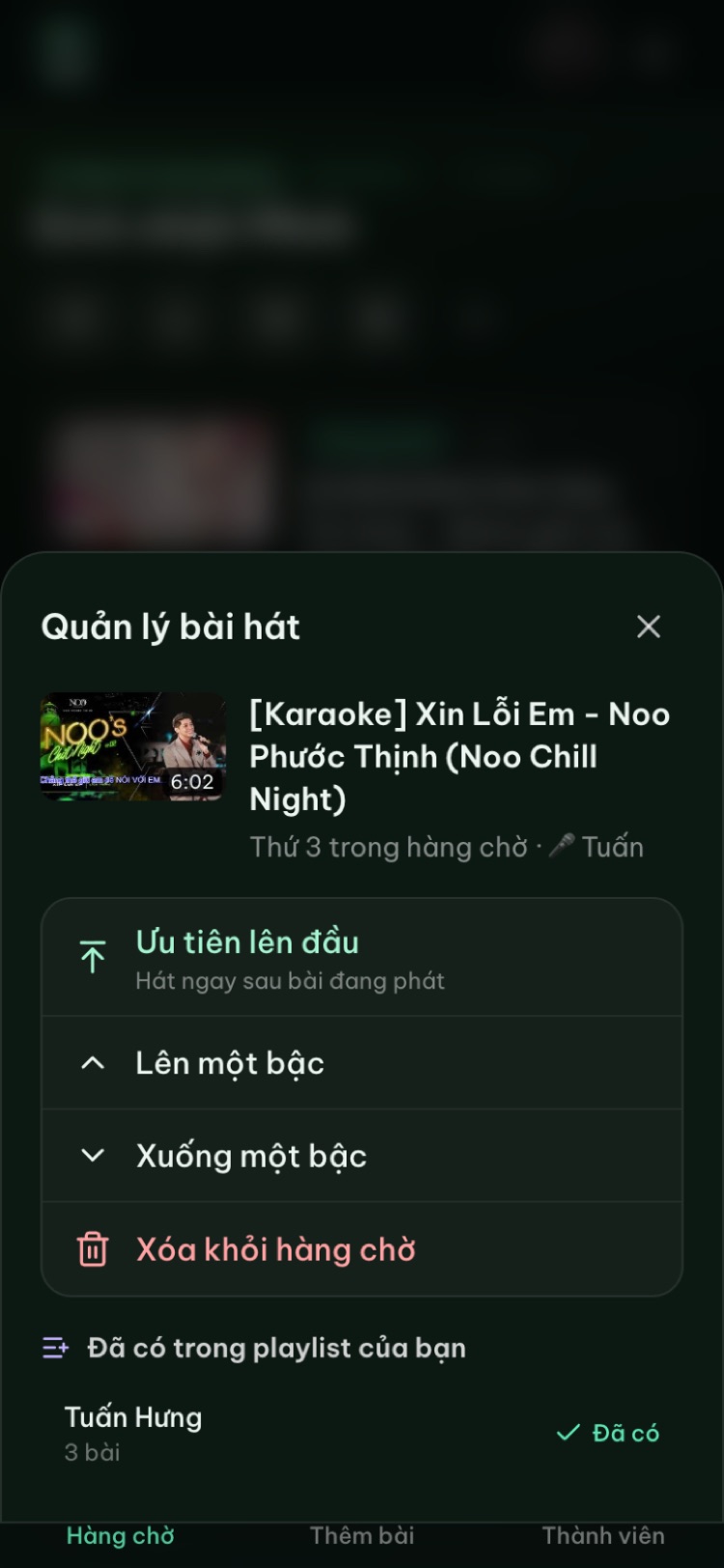
- In a room, tap a song in the queue and choose "Save to my playlist". You need to sign in with Google to have playlists.
- At the end of the night, open the recap and tap "Save the whole night as a playlist" to keep every song you sang.
- On the Playlists page you can also search YouTube and add songs straight to a playlist. Tap a thumbnail there to preview the video, which is a quick way to check the key and lyrics before you save it.
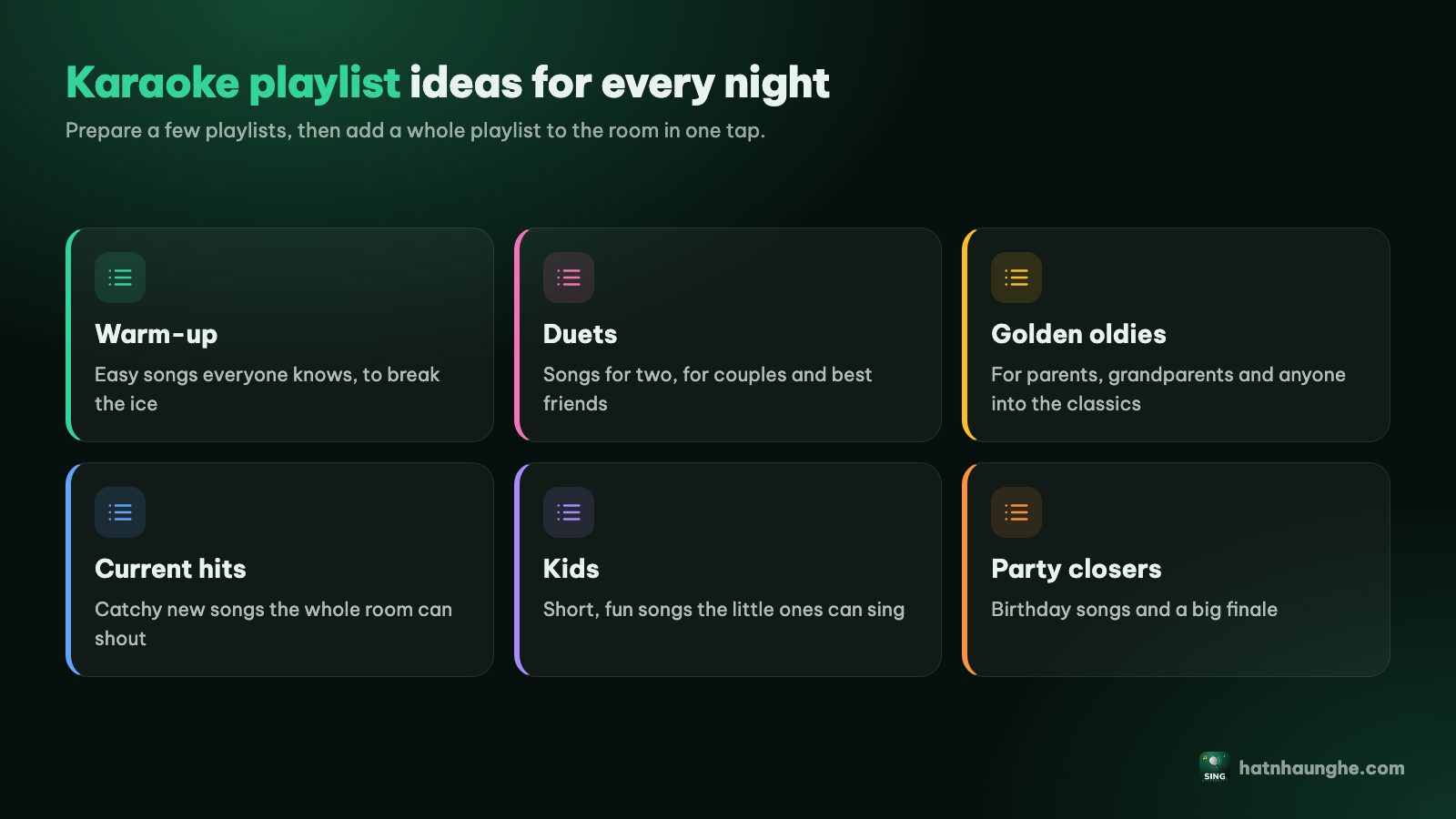
For ideas on themed playlists, like warm-up songs, duets or decade nights, see how to build karaoke playlists.
Tips for a busy room
When everyone is searching on their phones at once, a few small habits keep things moving:
- Search before it's your turn. Queue your song early instead of waiting for the current one to end.
- Check the first few seconds with headphones if you're unsure about the key, then add it.
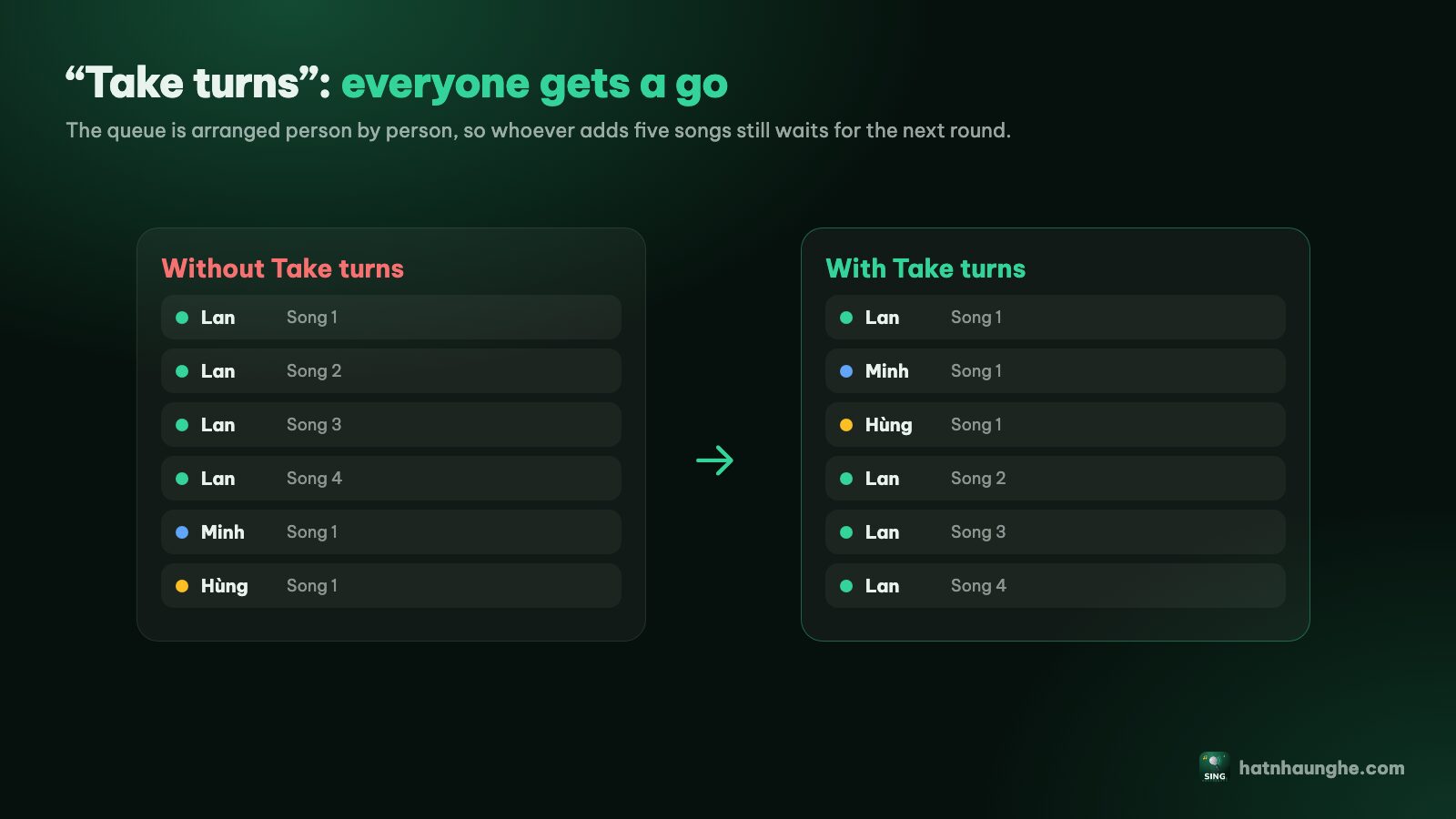
- One song each, then rotate. The host can turn on singer rotation and cap songs per guest in the room settings. See how to run a karaoke room so everyone gets a turn.
- Wrong version? The host skips it, the singer finds a better one and adds it again.
- Sing an old favourite again: History keeps the last 20 songs. Tap "Sing again" to put one back in the queue without searching.
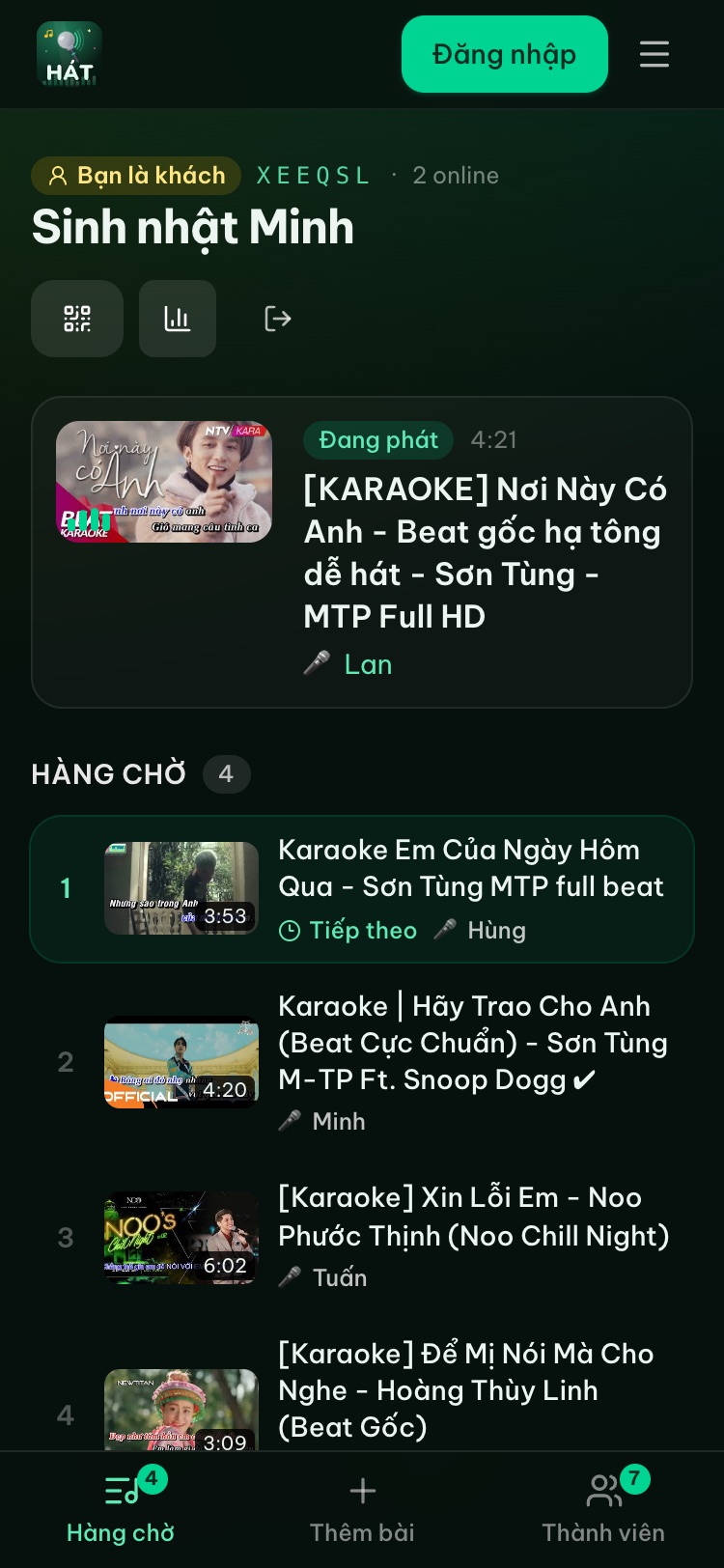
New to all this? Sing karaoke on your TV with your phone walks you through it from the start, and the how it works page has screenshots of every step.
Try it in your browser
Open a free karaoke room, let friends scan the QR code and start singing in seconds. Nothing to install.
FAQ
Is searching on Hát nhau nghe different from searching on YouTube?
The results come from YouTube, but the search box adds "karaoke" for you (you can turn that off) and only shows videos that allow embedded playback, so you'll hit fewer videos that won't play.
What's the difference between "karaoke" and "instrumental"?
Karaoke videos usually have lyrics timed to the music. Instrumentals are just the music, with or without words on screen. For a group night, go for the ones with lyrics.
There's no lower key version of my song. What now?
Try a different channel or a new arrangement. If nothing fits, pick another song that sits better in your range. A song sung comfortably always sounds better than one forced.
A video failed while playing. Do I need to do anything?
No. The player screen skips it and moves to the next song. Just find another version if you still want to sing it.
Do I need an app to search for songs?
No. Everything runs in your phone's browser at hatnhaunghe.com. If you prefer, there are optional apps on the download page.